Stays local
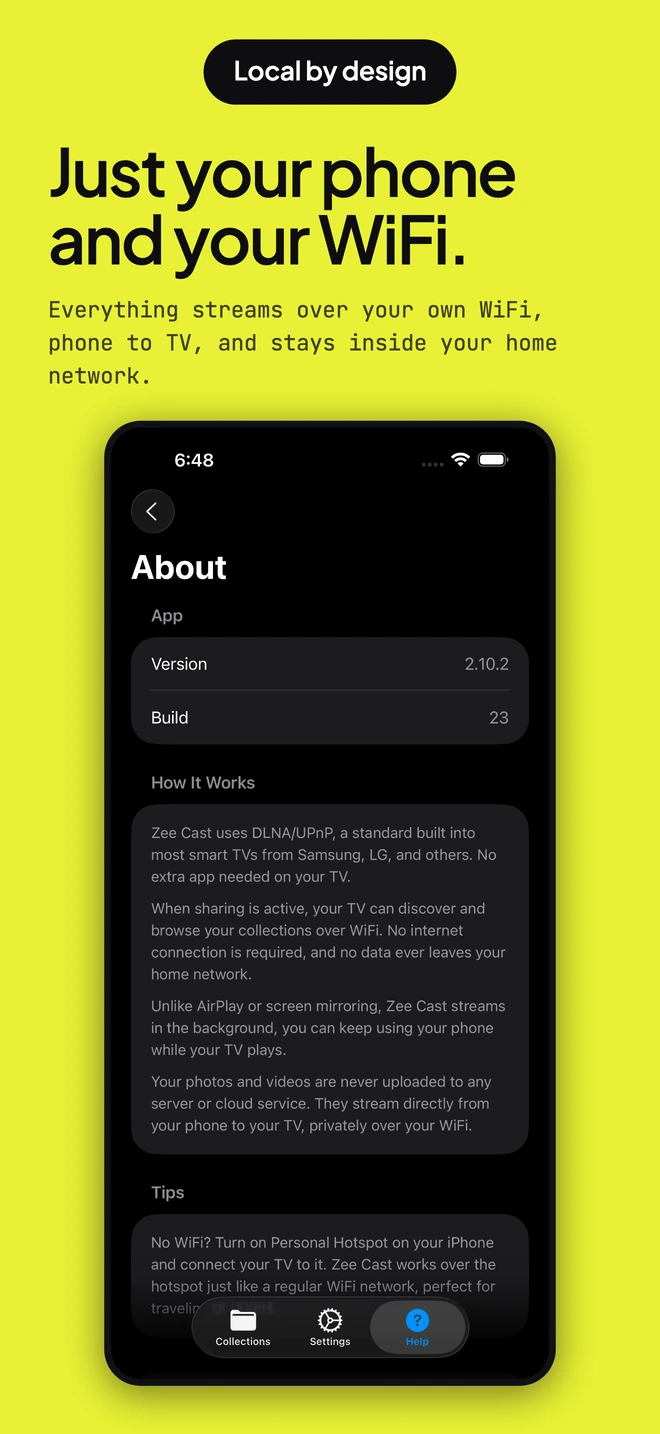
Zee Cast does not upload your media. Your phone serves selected files across your local network.
Private local streaming for families
Zee Cast shares the media you choose directly from your phone over your home Wi-Fi. No account, no cloud upload, no ads, and no screen mirroring.



Scan to install free
iOS & AndroidTry it with your TV first. Pro is $2.99 once, with no subscription.
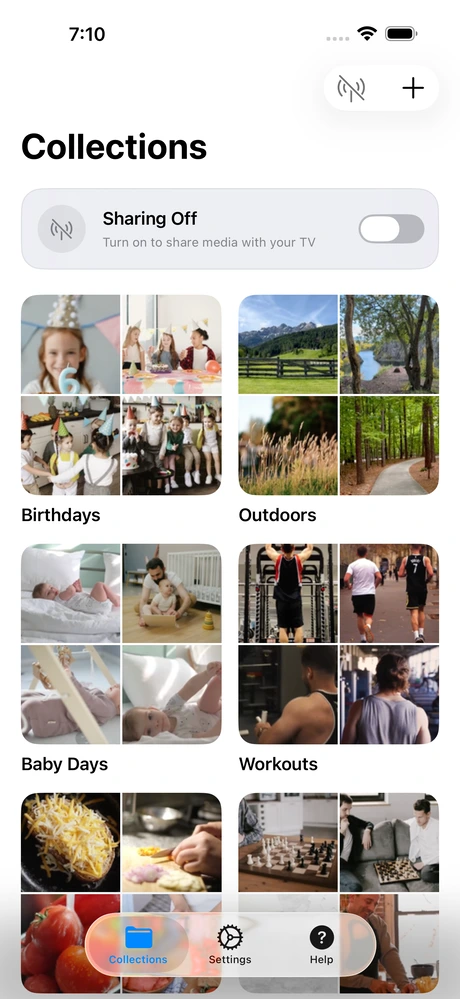
Zee Cast does not upload your media. Your phone serves selected files across your local network.
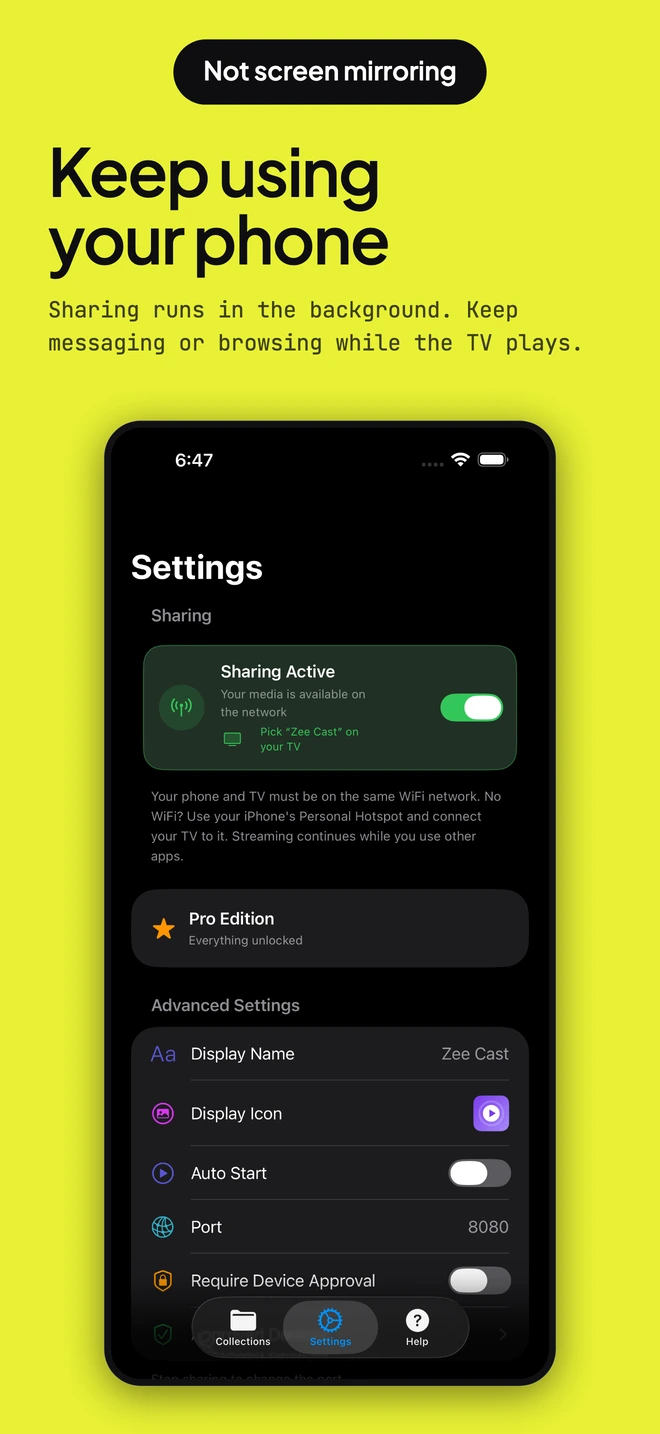
Keep messaging, browsing, or using other apps while the TV plays.
Only visible collections appear on the TV. Zee Cast adds no feed or unrelated recommendations.
No extra TV app on many compatible TVs and media players.
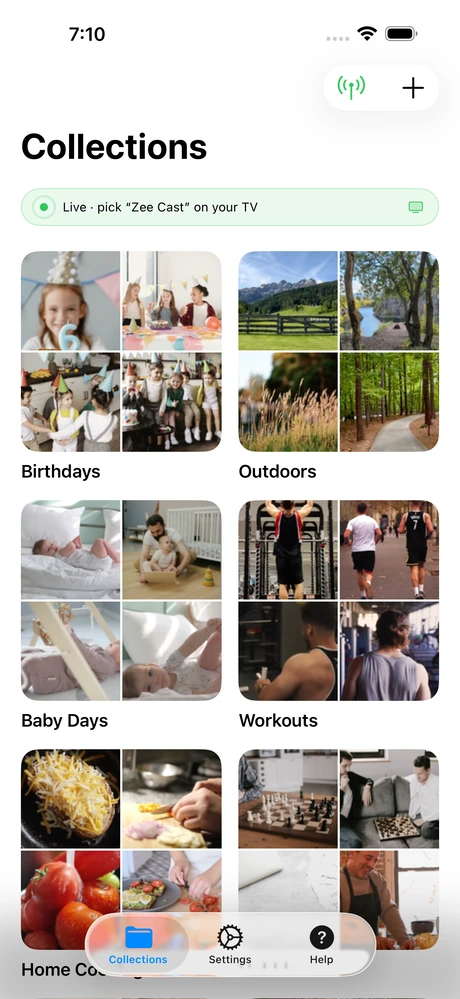
Selected by you
Zee Cast makes only the media you choose available to compatible TVs and players on the same Wi-Fi network. The TV requests the file directly from your phone.
How it works
No Zee Cast account, media upload, or extra TV app on many compatible TVs and players.
Create a collection with videos, photos, or supported audio.
Make only the collections you want visible to local players.
Zee Cast becomes available to compatible players on the same network.
Choose a collection, press play, and keep using your phone.
Local by design
Your phone serves visible collections to the receiving player across your local network. Zee Cast does not require a cloud upload or account for local sharing.
Made for family viewing
Build intentional collections from media you already have instead of opening an unrelated recommendation feed.
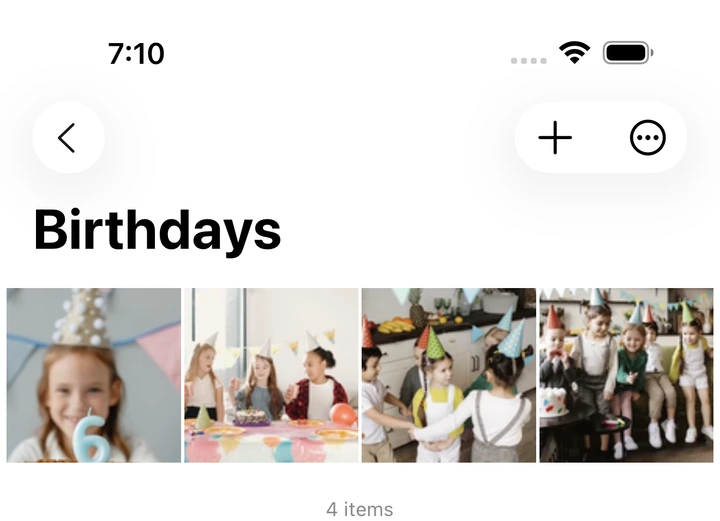
Put birthdays, holidays, and everyday moments on the big screen for everyone in the room.
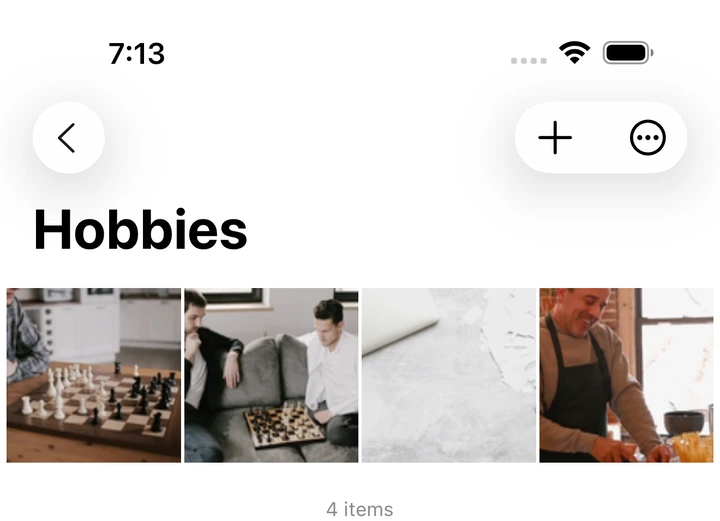
Group school videos, swimming lessons, football clips, chess, or music practice into simple collections.
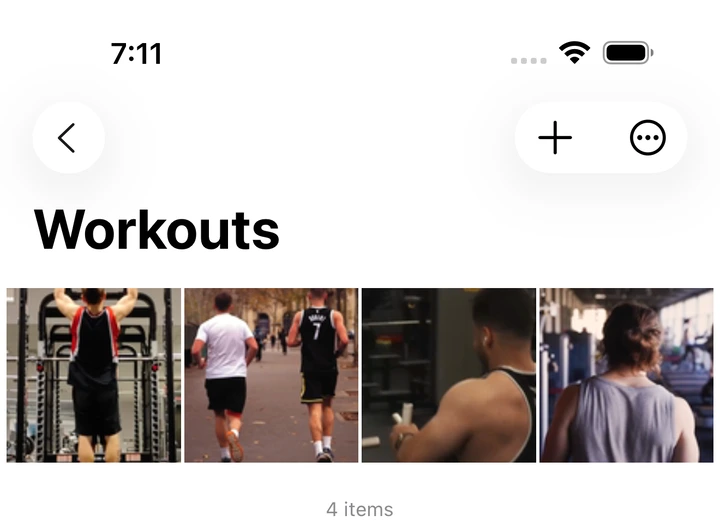
Keep form checks, runs, and routines in one collection and replay them on a screen big enough to see.
A look inside
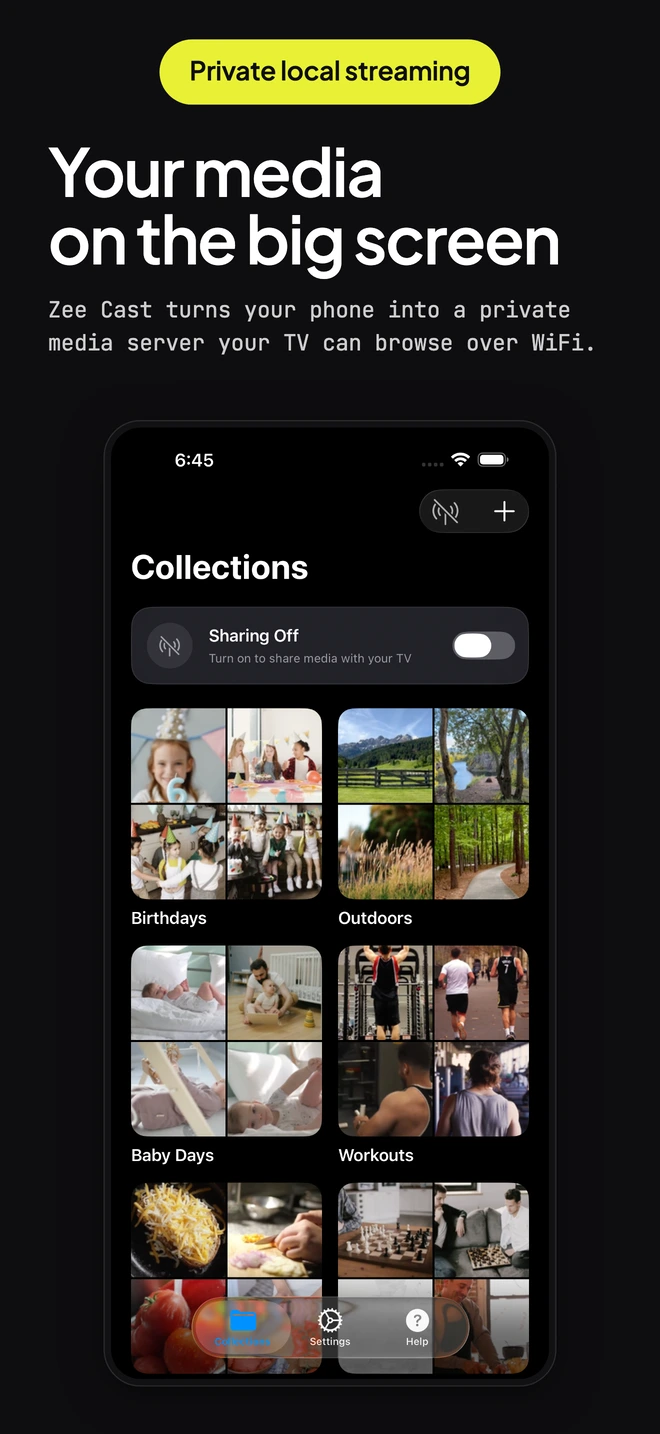
Your collections, the sharing controls, why we built it, and how it works. Nothing ever leaves your network.
Simple pricing
Try Zee Cast with your own TV before making any purchase.
A real trial with your own TV.
$2.99
Your always-ready family library.
$2.99 USD, or the equivalent in your local currency shown in the app. Pro is a one-time purchase, not a subscription. Eligible Apple Family Sharing applies on iPhone and iPad.
Interactive Compatibility Checker
Select your smart TV model and phone to see instant connection instructions and supported formats.
Or jump directly to platform-specific setup guides:

Built by parents
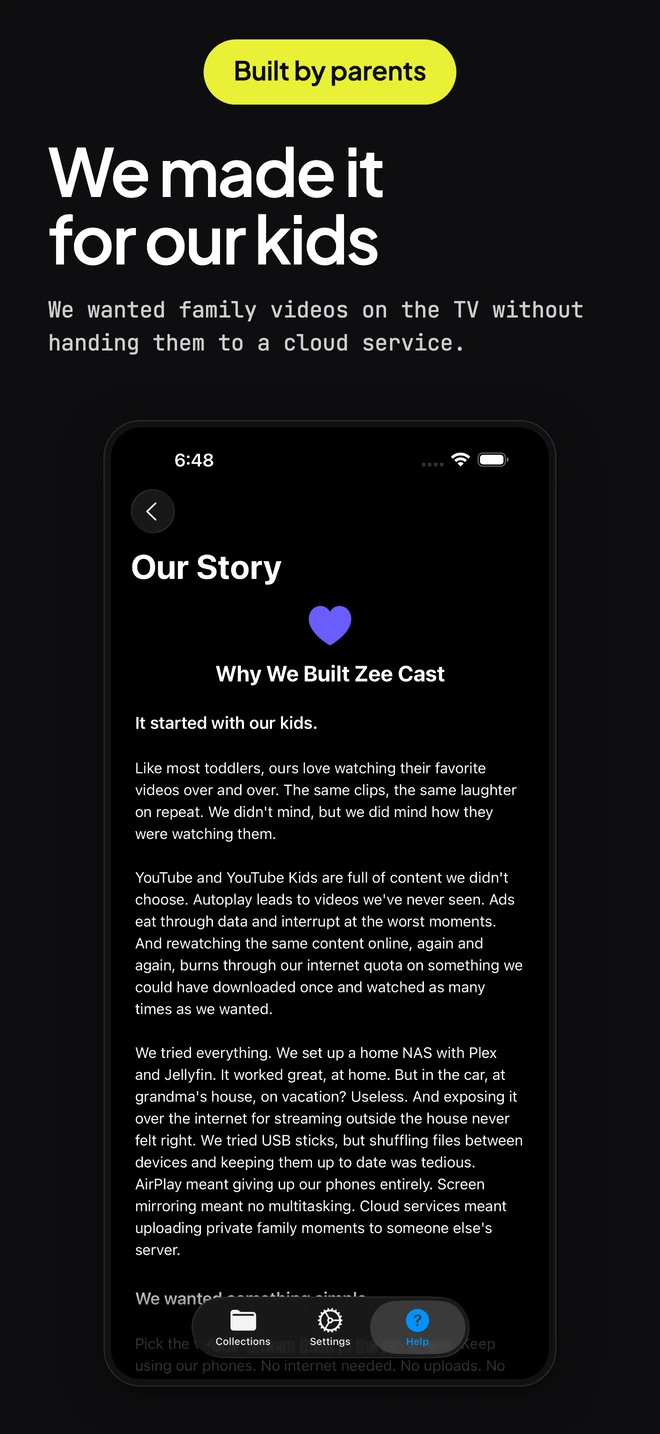
Zeina and Malek kept asking to watch the same family videos and lessons on the TV. The usual options came with ads, autoplay, accounts, uploads, or too much setup. So we built a small app that does one thing: share the media we choose inside our home. We named it Zee Cast after Zeina.
Eslam & Rewan, parents of Zeina & Malek
No. Zee Cast serves the media you selected from your phone to the receiving player across the local network. Zee Cast does not require a cloud upload or account for local sharing.
Yes. Zee Cast can continue serving media in the background while you use other apps. Free sessions stop after 60 minutes and can be restarted immediately; Pro removes that limit.
Compatible DLNA/UPnP smart TVs and media players, including supported Samsung and LG TV browsers, Roku Media Player, and compatible apps on Fire TV and Android TV. Players such as Infuse and VLC can also connect on supported platforms.
Core sharing happens on the local network once the media is available on your phone. Store purchases, restores, cloud-only file downloads, and some device services may still require internet access.
Up to 2 collections, 20 items total, and restartable 60-minute sharing sessions. Videos, photos, supported audio, and background local sharing are included.
No. Zee Cast Pro is a one-time in-app purchase that unlocks unlimited media and collections, uninterrupted sessions, personalization, auto-start, a custom port, and device approval.
Zee Cast shares supported videos and photos plus MP3, M4A/AAC, and WAV audio. Final playback depends on the receiving TV or player's source-format support.
Confirm both devices are on the same local network, sharing is on, and the TV is using its DLNA/UPnP media browser. Guest networks, VPNs, and some hotspot setups can block discovery.
Streaming Hub & Guides
Connect Zee Cast with your specific TV brand and discover how local DLNA streaming compares to traditional casting protocols.
Download Zee Cast free and try it with your TV before buying anything.
Scan to install free
iOS & Android