
 ⚡ At a Glance: PlayStation Media Player Specs ⚡ At a Glance: PlayStation Media Player Specs | |
|---|---|
| Target Platform & OS | PlayStation 5 (PS5) & PlayStation 4 (PS4 / PS4 Pro) |
| Protocol & Port | DLNA 1.5 / UPnP MediaServer, Port 8080 (HTTP Byte-Range) |
| Connection Type | Local Wi-Fi (5 GHz) or Wired Ethernet / Hotspot |
| Transcoding | None (Direct Play native MP4, MKV, AAC, MP3 bitstream) |
| Typical Setup Time | ~2 minutes (Zero console software installations required) |
Watch Phone Videos & Photos on PlayStation
Many gaming setups connect a PlayStation 5 or PS4 to high-end gaming monitors or older living room TVs that lack native Apple AirPlay 2 or Google Cast capabilities. Furthermore, transferring files via USB flash drives formatted in FAT32/exFAT is tedious.
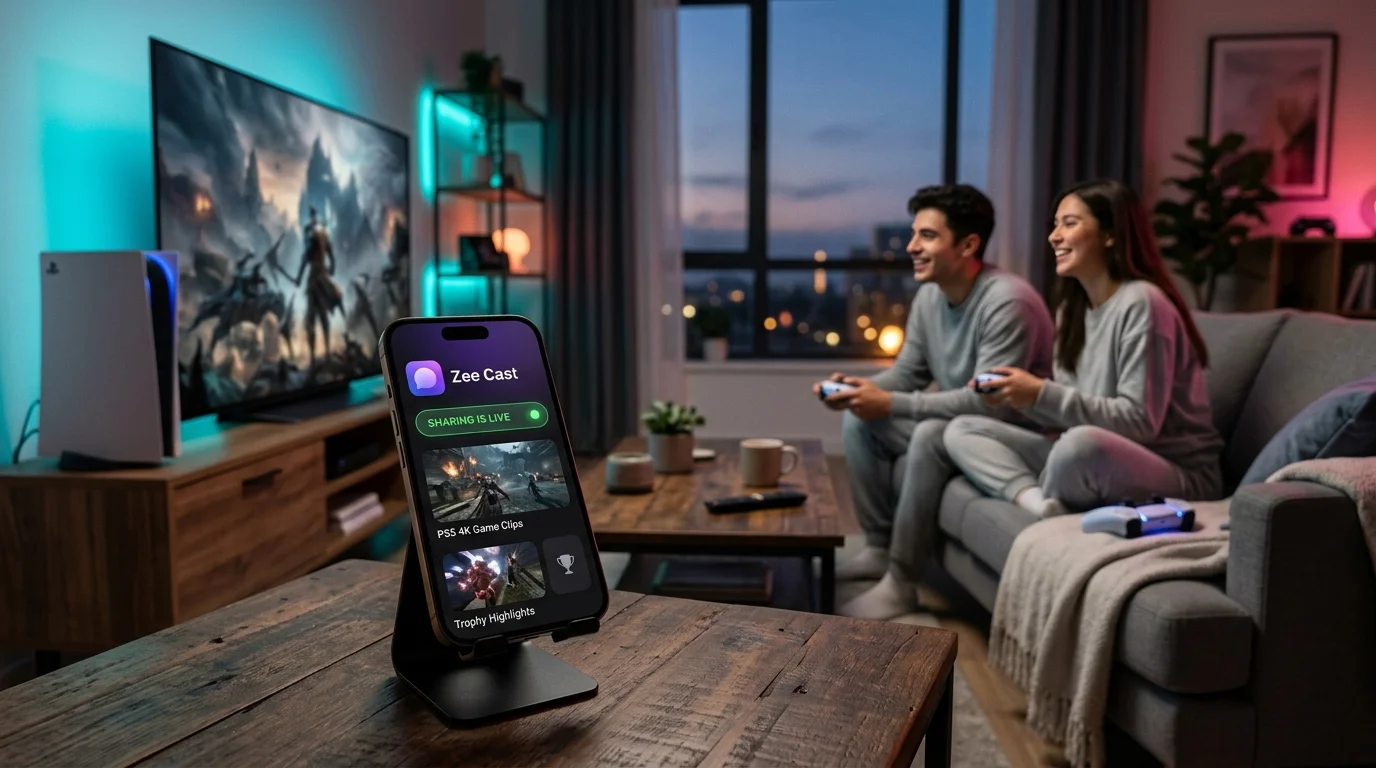
By transforming your iPhone or Android phone into an instant local UPnP/DLNA media server with Zee Cast, your PlayStation can browse your collections wirelessly and play high-bitrate 4K videos, family photos, and music tracks directly on the big screen.
Quick 4-Step Walkthrough
PlayStation includes built-in UPnP/DLNA client detection. Follow these steps to stream your media in minutes:
- 1
Connect to the Same Wi-Fi
Make sure your smartphone and your PlayStation 5 or PS4 console are connected to the same home Wi-Fi network (5 GHz band recommended) or wired router switch.
- 2
Turn On Sharing in Zee Cast
Open Zee Cast on your phone, choose the photos and 4K videos you wish to share into a collection, and tap Turn on sharing.
- 3
Launch Media Gallery / Media Player
On PS5, head to the top Media tab and open Media Gallery. On PS4, open the Media Player app from your library.
- 4
Select Zee Cast and Play
Your PlayStation will automatically display Zee Cast under connected media servers. Browse your albums and press ✗ on your DualSense / DualShock controller to play.
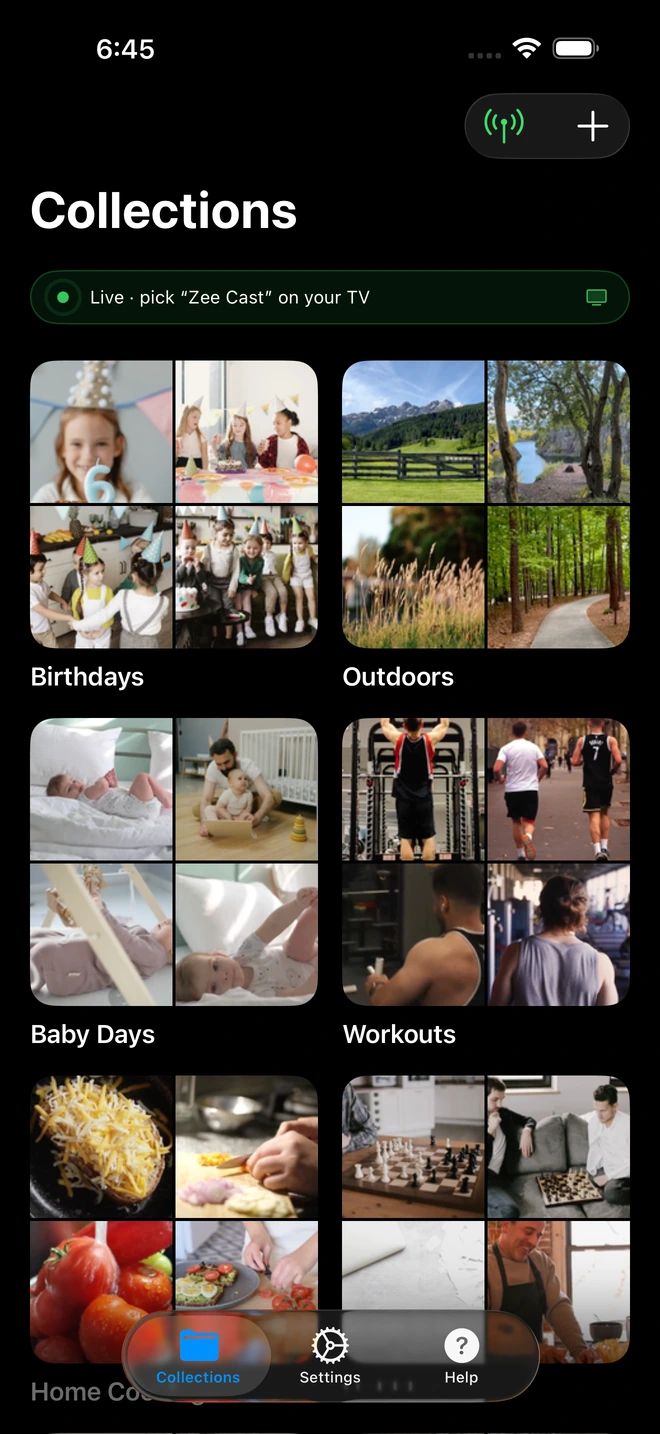
- 1Server is live - instantly discoverable on TV.
Background Music While Gaming
One of PlayStation's most beloved features is listening to your own music playlists while playing games. When streaming audio from Zee Cast:
- Start playing your music album or sound files from the Zee Cast collection in the PlayStation Media Player.
- Press the PS button to return to your game's home screen or resume gameplay.
- Use the Quick Menu to pause, skip tracks, or adjust the balance between game sound effects and your personal music.
Streaming 4K MKV & HDR Videos to PS5 Without Plex
Traditional media server setups like Plex, Emby, or Jellyfin require a dedicated desktop computer running 24/7. When streaming 4K 60fps or HDR videos, desktop servers often struggle with CPU transcoding, resulting in buffering circles on your PlayStation.
Zee Cast uses Direct Play via HTTP Byte-Range requests. When you select a video in PS5 Media Gallery, the console pulls the raw video stream straight from your phone's storage. The PlayStation's custom AMD APU hardware decoder handles playback directly, preserving 100% original bitrate with zero compression. For offline gaming sessions or travel, you can even cast to your console without Wi-Fi or internet using your phone's personal hotspot.
🎮 Dedicated PlayStation 4 Guide
Using a PS4 or PS4 Pro? Follow our step-by-step tutorial on How to Stream Phone Media to PS4 Media Player via DLNA for console-specific setup, audio formats, and USB alternatives.
Can You Install VLC Media Player on PS5?
A frequent question among PlayStation gamers is: "Can you get VLC on PS5?" No, there is no official VLC app on the PlayStation 5 Store, and VideoLAN has not ported LibVLC to Sony's proprietary operating system.
However, you do not need VLC on your console to enjoy MKV or 4K playback. By running Zee Cast on your phone, you can stream media directly to your PS5's built-in Media Gallery or directly to your Smart TV's native player (Samsung, LG, Sony, TCL) over local Wi-Fi. For an in-depth breakdown of format support and workarounds, read our analysis on VLC on PS5 Alternatives & Direct Play Solutions.
Fixing PS5 "Plex Server Unavailable" & Transcoding Errors
Many PS5 gamers rely on the official Plex app on PlayStation, only to encounter frequent "Plex server unavailable", "Server is unreachable", or playback timeout errors during gaming sessions.
This happens because Plex relies on an external desktop computer or NAS remaining awake 24/7. When the host computer goes to sleep, Plex Media Server crashes, or network relay fails, your PlayStation is left stranded. Furthermore, Plex frequently attempts CPU transcoding for high-bitrate 4K MKV files on the fly.
Zee Cast completely eliminates these points of failure:
- Zero Host Computer Dependency: Your iPhone or Android phone serves your media directly from flash storage - no desktop PC, no NAS, and zero idle electric power consumption.
- Bit-Perfect Direct Play: Zee Cast delivers original byte streams via standard HTTP byte-range requests. PS5's built-in Media Gallery decodes native MKV/MP4 files in hardware with zero transcoding delay.
- No Plex Pass or Accounts: Connect locally across your Wi-Fi network without creating user accounts, configuring remote access, or paying recurring subscription fees.
Fixing "Cannot Find Media Server" on PS5 & PS4
If your PlayStation Media Gallery displays "No playable media found" or cannot locate Zee Cast under available media servers, follow this verified diagnostic checklist:
- Verify Subnet Matching: If your PlayStation is connected via wired Ethernet while your phone is on Wi-Fi, ensure your router bridges the LAN and Wi-Fi networks under the same subnet (e.g.
192.168.1.xxx). - Check Device Approval in Zee Cast: If you enabled Zee Cast's security feature, check your phone screen when launching the media player on PlayStation to tap Allow.
- Disable Router AP Isolation: Many mesh routers and guest Wi-Fi networks block multicast SSDP discovery packets. Disable "Client Isolation" or "AP Isolation" in router settings. See our full TV and console discovery troubleshooting guide.
- Toggle Sharing: Turn sharing off and on in Zee Cast on your phone to broadcast an updated UPnP alive notification across the local network.
Frequently Asked Questions
Does PlayStation 5 have a built-in DLNA media player?
Yes. PlayStation 5 and PlayStation 4 support local media playback via the native Media Gallery and Media Player apps. When connected to the same network, the console automatically detects UPnP/DLNA media servers like Zee Cast under its source list.
How to stream media to PlayStation 4 and PS5 via DLNA?
Ensure your phone and PlayStation are connected to the same local Wi-Fi. Turn on sharing in Zee Cast. On PS5, open the Media Gallery app; on PS4, launch the official Media Player app. Select Zee Cast from the Media Servers list to browse collections and stream 4K videos, photos, and music directly without USB sticks.
What is the best DLNA media player app for PS5 and PS4?
The built-in PlayStation Media Player (PS4) and Media Gallery (PS5) offer seamless native playback with zero setup required. They automatically detect Zee Cast over local Wi-Fi, allowing full playback of MP4 and MKV video files.
Can I play background music from Zee Cast on PS5 or PS4 while playing games?
Yes! When streaming audio tracks from Zee Cast through the PlayStation Media Player, you can press the PS button to return to your game while the music continues playing smoothly in the background.
What video formats does PlayStation support over DLNA?
PlayStation consoles feature native hardware decoders for MP4 (H.264 / AAC) and MKV video files. 4K 60fps videos recorded on modern iPhones and Android devices stream in pristine Direct Play quality without re-encoding.
Why does my PlayStation not find Zee Cast on the local network?
Confirm that both your phone and PlayStation are on the exact same Wi-Fi subnet (make sure your console is not on a Guest Wi-Fi network). Ensure AP Isolation is disabled on your home router. In Zee Cast, toggle sharing off and on to broadcast a fresh SSDP discovery packet.
Do I need an active PlayStation Plus subscription or internet access?
No. DLNA streaming operates strictly across your local home network. You do not need PlayStation Plus, a PSN sign-in, or internet bandwidth to stream your phone's personal media.
How do I stream 4K MKV or HDR videos to PS5 using Zee Cast without Plex?
Zee Cast streams your media directly using HTTP byte-range requests without requiring a 24/7 Plex desktop server or heavy transcoding CPU. PS5's Media Gallery decodes 4K H.264 and MKV video bitstreams natively at original quality and 60fps.
How to fix PS5 Media Player error: 'Cannot find media server' or 'No playable media found'?
First, verify that both your phone and PS5 share the exact same Wi-Fi SSID and router subnet. Second, check if Zee Cast's Device Approval is awaiting authorization on your phone screen. Third, ensure AP Isolation is disabled in router settings, or switch to your phone's Personal Hotspot for a direct private connection.
Why does my PS5 say 'Plex server unavailable' and how does Zee Cast fix it?
The 'Plex server unavailable' error occurs when the host computer goes to sleep, Plex Media Server crashes, or network relay fails on PS5. Zee Cast runs directly on your iPhone or Android phone as a local UPnP server. There are no computer host dependencies, no Plex Pass subscriptions, and no remote server outages.


