
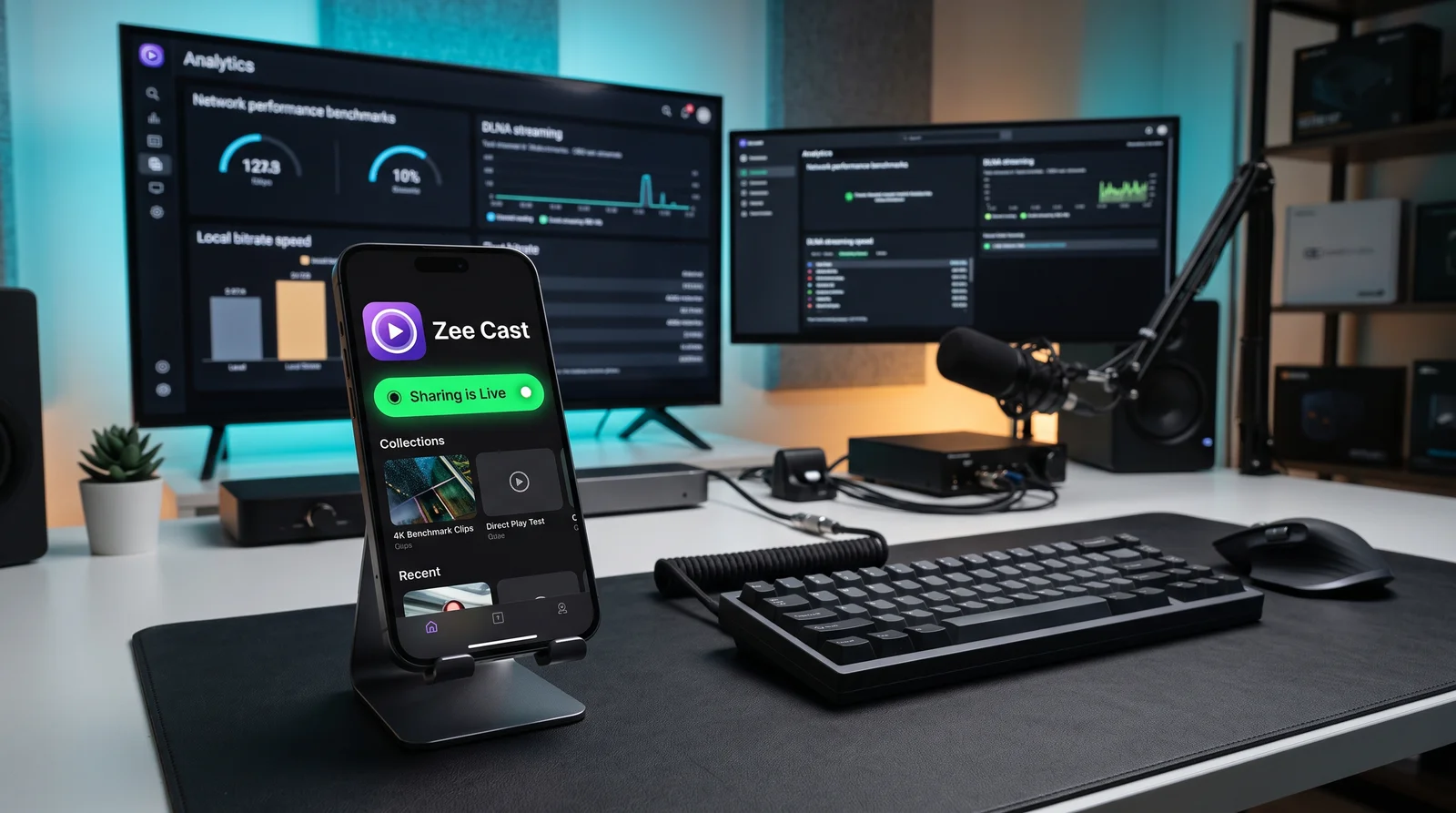
Why Modern Users Are Switching from LocalCast to Zee Cast
LocalCast has long been a popular casting app for Android and iOS users wanting to send local media to Chromecast dongles and smart TVs. However, as the app evolved over the past decade, it became cluttered with invasive interstitial advertising, complicated multi-tab menus, and inconsistent cross-platform performance between Android and iOS.
Zee Cast was built with a modern philosophy: clean, private, ad-free local media streaming powered by universal UPnP/DLNA architecture. Whether you are on iPhone or Android, you can turn your phone into an on-demand media server in one tap without seeing a single advertisement.
Side-by-Side Comparison: Zee Cast vs LocalCast
Compare how Zee Cast and LocalCast handle advertising, privacy, background streaming, and media quality:
| Feature / Capability | Zee Cast | LocalCast |
|---|---|---|
| Advertising & Trackers | ✅ 100% Ad-Free (Zero ads on Free & Pro tiers) | ⚠️ Heavy banner ads and full-screen video interstitials in free version |
| Cross-Platform Parity | ✅ Identical 1-to-1 parity (iOS Liquid Glass & Android Material 3) | ⚠️ Android-centric; iOS version has limited capabilities and dated design |
| Setup & Interface | ✅ 1-Tap Instant (Select collection → Turn on sharing) | ⚠️ Multi-screen device routing, IP input dialogs, and complex menus |
| Smart TV Support Without Dongles | ✅ Native DLNA MediaServer (Samsung Tizen, LG webOS, Roku, Fire TV) | ⚠️ Heavily geared towards external Chromecast dongles |
| Curated Privacy | ✅ Curated collections only (Unselected files stay hidden) | ⚠️ Scans and exposes raw device file trees to the network |
| Shared Wi-Fi Protection | ✅ Per-IP Device Approval modal on phone screen | ❌ Open broadcast to all devices on the local subnet |
| 4K 60fps HDR Playback | ✅ Bit-perfect Direct Play via HTTP Range requests (0% CPU load) | ⚠️ May transcode or buffer on high-bitrate phone video files |
| Background Streaming With Locked Screen | ✅ Continuous playback via background audio & foreground service | ⚠️ Susceptible to aggressive OS termination when locked |
| Offline / Hotspot Streaming | ✅ 100% Offline on Personal Hotspot (0 MB cellular data) | ⚠️ Some features require internet connection for ad serving and auth |
Key Differences in Architectural Design
1. Pure Ad-Free Peace of Mind
Few things ruin a family viewing session faster than casting vacation photos to the living room TV and being forced to watch a 30-second unskippable game advertisement on your phone. Zee Cast believes personal home streaming should be serene and private. There are zero advertisements anywhere in the application, forever.
2. Native Smart TV Media Player Integration
While LocalCast frequently requires pushing streams to an external Google Cast dongle, Zee Cast turns your smartphone into a Digital Media Server (DMS). Your Samsung, LG, Sony, or Roku TV detects your phone directly in its native Connected Devices or Sources menu. You control playback, fast-forwarding, and photo slideshows using your TV's physical remote control.
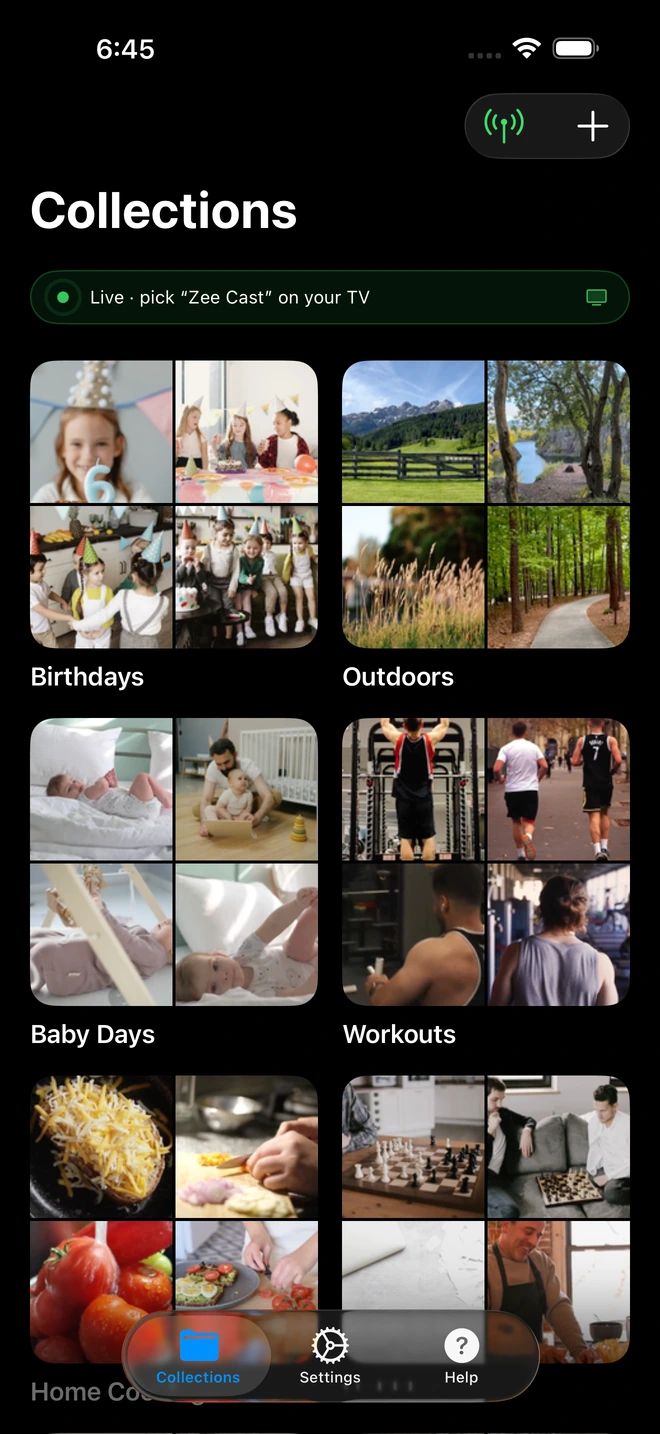
- 1Server is live - instantly discoverable on TV.
3. Selective Sharing vs Full Storage Exposure
Traditional casting apps scan your entire storage volume and display thousands of uncategorized images and screenshots. Zee Cast organizes your media into purposeful, visual collections. Only the photos and videos you explicitly include in an active collection are published to your TV. All other private camera roll items remain completely hidden from the local network.
How to Get Started with Zee Cast
- 1
Download Zee Cast
Available for free on the Apple App Store and Google Play Store. No user account or credit card required.
- 2
Create Your First Collection
Pick the photos and 4K vacation clips you want to watch with family or friends.
- 3
Tap 'Turn On Sharing'
Your Smart TV discovers Zee Cast immediately under Sources. Press play and enjoy bit-perfect streaming with zero ads.
Frequently Asked Questions
Why is Zee Cast a better alternative to LocalCast for streaming to Smart TVs?
LocalCast relies heavily on banner and full-screen video ads in its free version, uses legacy UI layouts, and focuses primarily on web casting and Chromecast dongles. Zee Cast is 100% ad-free, built natively for modern iOS and Android with Material 3 Expressive and Liquid Glass aesthetics, and operates as a dedicated DLNA Media Server (DMS) delivering bit-perfect 4K streaming directly to your smart TV's native media player.
Does Zee Cast show ads during playback or file browsing?
No. Zee Cast is completely ad-free. There are zero banner ads, zero popup interstitials, and zero tracking SDKs, even on the free tier. Your viewing experience in the living room is never interrupted by advertising.
Can I stream to my Smart TV without a Chromecast dongle?
Yes! While LocalCast is best known for Google Cast / Chromecast streaming, Zee Cast uses universal UPnP/DLNA discovery supported natively by Samsung, LG, Roku, Fire TV, and Android TV. You do not need to buy any external streaming stick or dongle.
Does Zee Cast work on both iPhone and Android?
Yes. Zee Cast offers 100% feature and design parity across iOS (iPhone & iPad) and Android. Collections, background streaming, and Device Approval operate identically on both platforms.
How does Zee Cast protect my privacy compared to other casting apps?
Many casting apps require broad media permissions and transmit telemetry to ad networks. Zee Cast operates entirely inside your local subnet with zero cloud servers. Furthermore, Zee Cast lets you curate specific collections rather than exposing your entire camera roll, and includes optional per-IP Device Approval to block unauthorized screens on shared Wi-Fi.


