
Key takeaways
- Google Cast is cloud-first: the phone sends a URL and the dongle loads a web receiver over the internet.
- DLNA is local-first: the phone serves your own file directly to the TV across your Wi-Fi.
- That means DLNA works fully offline - no broadband, no Google account, no cloud relay.
- For personal camera-roll media, side-loading into a cloud model is the wrong shape entirely.
Side-by-Side Breakdown
Understanding the fundamental architectural difference between local LAN streaming and cloud-powered receivers helps you choose the right tool for personal media:
| Feature | Zee Cast (DLNA / UPnP) | Google Cast (Chromecast) |
|---|---|---|
| Internet Requirement | ✅ 0 MB internet needed (works 100% offline on local Wi-Fi) | ❌ Requires active broadband internet to load receiver web apps |
| Cloud Accounts & Privacy | ✅ Zero accounts, zero tracking, zero remote servers | ⚠️ Requires Google account ecosystem and cloud authentication |
| Local Media Handling | ✅ Native Server-to-Renderer file streaming with fast byte scrubbing | ⚠️ Cloud-first architecture; local media requires complex proxying |
| Hardware Compatibility | ✅ Samsung, LG webOS, Roku, Fire TV, Apple TV, PC/Mac | ❌ Chromecast dongles, Android TV, and Google Cast certified displays |
| Personal Media Privacy | ✅ Media never leaves your local physical router | ⚠️ Device usage telemetry reported back to remote servers |
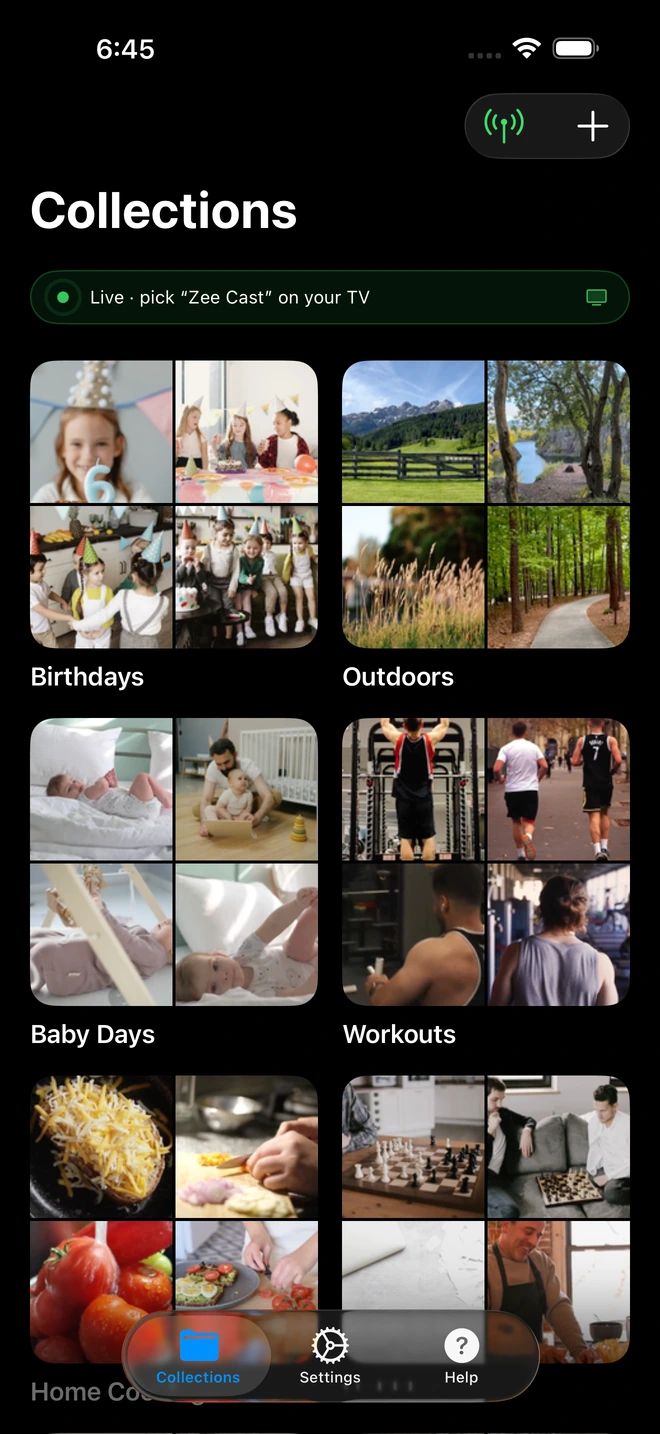
- 1Server is live - instantly discoverable on TV.
Three Core Architectural Differences
1. Local LAN Direct vs. Web Receiver
Chromecast works by instructing a lightweight web browser on your TV (a Cast Web Receiver application) to fetch media from a URL. DLNA, on the other hand, operates as a true media server: your TV queries the device via SSDP and reads binary streams directly into its hardware video decoder.
2. True Offline Independence
If your internet connection goes down or you are staying at a holiday cabin or hotel with no broadband, Chromecast dongles often refuse to boot or cast. DLNA streaming via Zee Cast functions 100% offline using your local router or phone Personal Hotspot.
3. Zero Broadband Bandwidth Consumption
When streaming high-bitrate 4K 60fps videos recorded on modern smartphones, cloud-reliant casting can consume gigabytes of home data caps. Zee Cast transfers data purely over local wireless radio waves at speeds exceeding 300 Mbps, preserving your ISP bandwidth.
Technical Standards & Industry References
For more technical details on streaming protocols, consult these documentation sources:
Frequently Asked Questions
Does DLNA require an active internet connection like Chromecast?
No. DLNA communicates 100% locally across your Wi-Fi router. Google Cast (Chromecast) typically requires an active internet connection to load receiver apps and resolve cloud streams.
Do I need a Google account to use Zee Cast DLNA?
No. Zee Cast has zero accounts, zero cloud logins, and zero remote servers. Everything is configured and authenticated strictly on your local network.
Can I stream to a Chromecast using DLNA?
Yes! On Chromecast with Google TV, you can install free media players like VLC or Nova Video Player from Google Play to browse and play your Zee Cast DLNA collections seamlessly.
Why does Chromecast buffer when playing local phone videos?
Chromecast protocols often proxy local streams through cloud components or unoptimized HTTP chunk proxies. DLNA uses direct point-to-point socket streaming on your router at full Wi-Fi speeds (300+ Mbps).


