
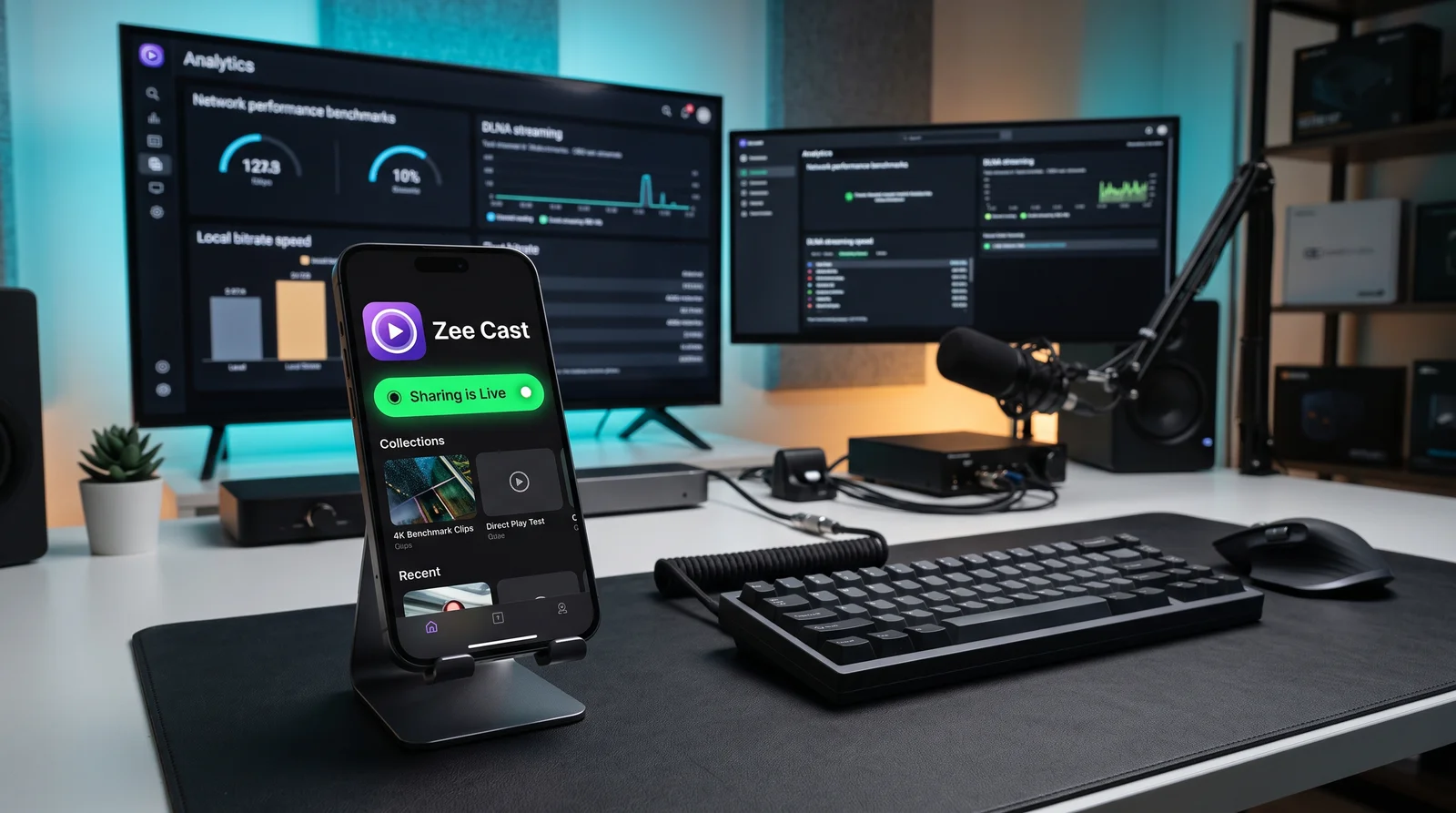
Side-by-Side Breakdown
Comparing a lightweight mobile UPnP server directly against full desktop media servers like Plex and Jellyfin:
| Feature | Zee Cast (Mobile-First) | Plex / Jellyfin (Desktop / NAS) |
|---|---|---|
| Server Hardware Required | ✅ None - runs directly on your iPhone or Android phone | ❌ Requires a dedicated 24/7 PC, Mac Mini, or NAS enclosure |
| Initial Setup Time | ✅ Under 30 seconds (Pick media → Tap 'Turn on sharing') | ❌ Hours (server install, library indexing, folder mapping, metadata matching) |
| Phone Media Access | ✅ Instant access to your latest photos and recorded 4K videos | ⚠️ Requires manually transferring files from phone to PC hard drive first |
| Accounts & Subscriptions | ✅ 100% Account-free (Optional one-time Pro purchase, zero subscription) | ⚠️ Account required; mobile app features locked behind Plex Pass subscription |
| Energy & Power Draw | ✅ 0 Watt idle power (only runs on phone when sharing is active) | ❌ 30–100+ Watts continuous 24/7 electricity cost for dedicated PC/NAS |
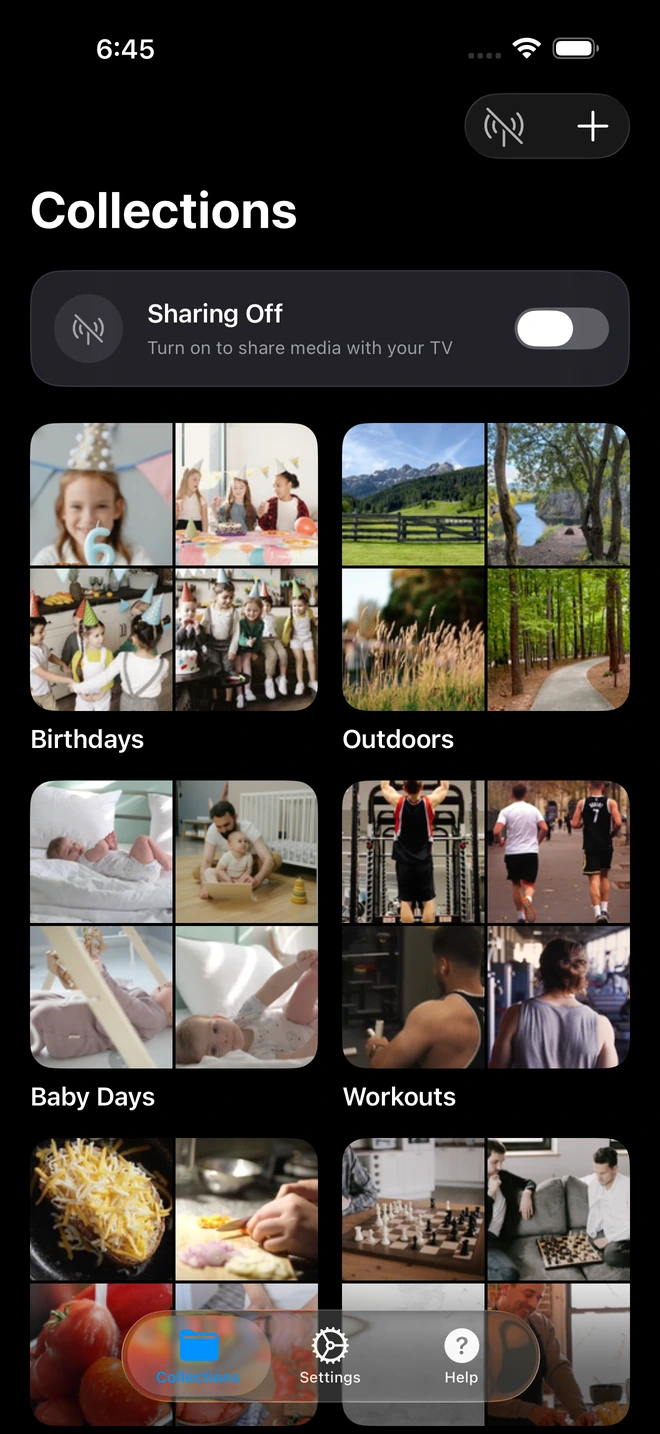
- 1Curate photo and video collections directly on your phone.
Why Plex is Overkill for Phone Photos & Home Videos (And Why a LAN-Only Media Server Wins)
Over the last decade, Plex has evolved from an open-source hobbyist media center into a centralized commercial streaming ecosystem. While Plex remains capable for cataloging massive Blu-ray libraries, using it just to display camera roll photos and family videos introduces massive friction:
The Account Barrier: Plex mandates an active Plex.tv account. When your internet connection drops or Plex's central authentication servers experience downtime, your local smart TV cannot authenticate against your local server without tedious IP-whitelist configurations. Zee Cast is 100% account-free and strictly LAN-only—it works completely offline.
If you've searched Reddit or forums for a "Plex alternative that's LAN-only with no account", you've likely encountered recommendations for Jellyfin or Kodi. But even Jellyfin requires installing server binaries on a dedicated desktop PC, configuring storage pools, and setting up Docker containers. Zee Cast turns your mobile phone into a self-contained Digital Media Server (UPnP DMS) in under 30 seconds.
The Right Tool for the Job
If you are managing a 20TB archive of ripped Blu-rays and TV series with automatic subtitle scrapers, Plex is an incredible tool. But when you just recorded your child's first steps or came home from a family vacation, Zee Cast solves the real problem in seconds:
- Instant big screen review: Watch 4K 60fps vacation videos on the living room TV immediately after getting home.
- No desktop maintenance: No database corruption, metadata scraper errors, or software updates to manage.
- Grandparents & guest friendly: Connect to any friend's TV instantly without asking for server access credentials.
- Pure local direct play: No heavy CPU transcoding needed. Zee Cast serves original byte streams directly to your TV's built-in media decoder.
Three Everyday Scenarios Where Mobile-First Wins
1. Family Gatherings & Holidays
When visiting relatives, you cannot access your home NAS easily without complex VPNs or open router ports. With Zee Cast on your phone, you simply connect to their Wi-Fi (or turn on your Personal Hotspot) and their smart TV sees your curated albums instantly.
2. Immediate 4K Video Review
Uploading 10GB of 4K 60fps HDR video to cloud services or syncing to a desktop server takes time and high-speed broadband. Zee Cast reads directly from your phone's high-speed NVMe flash storage and serves it across the room at local Wi-Fi speeds.
3. Zero Electricity Cost
Running an unRAID server or dedicated media PC continuously draws 40 to 120 Watts 24 hours a day, adding noticeable cost to monthly power bills. Zee Cast only consumes minimal battery during active streaming sessions.
Technical Standards & Industry References
For more technical details on personal media server architecture, explore these resources:
Frequently Asked Questions
Is Zee Cast a 100% account-free Plex alternative?
Yes. Unlike Plex, which mandates creating an online account, authenticating through external cloud servers, and tracking user telemetry, Zee Cast requires zero accounts, zero passwords, and zero personal information. It operates strictly on your local area network (LAN).
Does Zee Cast work if my home internet connection goes down?
Yes, completely. Plex frequently fails or locks users out during internet or authentication outages unless complex local network overrides are configured in advance. Zee Cast communicates purely via local UPnP/DLNA socket protocols over your Wi-Fi router or phone hotspot, functioning flawlessly with 0 KB internet connection.
Why use Zee Cast instead of Plex for phone photos and videos?
Plex requires running a dedicated desktop computer or NAS 24/7, configuring port forwarding, managing user accounts, and paying for Plex Pass features. Zee Cast turns your mobile phone into an instant local UPnP/DLNA server in 1 tap without any desktop hardware.
Does Zee Cast require moving files to a hard drive or NAS first?
No. Zee Cast accesses your existing photo and video library directly on iOS and Android. You simply select items into collections and tap 'Turn on sharing'. There is no need to transfer files to an external hard drive or sync folders.
Can Plex clients and smart TVs discover Zee Cast?
Zee Cast serves standard UPnP/DLNA. Media player clients like VLC, Infuse, and smart TV media browsers discover Zee Cast immediately over local Wi-Fi without needing any client-side Plex app.
Is there any subscription fee for Zee Cast?
No. Zee Cast is free to try with no accounts or subscriptions. A one-time purchase unlocks Zee Cast Pro for lifetime unlimited streaming and advanced settings.


