
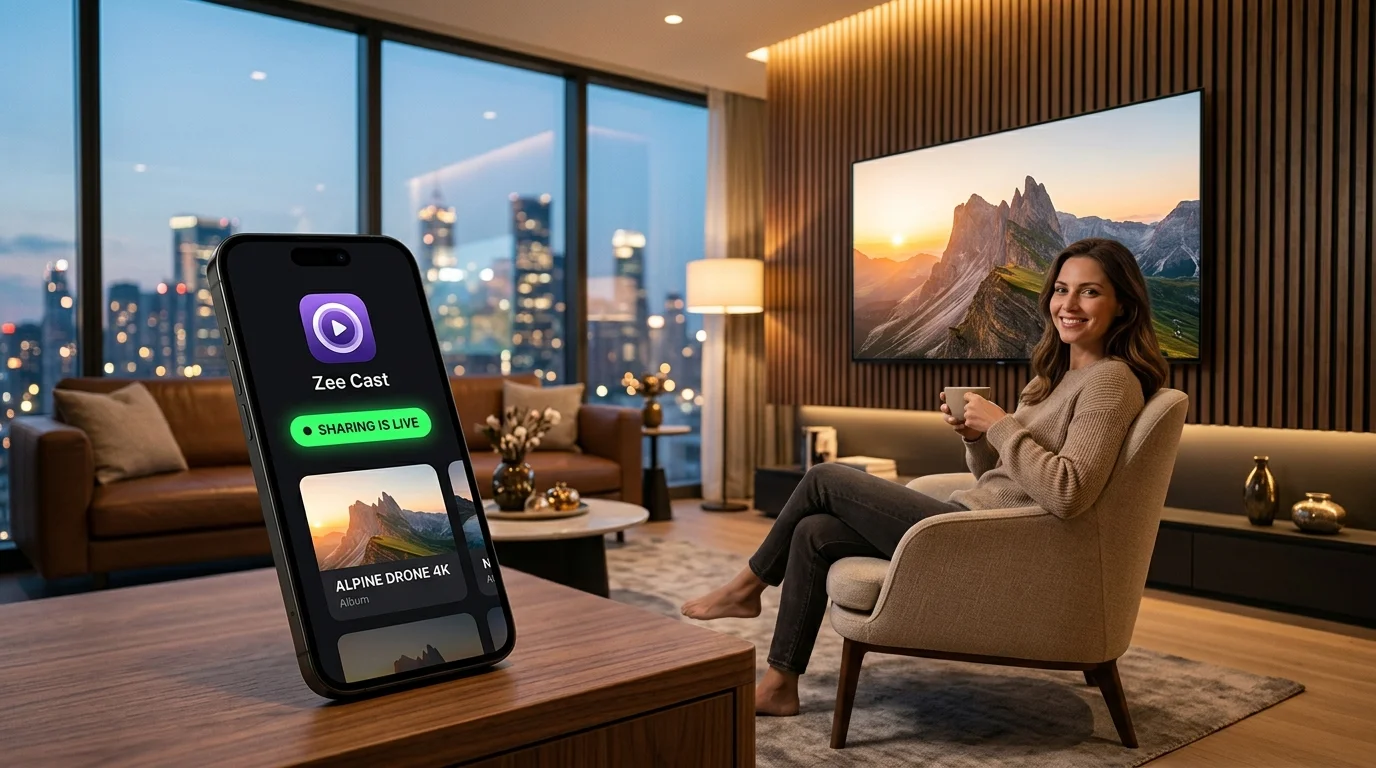
⚡ At a Glance: Quick Specs | |
|---|---|
| Target Platform & OS | Universal Smart TVs & Media Clients (Tizen, webOS, Roku, Fire OS, Android TV) |
| Protocol & Port | SSDP Multicast (Port 1900 UDP) / HTTP Streaming (Port 8080 TCP) |
| Connection Type | Local Subnet (Wi-Fi 2.4/5 GHz, Ethernet, or Hotspot) |
| Transcoding | None (Direct Play original byte-range stream RFC 7233) |
| Typical Setup Time | ~2–5 minutes diagnostic resolution |
Key takeaways
- Discovery failures are almost always multicast-related, not app bugs: SSDP uses multicast UDP on port 1900.
- Check in order: same network → AP isolation off → same Wi-Fi band → allow UDP 1900/1901 → restart sharing.
- Guest networks and mesh 'IoT' SSIDs commonly block device-to-device traffic by design.
- A phone Personal Hotspot is the fastest way to prove the server works when the router is the problem.
5-Step Diagnostic Walkthrough
When your smart TV fails to discover your phone or media server, the issue is almost always a Wi-Fi router setting blocking local One-to-many delivery where a single packet reaches a group of devices; SSDP discovery depends on it and some networks filter it. Glossary → discovery packets. Follow these five checks in order to restore immediate connectivity.
- 1
Check Wi-Fi Network & Guest Mode
Ensure both your TV and phone are on the exact same Wi-Fi SSID. Avoid Guest networks, which isolate connected devices by design.
- 2
Disable AP Isolation on Router
Log into your router's admin portal (e.g. 192.168.1.1) and disable AP Isolation, Client Isolation, or Station Isolation.
- 3
Turn Off Phone VPN & Private Relay
Disconnect any active VPN apps or private tunnels on your phone. VPNs route traffic outside your local network and block SSDP packets.
- 4
Enable UPnP & Multicast (IGMP)
In router settings, verify that UPnP and Multicast / IGMP Snooping are enabled so discovery broadcasts flow freely.
- 5
Toggle Sharing & Relaunch TV Player
In Zee Cast, toggle sharing OFF and back ON. On your TV, exit and re-open the media player app (e.g. Samsung Connected Devices, LG Photo & Video, Roku Media Player, or VLC) to force a fresh network scan.

💡 Pro Tip: Quick SSDP Refresh Trick
If your smart TV doesn't discover Zee Cast immediately after changing router settings: toggle sharing OFF and back ON in Zee Cast, then exit and re-launch the media player app on your TV. This forces an immediate SSDP M-SEARCH broadcast cycle across your home subnet.
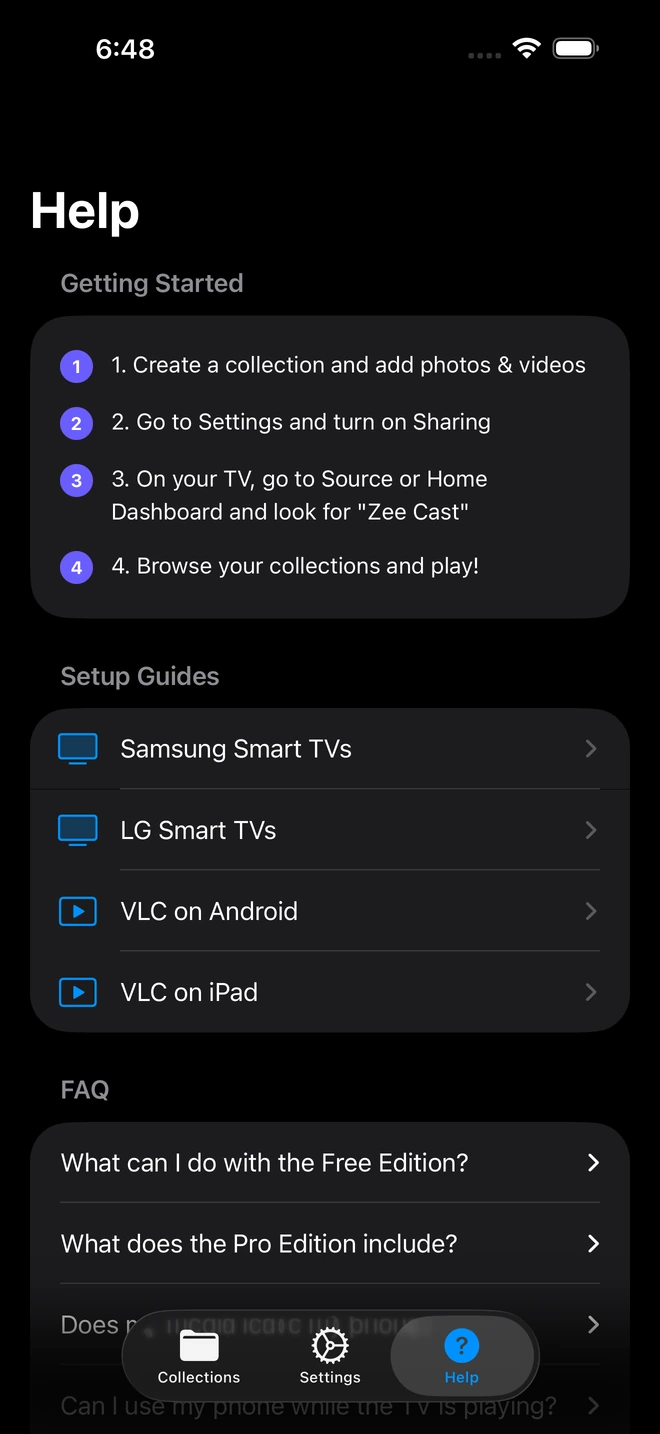
- 1Check Wi-Fi IP, server port, and built-in connection tips.
Common TV Brand Gotchas
Quick reference troubleshooting steps for the most popular smart TV platforms:
| TV Brand | Symptom | Recommended Fix |
|---|---|---|
| Samsung Smart TVs (Tizen) | Zee Cast missing from Source menu | Press Source or Home → Connected Devices. Avoid special quote characters in your server name. |
| LG Smart TVs (webOS) | Photo & Video app shows no media | Open Photo & Video app or Home Dashboard. Pull down to refresh connected storage list. |
| Roku Devices & Roku TVs | Server list is empty | Exit and relaunch Roku Media Player channel to force an immediate subnet SSDP scan. |
| Fire TV & Android TV | VLC shows no Local Network servers | Verify app network permissions in Android Settings → Apps → VLC → Permissions. |
Technical Standards & Troubleshooting References
For more technical documentation on SSDP discovery and router multicast protocols, review these resources:
Frequently Asked Questions
What is AP Isolation and why does it block DLNA?
AP Isolation (Access Point Isolation or Client Isolation) is a router security feature that prevents wireless devices on the same Wi-Fi network from talking to one another. Turning it off allows your TV to discover your phone's media server.
How do I fix the iOS 'Local Network' permission issue if my TV cannot see Zee Cast?
On iPhone, iOS requires explicit permission for apps to broadcast to local network devices. If you selected 'Don't Allow' during initial installation, iOS blocks all SSDP multicast packets. Go to iPhone Settings > Privacy & Security > Local Network, locate Zee Cast, and ensure the toggle is turned ON.
Can I stream from my phone to my TV using a Personal Hotspot without a Wi-Fi router?
Yes. Turn on Personal Hotspot on your smartphone and connect your Smart TV or streaming stick to your phone's hotspot Wi-Fi. Turn on sharing in Zee Cast. Because DLNA communication happens over local TCP/IP networking, media streams directly between devices and consumes 0 MB of your cellular data.
Why do dual-band (2.4 GHz and 5 GHz) routers prevent TV discovery, and how do I fix it?
Many dual-band routers default to isolating devices connected to 2.4 GHz from devices on 5 GHz. Check your router's admin panel (under Wireless or Advanced Settings) and ensure 'Wireless Isolation', 'Band Isolation', or 'AP Isolation' is disabled, and verify that 'Multicast' and 'IGMP Snooping' are enabled so discovery broadcasts flow between both frequencies.
Can my TV be on Ethernet while my phone is on Wi-Fi?
Yes. As long as both Ethernet and Wi-Fi connect to the same router subnet (e.g. 192.168.1.x), DLNA and UPnP discovery will work seamlessly between wired and wireless devices.
Why do VPN apps block local TV casting?
VPNs encrypt and direct all phone network traffic through a remote tunnel server on the internet, which bypasses your local Wi-Fi router and blocks local SSDP discovery packets.
Why does my TV see Zee Cast sometimes and lose it later?
If your router performs aggressive power saving or band steering (switching your phone between 2.4 GHz and 5 GHz), the connection may drop. Setting a static IP on your TV or disabling wireless power savings on your router resolves this.
How do I cast private photos and videos to TV safely without exposing notifications?
Screen mirroring shares your entire active screen, including incoming text messages, banking alerts, and passwords. Zee Cast operates as a UPnP/DLNA media server: it only streams the specific media files you select into collections directly to your TV's built-in player, keeping your active screen, notifications, and other apps 100% private.


