
Key takeaways
- AirPlay caps audio streaming at 16-bit / 44.1kHz and frequently downsamples multi-room playback to lossy 256 kbps AAC.
- Bluetooth codecs like LDAC (990 kbps) and aptX HD (576 kbps) use lossy psychoacoustic compression, falling far short of the 9,216 kbps required for uncompressed 24/192 audio.
- UPnP/DLNA Pull streaming sends the original raw FLAC bitstream directly to the receiver's high-end DAC via local Wi-Fi with 0% resampling.
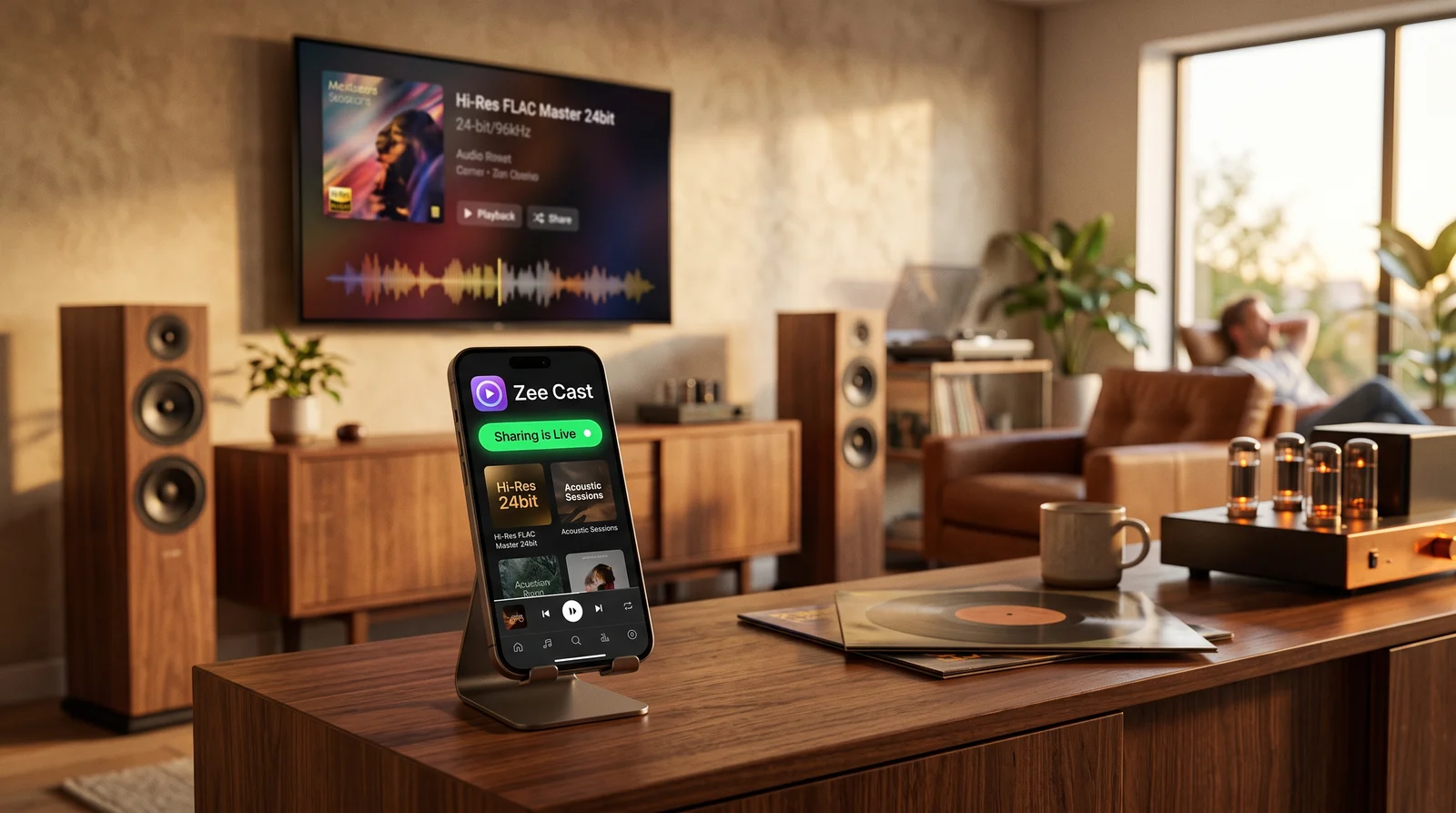
- Zee Cast turns iPhone and Android devices into studio master UPnP servers with zero cloud dependence and instant receiver playback.
The Quest for Bit-Perfect Hi-Res Wireless Audio
If you have invested in an audiophile home theater setup - featuring a dedicated Denon, Marantz, Yamaha, or Cambridge Audio AV receiver paired with high-fidelity floorstanding speakers - you want to hear every nuance of your studio master recordings.
Yet, when most listeners stream music from their iPhone or Android phone, their high-resolution 24-bit / 96kHz and 24-bit / 192kHz FLAC files are degraded by wireless bottlenecks before reaching the receiver's DAC:
- AirPlay Downsampling: Apple AirPlay truncates audio to 16-bit / 44.1kHz. When AirPlay 2 activates multi-room buffering, it frequently transcodes the stream into lossy 256 kbps AAC.
- Bluetooth Compression: Even advanced codecs like Sony LDAC (990 kbps) and Qualcomm aptX HD (576 kbps) are lossy compression algorithms. They discard frequencies above 20 kHz and crush dynamic range.
- Smartphone Dongle Limitations: Plugging a 3.5mm DAC dongle into your phone requires leaving your device physically tethered to the stereo rack by an audio cable.
The true audiophile solution for wireless listening has existed in hi-fi components for over two decades: UPnP/DLNA Server-Renderer Pull Streaming.
The Bandwidth Reality: Bluetooth vs. AirPlay vs. UPnP FLAC
Compare the raw bitrates and mathematical throughput of popular wireless audio standards:
| Audio Transport Protocol | Max Sample Rate & Depth | Bitrate Throughput | Compression Quality |
|---|---|---|---|
| Standard Bluetooth (SBC / AAC) | 16-Bit / 44.1 kHz | 256–328 kbps | ❌ Heavy Lossy Compression |
| Qualcomm aptX HD | 24-Bit / 48 kHz | 576 kbps | ⚠️ Lossy Psychoacoustic |
| Sony LDAC (Best Quality) | 24-Bit / 96 kHz | 990 kbps | ⚠️ Lossy Hybrid Compression |
| Apple AirPlay 1 / AirPlay 2 | 16-Bit / 44.1 kHz | 1,411 kbps (or 256 kbps AAC) | ⚠️ Capped at CD Quality / Transcoded |
| Studio Master 24/192 FLAC (Zee Cast UPnP) | 24-Bit / 192 kHz | 4,000–9,216 kbps | ✅ 100% Bit-Perfect Lossless Master |
How UPnP Delivers True Bit-Perfect Master Audio
When you stream using Zee Cast, your smartphone operates as a pristine UPnP Digital Media Server (DMS).
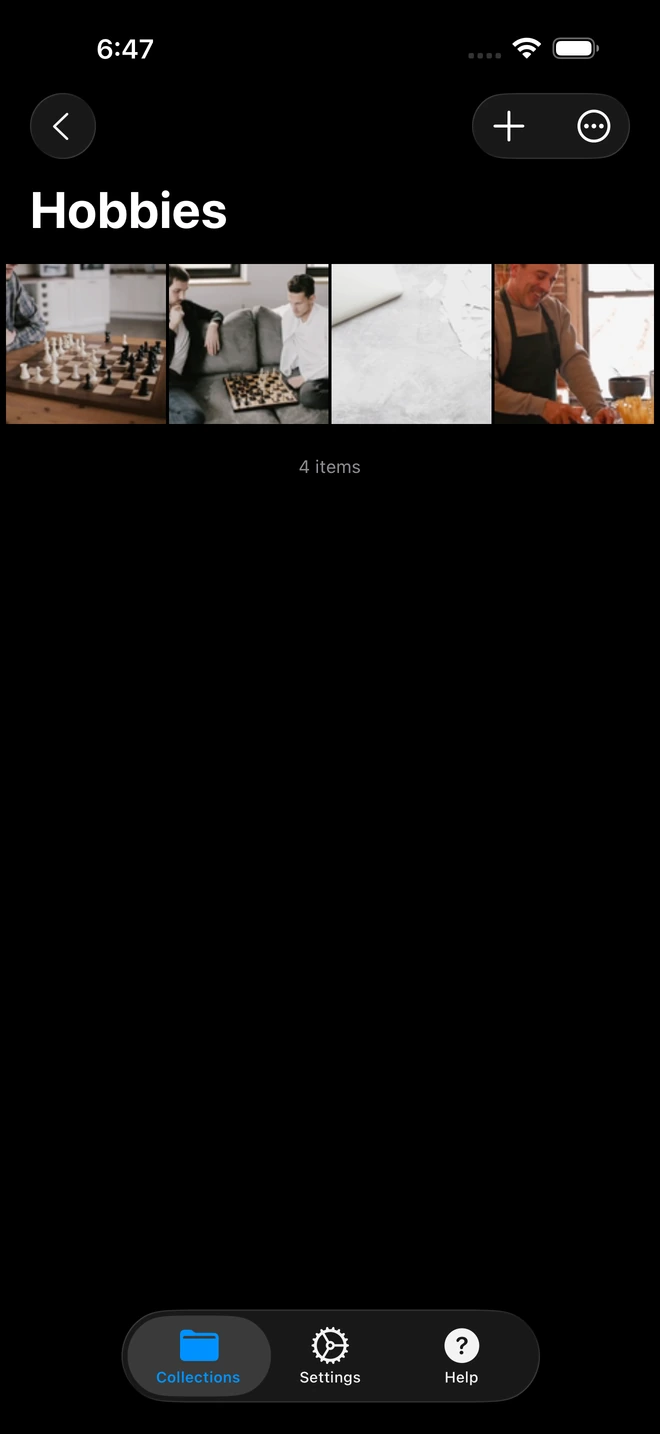
- 1Direct stream playback preserves original bit-perfect audio quality.
Here is what happens during playback:
- Zero Digital Resampling: Your smartphone's internal operating system audio mixer (which often resamples audio to 48 kHz on Android or 44.1 kHz on iOS) is completely bypassed. Zee Cast simply serves the raw file over standard TCP network sockets.
- Asynchronous DAC Pull: Your AV receiver or dedicated network streamer (such as a WiiM Ultra) pulls the audio blocks over Wi-Fi/Ethernet into its local hardware buffer.
- Studio-Grade Conversion: The receiver's internal high-end DAC (e.g., ESS Sabre ES9038 or AKM Velvet Sound) clocks the digital stream against its own ultra-low-jitter precision crystal oscillator. The full 144 dB dynamic range and 192 kHz harmonic frequencies are converted cleanly into pure analog sound.
Compatibility Across AV Receiver Ecosystems
| Brand / Platform | Receiver Architecture | How to Access Zee Cast |
|---|---|---|
| Denon & Marantz (HEOS) | Native UPnP/DLNA Client | Open the HEOS App > Select Music Servers > Tap Zee Cast > Browse albums. |
| Yamaha (MusicCast) | Native DLNA DMR | Open the MusicCast App > Select Server > Tap Zee Cast > High-Res FLAC plays natively. |
| WiiM (WiiM Pro / Ultra / Amp) | Audiophile Streamer | Open the WiiM Home App > Browse My Music > Media Server > Select Zee Cast. |
| Cambridge Audio (StreamMagic) | High-End Hi-Fi Streamer | Open StreamMagic App > Navigate to Library > UPnP Servers > Tap Zee Cast. |
Step-by-Step: Streaming Hi-Res FLAC to Your Receiver
- 1
Connect Both Devices to Local Wi-Fi
Ensure your phone and receiver are connected to the same Wi-Fi router. (Hardwiring your receiver via Ethernet cable is recommended for 9+ Mbps uncompressed streams).
- 2
Create an Audio Collection in Zee Cast
Open Zee Cast on iPhone or Android, create a collection (e.g., "24-Bit FLAC Vinyl Masters"), and pick your album tracks.
- 3
Turn On Sharing
Tap Turn on sharing. Zee Cast broadcasts its UPnP service across your home network.
- 4
Play from Your Receiver's Controller
Open your receiver's companion app (HEOS, MusicCast, WiiM Home) or use the physical remote, select Zee Cast under Media Servers, and experience uncompromised studio master sound.
Frequently Asked Questions
Why can't Apple AirPlay stream true 24-bit / 192kHz Hi-Res audio?
Apple AirPlay protocol is fundamentally capped at 16-bit / 44.1kHz (Red Book CD quality). In fact, under AirPlay 2's multi-room buffering pipeline, streams are frequently transcoded into lossy 256 kbps AAC to ensure synchronization across multiple speakers. AirPlay cannot pass high-resolution 24-bit / 96kHz or 24-bit / 192kHz bitstreams to AV receivers without downsampling.
Does Bluetooth LDAC or aptX HD provide lossless 24-bit / 192kHz playback?
No. Bluetooth lacks the wireless bandwidth for uncompressed or lossless 24-bit / 192kHz audio. Even Sony's LDAC (capped at 990 kbps) and Qualcomm's aptX HD (capped at 576 kbps) use lossy psychoacoustic compression that discards high-frequency detail. In contrast, an uncompressed 24/192 audio stream requires 9,216 kbps - over 9 times the maximum bandwidth of Bluetooth LDAC.
How does UPnP/DLNA achieve bit-perfect playback on AV receivers?
UPnP/DLNA operates as a direct TCP file transfer protocol. When your receiver requests a track from Zee Cast, your phone serves the exact raw FLAC bytes over local Wi-Fi. The receiver's internal high-end Digital-to-Analog Converter (DAC) - such as ESS Sabre or AKM chips - performs hardware decoding of the original master file with zero resampling, zero digital volume scaling, and zero jitter.
Which AV receivers and network streamers support UPnP/DLNA playback?
Virtually all modern hi-fi receivers and network audio streamers support UPnP/DLNA natively. This includes Denon and Marantz (via HEOS), Yamaha (via MusicCast), WiiM (WiiM Pro, WiiM Ultra, WiiM Amp), Cambridge Audio (StreamMagic), NAD (BluOS), Onkyo, Pioneer, and Audiolab.
Can Zee Cast stream FLAC files from iPhone without converting to ALAC?
Yes! While Apple's native iOS Music app historically resisted FLAC files, Zee Cast natively indexes and serves standard FLAC containers directly from your iPhone's local storage and Files app to any UPnP receiver without transcoding.
What is the audible benefit of 24-bit audio compared to 16-bit CD quality?
24-bit audio increases theoretical dynamic range from 96 dB (16-bit) to 144 dB, lowering the digital noise floor and capturing subtle room acoustics, reverberation decays, and micro-dynamics of acoustic instruments that are lost during 16-bit quantization.
Does Zee Cast need an active internet connection to stream audio to my receiver?
No. Zee Cast transfers audio data strictly within your local home network using standard TCP/IP. It consumes 0 KB of internet bandwidth and functions completely offline.
Can I lock my phone or use other apps while the receiver is streaming?
Yes. Once the receiver pulls the stream, Zee Cast operates seamlessly in the background. You can lock your phone, take phone calls, or browse the web without causing audio skips or dropouts.
Does Zee Cast support gapless playback for live concerts and classical music?
Gapless playback depends on your receiver's DLNA renderer implementation. Modern network streamers like WiiM Pro/Ultra, Denon HEOS, and Yamaha MusicCast support gapless HTTP Range byte-streaming when pulling consecutive FLAC tracks from Zee Cast.


