

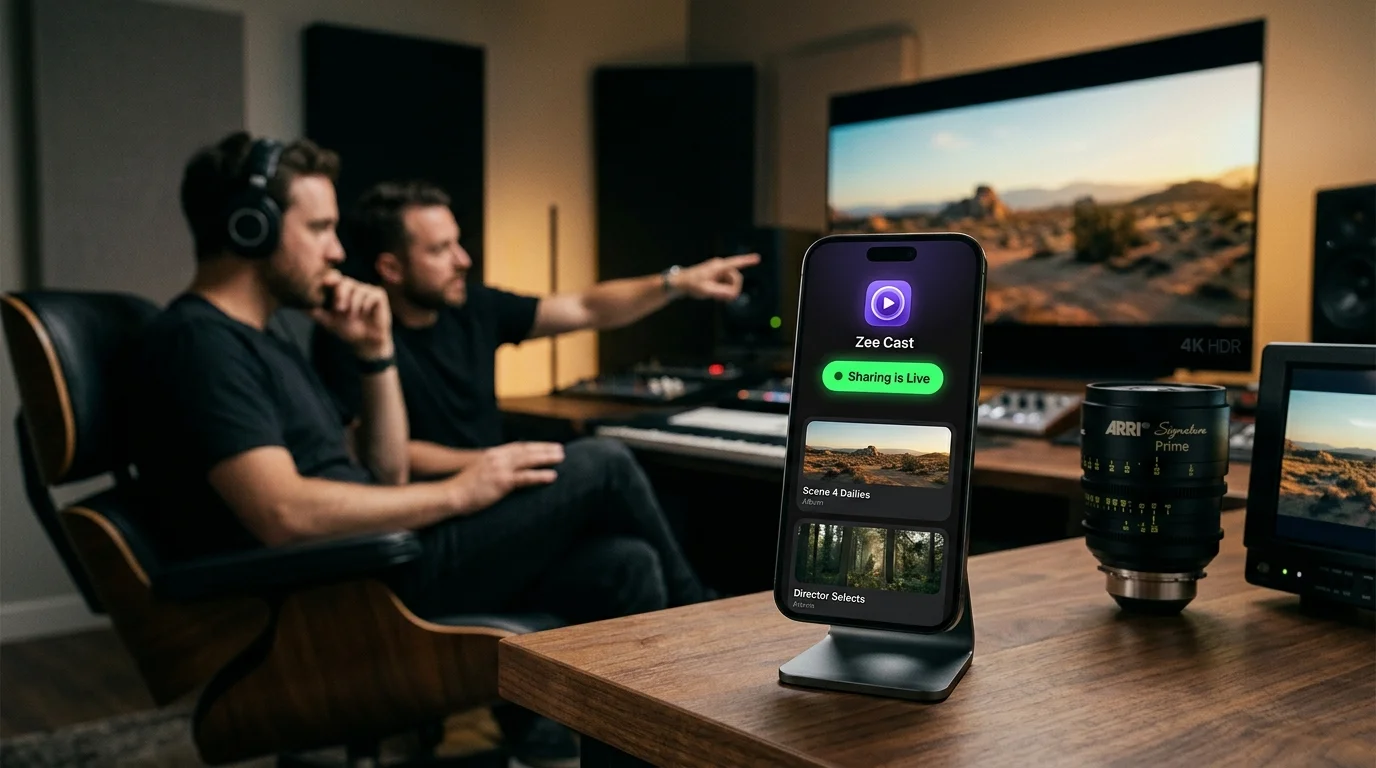
Key takeaways
- AirPlay Screen Mirroring truncates Apple Log's 10-bit Rec. 2020 color depth into 8-bit Rec. 709 sRGB, creating false color banding and crushing dynamic range.
- Apple ProRes HQ generates bitrates between 220 Mbps and 700+ Mbps; screen mirroring compresses this by 90%+ down to ~15 Mbps H.264.
- Zee Cast's DLNA server serves raw QuickTime files directly via HTTP Range requests (RFC 7233), maintaining bit-perfect 10-bit 4:2:2 fidelity.
- Pairing Zee Cast with calibrated OLED displays (via native media players or Apple TV Infuse) provides a true zero-loss client monitoring station.
The Filmmaker's Dilemma: Mobile 10-Bit Capture vs. Living Room Monitoring
With the introduction of Apple Log and ProRes 422 HQ on the iPhone 15 Pro and iPhone 16 Pro, mobile cinematography crossed an epochal threshold. Directors of photography, indie filmmakers, and commercial videographers can now capture over 12 stops of dynamic range in a wide ITU-R BT.2020 color gamut at master-grade bitrates exceeding 220 Mbps.
However, when bringing footage from a shoot back to a calibrated LG OLED or Sony QD-OLED television to review dailies, evaluate shadow noise, or inspect lighting with clients, disaster strikes:
⚠️ The AirPlay Screen Mirroring Trap
Tapping the iOS "Screen Mirroring" icon routes your iPhone's display through an 8-bit SDR compositor. The operating system tonemaps the flat Apple Log curve into standard Rec. 709, clamps color depth from 1.07 billion colors to 16.7 million, and re-encodes the entire stream at a tiny 12–15 Mbps. What was a pristine cinematic master becomes a banded, macroblocked mess on your $3,000 OLED display.
Technical Breakdown: ProRes Bitrates & Chroma Subsampling
To understand why screen mirroring fails so catastrophically with professional video formats, look at the underlying math:
| Specification Metric | Original Apple ProRes 422 HQ / Log | AirPlay Screen Mirroring | Zee Cast DLNA Direct Play |
|---|---|---|---|
| Color Bit Depth | 10-Bit (1,024 levels / 1.07B colors) | ❌ 8-Bit (256 levels / 16.7M colors) | ✅ 10-Bit Bit-Perfect |
| Color Gamut | Rec. 2020 / Wide Gamut | ❌ Clamped to Rec. 709 (sRGB) | ✅ Full Rec. 2020 Retained |
| Chroma Subsampling | 4:2:2 (Double horizontal color resolution) | ❌ Subsampled to 4:2:0 | ✅ 4:2:2 Preserved |
| Video Bitrate (4K 30fps) | ~220 Mbps | ❌ Compressed to 12–18 Mbps | ✅ 220 Mbps Uncompromised |
| Video Bitrate (4K 60fps HQ) | ~700–900 Mbps | ❌ Compressed to 15–20 Mbps | ✅ Full Bitstream Streamed |
| Compression Artifacts | Visually Lossless Master | ❌ Heavy macroblocking & banding | ✅ Zero Compression Artifacts |
How DLNA Direct Play Delivers Bit-Perfect Master Video
Unlike screen mirroring, which relies on lossy real-time screen scraping, Zee Cast treats your iPhone as an on-demand Digital Media Server (DMS).
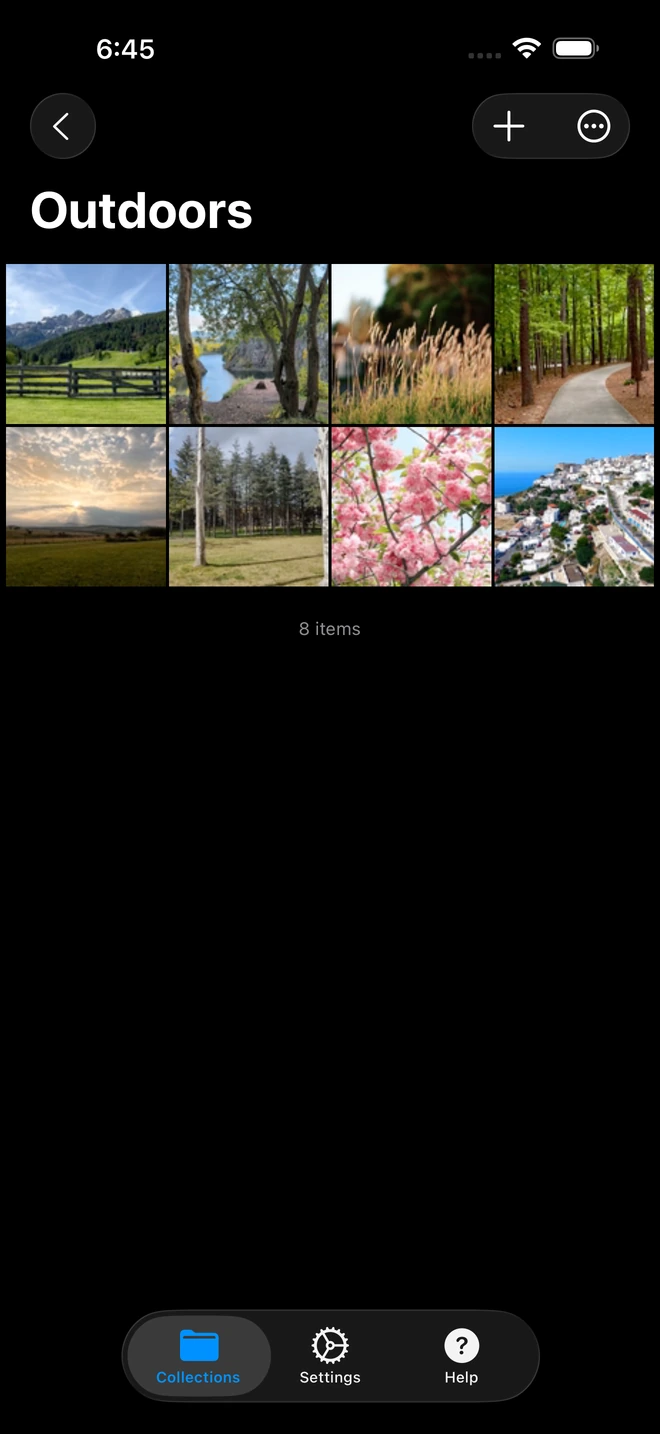
- 1High-bitrate 4K files stream without transcode compression.
When your OLED TV requests playback:
- Zero Transcoding on iPhone: Zee Cast opens the raw QuickTime
.movcontainer located on your internal flash storage (or connected external USB-C SSD). - HTTP Range Delivery (RFC 7233): The TV issues standard byte-range requests across the local TCP network socket. Zee Cast sends the exact raw bytes requested.
- Dedicated TV Video Processing: The TV's onboard image processor (such as LG's α9 / α11 AI processor or Sony's Cognitive Processor XR) receives the pure bitstream. It applies full 10-bit hardware decoding and maps the signal directly onto the OLED panel's self-lit subpixels.
Calibrating Your OLED TV for Apple Log Inspection
To inspect raw Apple Log or graded ProRes footage accurately on an OLED display, ensure your TV is configured for studio master accuracy:
🎯 Recommended OLED Monitor Settings
- Picture Mode: Set to Filmmaker Mode or Cinema (turns off aggressive sharpness, motion smoothing, and dynamic contrast).
- Aspect Ratio: Set to Original / Just Scan ON (guarantees pixel-for-pixel 1:1 3840×2160 mapping with zero edge overscan).
- Color Gamut: Set to Auto / Native (allows the TV to automatically expand to Rec. 2020 without artificial color clipping).
- OLED Pixel Brightness: Calibrate to 100 nits for SDR grading or maximum peak for HDR/HLG mastering.
Step-by-Step: Streaming ProRes from iPhone to OLED TV
- 1
Connect to Fast Local Wi-Fi
Ensure your iPhone and TV are connected to a 5 GHz or Wi-Fi 6 wireless band to handle the 200+ Mbps bandwidth demands of ProRes video.
- 2
Create a Showcase Collection in Zee Cast
Launch Zee Cast on your iPhone, tap Create Collection, name it (e.g., "ProRes Dailies"), and pick your master clips.
- 3
Tap 'Turn On Sharing'
Zee Cast begins broadcasting its UPnP ContentDirectory. Your phone screen can be locked without interrupting streaming.
- 4
Play on Your OLED TV
On your LG or Sony OLED TV (or Apple TV 4K with Infuse/VLC), navigate to Media Player > Zee Cast, select your video, and review your uncompressed 10-bit master.
Frequently Asked Questions
Why does AirPlay screen mirroring ruin Apple Log and ProRes video files?
AirPlay screen mirroring does not stream your actual ProRes QuickTime file. Instead, it captures the iPhone's GPU framebuffer at 60 fps, forces it through an 8-bit sRGB color space conversion, downscales resolution to 1080p, and applies lossy H.264 compression capped at ~12-15 Mbps. This strips 10-bit color data down to 8-bit 4:2:0, crushes shadow detail, and destroys the dynamic range necessary for evaluating flat Apple Log footage on a calibrated OLED panel.
What bitrates do Apple ProRes 422 and ProRes HQ produce on iPhone?
On iPhone 15 Pro and 16 Pro, 4K 30fps ProRes 422 captures at approximately 220 Mbps. 4K 60fps ProRes HQ (recorded to external USB-C SSD) reaches staggering bitrates between 700 Mbps and 1.8 Gbps depending on frame rate and scene complexity. Streaming these files wirelessly requires high-efficiency local HTTP Range streaming over 5 GHz or Wi-Fi 6.
Can an LG OLED TV decode Apple ProRes QuickTime files directly via DLNA?
LG webOS Media Player decodes 10-bit HEVC and high-bitrate H.264 natively. For uncompressed ProRes 422/HQ QuickTime containers, streaming to an Apple TV 4K running Firecore Infuse or a Sony Bravia Google TV running VLC over Zee Cast DLNA provides flawless hardware decoding of the original Apple ProRes bitstream.
What is the difference between 8-bit Rec. 709 and 10-bit Rec. 2020?
An 8-bit signal can represent 256 shades per color channel, yielding 16.7 million total colors. A 10-bit signal represents 1,024 shades per channel, totaling over 1.07 billion colors. In addition, Rec. 2020 covers 75.8% of the visible spectrum compared to only 35.9% in Rec. 709. 10-bit Apple Log captures this entire wide color gamut, which is completely erased if pushed through standard 8-bit screen mirroring.
How does DLNA Direct Play preserve the 10-bit bitstream?
DLNA acts as a byte-level file server (RFC 7233 HTTP partial content). Zee Cast transfers the untouched bits directly from your iPhone's flash storage to the television's network buffer. Your TV or media box decodes the file in its native silicon, keeping every bit of color depth, luminance gradient, and shadow detail intact.
Do I need an Apple TV 4K to inspect ProRes Log footage on an OLED TV?
While an Apple TV 4K running Infuse provides the absolute gold standard for ProRes decoding and custom 3D LUT previewing, Android-based OLED TVs (like Sony A95L or Philips OLEDs) can decode ProRes files directly via VLC for Android TV connected to Zee Cast's DLNA server.
Will streaming high-bitrate ProRes drain my iPhone battery rapidly?
No. Because Zee Cast does not perform live software video transcoding on the phone, your iPhone's A17 Pro or A18 Pro chip simply reads flash memory and writes to the TCP network socket. CPU usage remains below 5%, keeping the phone completely cool and consuming minimal battery.
Can I apply a Rec. 709 viewing LUT when streaming Apple Log to my TV?
When using client apps like Firecore Infuse on Apple TV 4K paired with Zee Cast, you can apply custom 3D LUTs (such as Apple's official Apple Log to Rec. 709 LUT) in real-time on the big screen while still evaluating the uncompressed 10-bit master stream.
Does Zee Cast require internet bandwidth to stream 220 Mbps ProRes files?
No. Zee Cast transfers all packets entirely across your local Wi-Fi router or peer-to-peer subnet. It consumes 0 KB of internet bandwidth, meaning you can review footage on set or in off-grid production locations with a portable Wi-Fi router or Personal Hotspot.


