
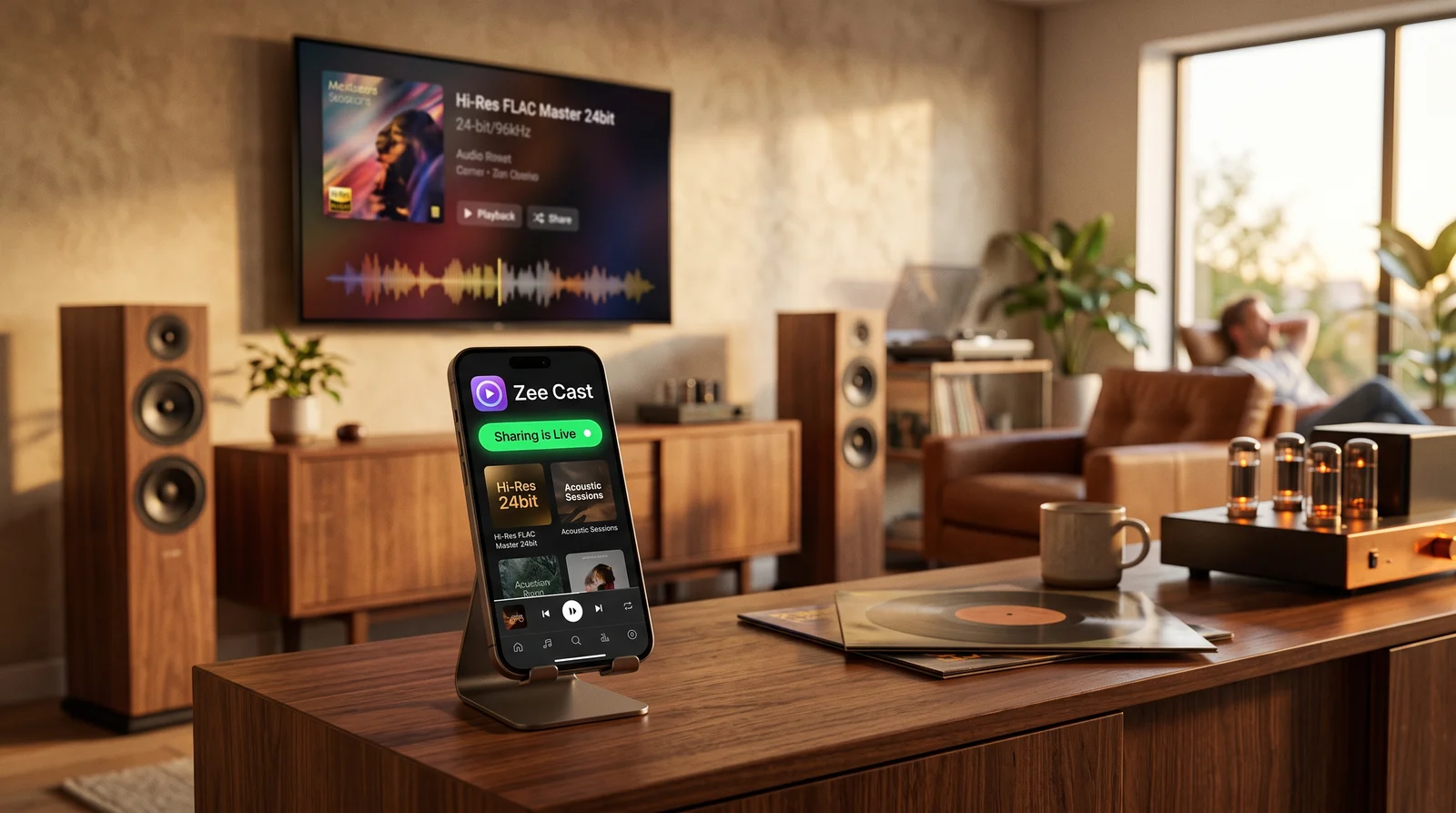
 ⚡ At a Glance: BubbleUPnP vs Zee Cast Specs ⚡ At a Glance: BubbleUPnP vs Zee Cast Specs | |
|---|---|
| Target Platform & OS | iOS (iPhone/iPad) & Android Devices |
| Protocol & Port | UPnP AV, DLNA 1.5, HTTP Port 8080 |
| Connection Type | Local Wi-Fi, Ethernet, or Mobile Hotspot |
| Transcoding | Full Direct Play (Zero Transcoding Degradation) |
| Typical Setup Time | ~1 minute (Clean modern setup vs complex networking) |
Key takeaways
- BubbleUPnP is an Android-only powerhouse with no native iOS app available for iPhone or iPad users.
- Zee Cast was engineered with 100% feature parity across both iOS and Android, sharing identical persistent keys and network behaviors.
- While BubbleUPnP exposes entire storage volumes to the local network, Zee Cast protects your privacy by sharing only explicit collections.
- Zee Cast Pro includes an active Device Approval firewall, preventing unauthorized TVs or computers from accessing your private media.
The Quest for an 'iOS BubbleUPnP'
For more than a decade, BubbleUPnP has been a beloved Swiss Army knife for Android audiophiles and power users. It can route audio between obscure UPnP renderers, transcode FLAC on the fly, and bridge local servers with cloud storage.
However, when Android users switch to an iPhone or iPad, they encounter an immediate dead end: BubbleUPnP does not exist on the Apple App Store. The developer has confirmed that porting BubbleUPnP to iOS would require rewriting the entire application from scratch due to Apple's strict background execution constraints and sandboxed file systems.
Zee Cast was built from the ground up to provide a modern, elegant, and cross-platform solution. Built with native Swift/SwiftUI on iOS and native Kotlin/Jetpack Compose on Android, Zee Cast gives users the high-speed local UPnP streaming power of BubbleUPnP with modern design, strict privacy controls, and flawless iOS/Android parity.
Detailed Feature Comparison
| Capability | BubbleUPnP | Zee Cast |
|---|---|---|
| iOS Support (iPhone / iPad) | ❌ Android Only (No iOS App) | ✅ Native iOS 17 & 18 Support |
| Android Support | ✅ Android Only | ✅ Native Android 8 through 15 |
| Sharing Paradigm | Exposes entire storage folders | Curated collections (Strict privacy) |
| Device Approval Firewall | ❌ Open to all network clients | ✅ Per-IP Approval modal on phone |
| User Interface | Complex, menu-dense 2012 styling | Modern Liquid Glass & Material 3 |
| 4K 60fps HDR Direct Play | ✅ Yes (Renderer dependent) | ✅ Yes (Zero transcoding lag) |
| Dolby Vision Profile 8.4 | ⚠️ Passthrough depends on setup | ✅ Native Apple Camera Roll Support |
| Advertising Policy | Ad-supported free tier | 100% Ad-Free across all tiers |
| Pricing | In-app license purchase | Free tier + $3.99 Lifetime Pro |
Privacy by Design: Curated Collections vs Full Storage Exposure
The most significant architectural divergence between BubbleUPnP and Zee Cast is how they handle your private data:
- The BubbleUPnP Approach: BubbleUPnP mounts your phone's internal storage and presents a directory tree (DCIM, Downloads, Pictures). If your TV or a roommate's laptop scans your UPnP server, they can browse your entire camera roll—including private medical screenshots, personal documents, and financial records.
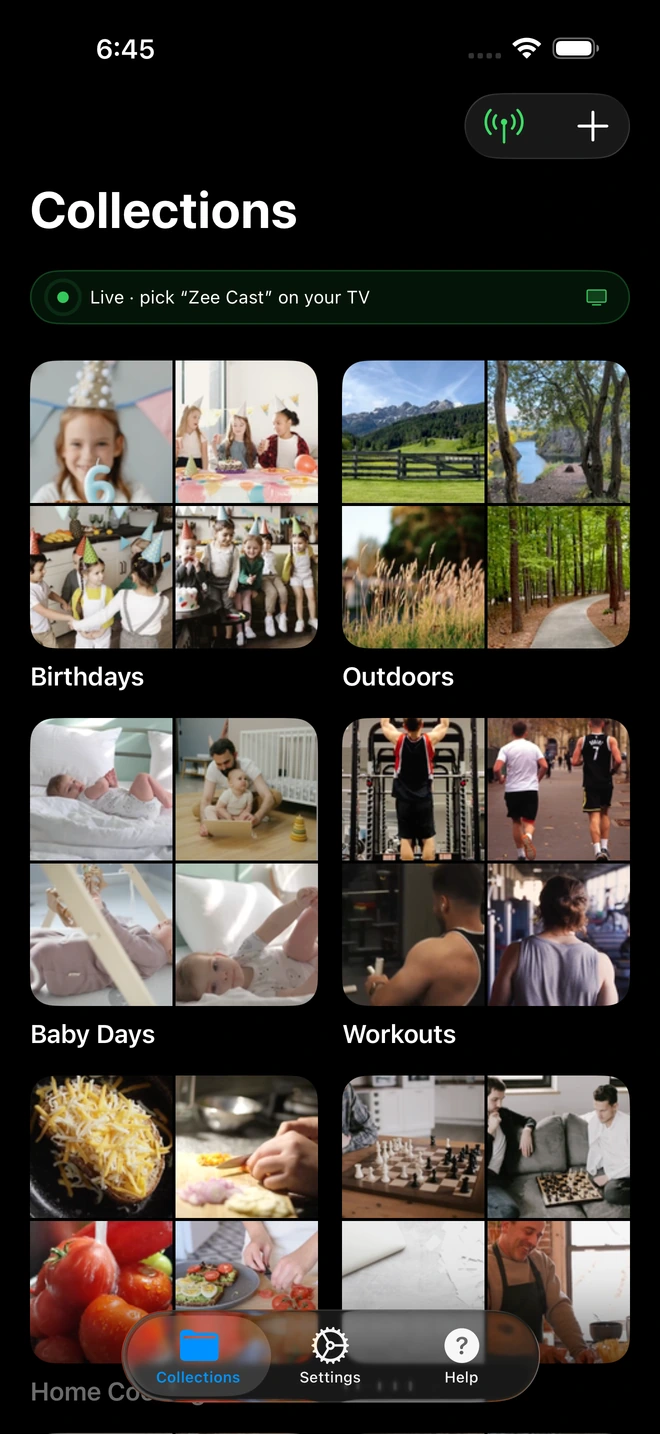
- The Zee Cast Solution: Zee Cast operates on a Curated Collections paradigm. Nothing is published to your local network until you explicitly group photos, videos, or music into a collection. Your camera roll remains completely invisible and inaccessible.
Active Device Approval: The Living Room Firewall
On a shared Wi-Fi network (such as an apartment building, university dorm, or office), standard DLNA servers advertise their presence to every connected device.
Zee Cast Pro incorporates a unique Device Approval Firewall:
- When an unfamiliar Smart TV or media player on your Wi-Fi attempts to connect, the HTTP handler thread pauses.
- A prompt appears instantly on your phone displaying the client's IP address.
- Only after you tap Allow does the device receive directory listings or video bytes.
- Denied devices receive an instant 403 Forbidden response.
Verdict
While BubbleUPnP remains a venerable technical tool for Android hobbyists managing complex multi-room audio networks, Zee Cast is the superior, modern solution for users who value cross-platform iOS and Android availability, elegant visual simplicity, and robust personal privacy protection.
Frequently Asked Questions
Is BubbleUPnP available on iPhone or iPad (iOS)?
No. BubbleUPnP is an Android-exclusive application that has never been released on iOS. Due to Apple's sandbox restrictions and differences in background multitasking, the developer has maintained it strictly for Android devices. Zee Cast was engineered specifically to solve this, providing identical, high-performance UPnP/DLNA media server capabilities across both iOS and Android.
What is the primary difference between BubbleUPnP and Zee Cast?
BubbleUPnP is an advanced network control point designed for power users with complex multi-room audio rigs, cloud relays, and raw filesystem indexing. Zee Cast is a modern, privacy-first media server focused on simplicity, elegant design, curated collection sharing (so only the media you choose is published to your network), and cross-platform iOS and Android parity.
Why is exposing raw phone folders on BubbleUPnP a privacy risk?
When BubbleUPnP acts as a media server, it typically indexes your entire device storage or broad internal directories. Anyone with a Smart TV or DLNA app on your Wi-Fi network can browse your entire camera roll, downloaded WhatsApp videos, and private screenshots. Zee Cast uses a curated collection model: only the exact photos, videos, and music you explicitly add to a collection are visible to your television.
What is Zee Cast's Device Approval security feature?
Zee Cast Pro includes a built-in security firewall called Device Approval. When a Smart TV or unauthorized client on your Wi-Fi network attempts to connect to your phone's media server, playback blocks until you review the device's IP address on your phone and tap Allow or Deny. BubbleUPnP lacks per-device IP whitelisting.
Does Zee Cast support 4K 60fps HDR and Dolby Vision playback?
Yes! Zee Cast streams original files via HTTP byte-range requests directly to your Smart TV's hardware video decoder. High-bitrate 4K 60fps HEVC videos, Dolby Vision Profile 8.4 camera recordings, and 24-bit 192kHz lossless FLAC audio streams play with zero re-encoding lag.
Can I use Zee Cast without an internet connection or on mobile hotspot?
Yes. Zee Cast operates 100% locally across your Wi-Fi router or personal mobile hotspot. It requires zero cloud connectivity, zero external user accounts, and consumes no cellular data for local streaming.
How do the user interfaces compare?
BubbleUPnP uses a technical, menu-dense interface designed in the early Android Holo era with deep technical submenus. Zee Cast features a modern, fluid user interface adhering to Apple Liquid Glass and Android Material 3 Expressive design standards, making it effortless for anyone in the family to use.
How much does Zee Cast cost?
Zee Cast offers a generous free tier with zero advertisements, zero promotional popups, and no telemetry tracking. An optional one-time $3.99 Zee Cast Pro purchase unlocks unlimited items, unlimited collections, and custom server port/name settings forever.


