
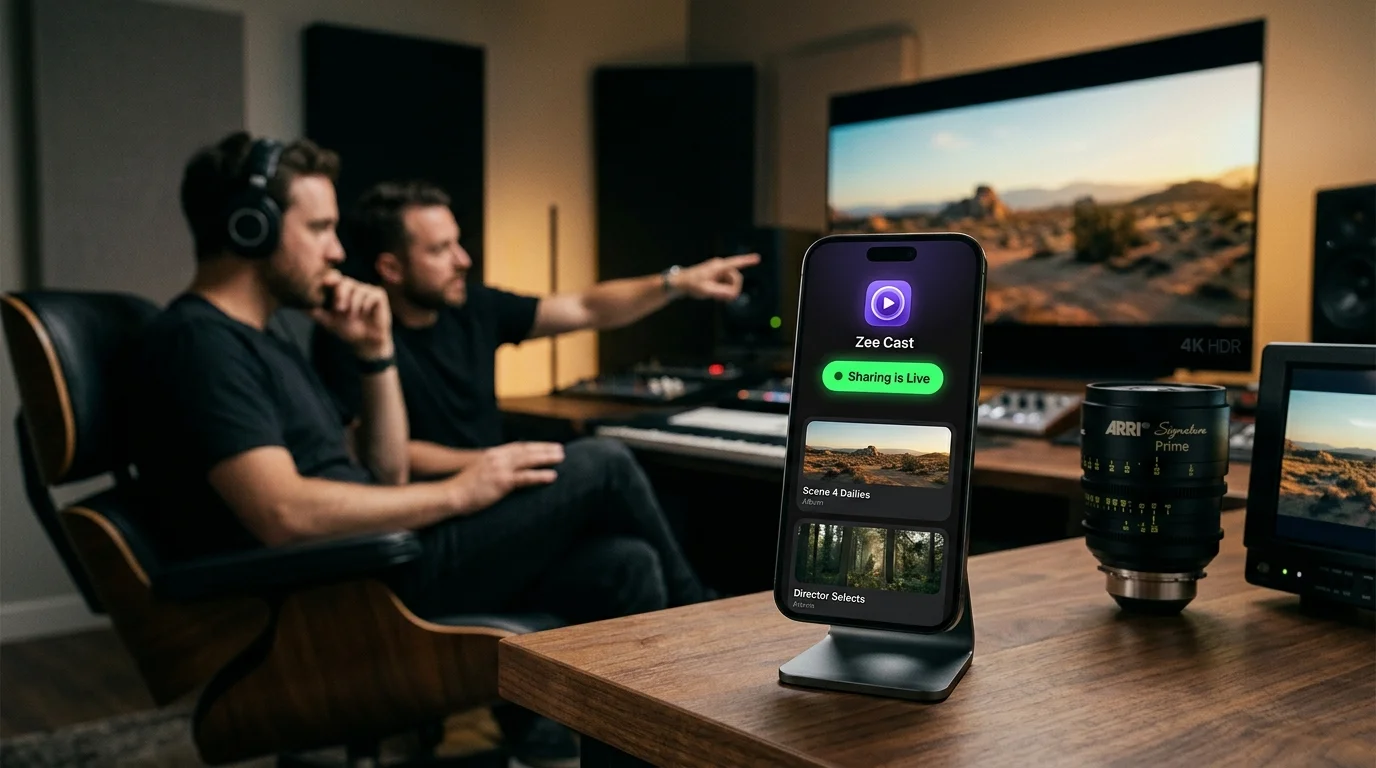
 ⚡ At a Glance: On-Set Video Village Media Server Specs ⚡ At a Glance: On-Set Video Village Media Server Specs | |
|---|---|
| Target Platform & OS | Video Village OLED Reference TVs (LG C2/C3/C4 webOS, Sony BRAVIA OLED XR) |
| Protocol & Port | DLNA 1.5 MediaServer, Port 8080 (HTTP Byte-Range RFC 7233) |
| Connection Type | DIT Cart 5 GHz Wi-Fi or Mobile Personal Hotspot (0 MB Cellular Data) |
| Transcoding | None (Direct Play 10-bit HEVC / High-Bitrate MP4/MOV Bitstream) |
| Typical Setup Time | ~45 seconds (Pre-configured per-IP whitelist for video village monitor) |
The Video Village Dilemma: Reference Monitoring vs. Mirroring Compression
On high-end commercial sets, fashion shoots, and narrative film productions, video village is the command center where agency creative directors, brand clients, and executive producers review takes. Commercial sets commonly deploy 55-inch or 65-inch calibrated OLED televisions (most notably LG C-Series and Sony BRAVIA master series displays) to give clients an immersive, cinematic preview of what the ARRI Alexa, RED, or Sony VENICE camera is capturing.
When shooting wrapped takes or presenting color-graded dailies between camera setups, directors and Digital Imaging Technicians (DITs) need to beam playback takes to the client OLED screen quickly.
However, using standard consumer wireless casting - specifically Apple AirPlay Screen Mirroring - introduces severe optical degradation that undermines the work of the cinematographer and colorist.
The AirPlay Color-Banding & Gamma Hazard
AirPlay screen mirroring was never engineered for digital cinema monitoring. When you mirror an iPad or iPhone display to a smart TV:
- Lossy 8-Bit Chroma Subsampling: AirPlay live-compresses the display framebuffer into an 8-bit 4:2:0 H.264 stream at roughly 10–15 Mbps. Delicate 10-bit logarithmic shadows and subtle skin tone gradations show severe macroblocking and banding.
- Unpredictable Gamma Shifts: Because AirPlay applies display-profile color management across wireless handshakes, calibrated Rec.709 and DCI-P3 gamma curves shift, causing crushed shadows or washed-out midtones that alarm agency clients.
- Frame Cadence Jitter: Standard 23.976 fps or 24.000 fps cinema cadence is forced into a 30fps or 60fps display buffer, creating subtle telecine micro-stutter that ruins cinematic motion cadence.
- Private Notification Exposure: A private text from production accounting, an urgent email from an executive, or a Slack ping pops up across the client monitor in giant type.
The Solution: Bit-Perfect DLNA Direct Play with Zee Cast
Cinematographers and DITs preserve absolute image integrity by switching from display screen mirroring to Zee Cast's local UPnP/DLNA direct play architecture.
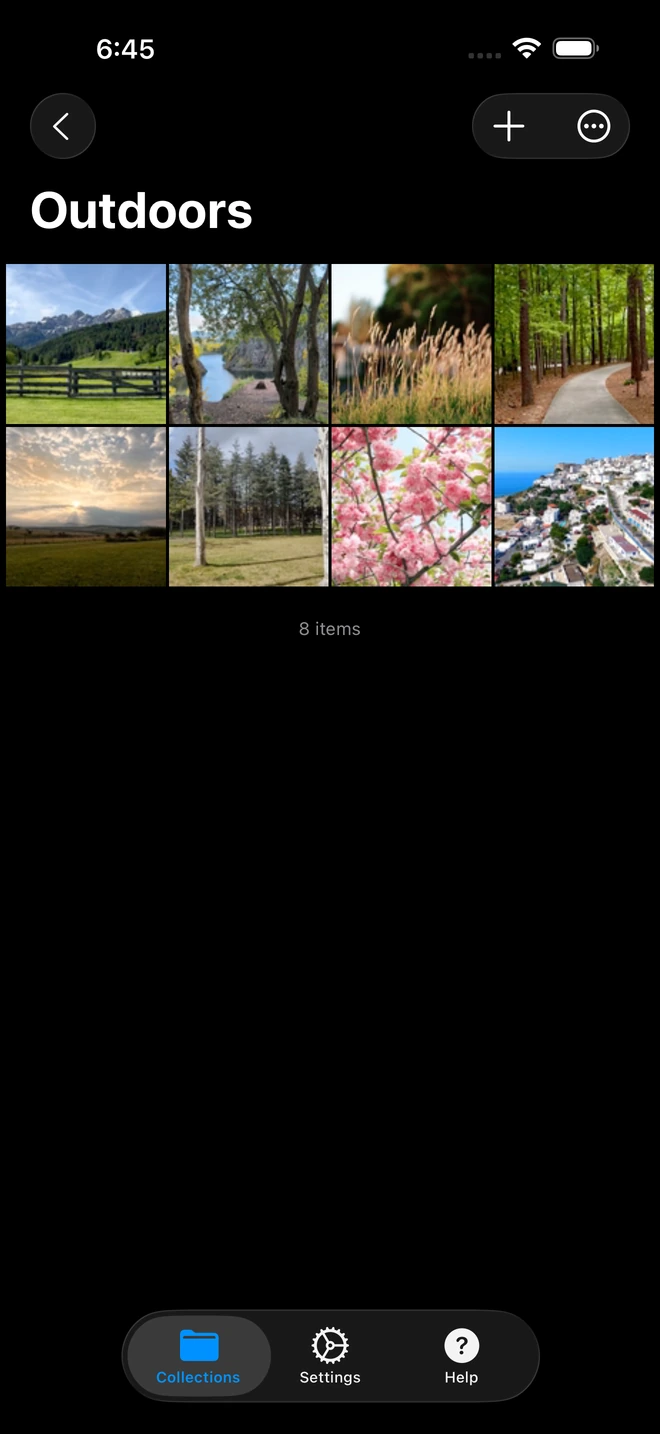
- 1High-bitrate 4K files stream without transcode compression.
When an on-set OLED television plays dailies via Zee Cast:
- Bit-for-Bit Bitstream Delivery: Zee Cast serves the raw, uncompressed video file directly from the iPad or iPhone's internal NVMe flash memory over local HTTP/1.1 byte-range requests. The video file is transferred bit-for-bit without on-the-fly transcoding or compression.
- Native Hardware OLED Decoding: The television's internal processor (such as LG's α9 AI Processor Gen6 or Sony's Cognitive Processor XR) decodes the file natively, rendering pristine 10-bit color, true deep blacks, and zero chroma subsampling artifacts.
- Independent Device Multitasking: The director and DIT maintain complete device freedom. While clients watch the take on the 65" OLED, the director references script supervisor notes, inspects frame grabs, or answers calls on their iPad without interrupting the big screen.
- Complete Network Quarantine: The entire process runs 100% offline over the DIT cart's local Wi-Fi router or mobile Personal Hotspot. Zero bytes touch the public cloud, ensuring strict compliance with studio non-disclosure agreements (NDAs).
Technical Breakdown: On-Set Wireless Video Protocols
| Parameter | AirPlay Screen Mirroring | Wireless HDMI Transmitter (Teradek Bolt) | Zee Cast (DLNA Direct Play) |
|---|---|---|---|
| Color Bit Depth | ❌ Forced 8-bit (Visible banding) | 10-bit (Expensive hardware) | Native 10-bit (Master quality) |
| Bitrate & Compression | ❌ 10–15 Mbps (Lossy H.264) | Uncompressed RF | Master Bitrate (50–150+ Mbps direct) |
| Hardware Cost | $0 (Built-in) | ❌ $3,000–$10,000+ per unit | $0 (Uses TV built-in hardware) |
| Client Remote Control | ❌ None (Phone operator only) | ❌ Live feed only (No playback) | ✅ TV remote scrub, pause, rewind |
| Director Handset Usability | ❌ Screen frozen mirroring | N/A (Hardware transmitter) | ✅ Full multitasking (Notes, Shot lists) |
| Notification Privacy | ❌ Alerts flash on client screen | N/A | ✅ 100% private handset screen |
The On-Set DIT Workflow: From Camera Card to Video Village
Here is the industry-standard workflow for delivering bit-perfect playback to agency clients during production:
Phase 1: Ingest & Export Graded Proxies
When a camera card wraps, the DIT ingests the raw footage (ARRI RAW, REDCODE, or X-OCN) into DaVinci Resolve or Silverstack. Apply the approved show LUT and export high-bitrate 10-bit Rec.709 HEVC or ProRes review files directly to an iPad Pro via Thunderbolt cable.
Phase 2: Build the Review Collection in Zee Cast
Open Zee Cast on the iPad Pro. Tap + Create Collection and title it "Scene 4B - Take 1 to 4". Add only the circled takes intended for client presentation. All unapproved takes, B-roll tests, and personal media remain quarantined behind Zee Cast's curated collection wall.
Phase 3: Turn On Sharing with Device Approval
Enable Device Approval in Zee Cast Settings. Tap Turn on sharing. On the video village LG or Sony OLED monitor, select Zee Cast from the input menu. Tap Allow on the iPad screen to whitelist the monitor's IP address.
Phase 4: Client Screening & Approval
Hand the TV remote to the agency creative director or executive producer.
- Frame-Accurate Scrutiny: Clients can pause, rewind, and advance frames to evaluate actor expressions, brand product placement, and lighting continuity.
- Calibrated Color Truth: The OLED monitor showcases the DP's lighting setup exactly as intended, with deep blacks, sparkling highlights, and pristine color separation.
- Discreet Multitasking: While clients debate performance nuances, the director consults the call sheet, script changes, and setup timings on their iPad in absolute privacy.
Summary: Cinematic Fidelity Without Compromise
High-end filmmaking demands precision at every stage of the pipeline. By replacing lossy screen mirroring with Zee Cast's bit-perfect UPnP direct play architecture, commercial filmmakers and DITs protect the visual integrity of their imagery, maintain airtight client confidentiality, and ensure that video village sees the cinematic vision at its absolute best.
Frequently Asked Questions
Why does AirPlay screen mirroring ruin color grading reviews on calibrated on-set OLEDs?
Standard AirPlay screen mirroring is designed for desktop convenience, not cinematic reference monitoring. When you mirror an iPad or iPhone display, iOS dynamically compresses the screen framebuffer into a lossy 8-bit 4:2:0 H.264 stream at just 10–15 Mbps. This process introduces severe chroma subsampling, clips delicate shadow details near black, causes visible color banding across subtle skin gradients, and shifts the gamma curve - destroying the calibration of high-end LG or Sony OLED displays.
How does Zee Cast deliver true uncompressed direct play to on-set OLED monitors?
Zee Cast functions as an open-standard UPnP/DLNA Digital Media Server. Instead of capturing your screen's UI and re-compressing it, Zee Cast serves the original, bit-for-bit video file (e.g., a 100+ Mbps 10-bit HEVC or high-bitrate MP4/MOV) directly to the television over local HTTP Byte-Range requests (RFC 7233). The TV's dedicated internal video engine decodes the master file natively, preserving master color accuracy, dynamic range, and cinema cadence.
Can directors and DITs review take notes on their iPad while clients watch the TV?
Yes! Because Zee Cast runs as a background media server and not a display mirror, your mobile device's screen remains completely independent. The agency client and executive producers can watch the 65" OLED TV uninterrupted while the director or DIT checks script notes, reviews the shot list in ShotLogic, or answers emails on their handheld device.
What happens if a text message or phone call arrives during a high-stakes client screening?
Zero notifications appear on the TV. With screen mirroring, an incoming text, Slack message from the production office, or phone call covers the TV screen in front of clients. With Zee Cast, notifications, calls, and lock-screen alerts stay strictly on your phone handset and never flash on the video village monitor.
Does on-set DLNA streaming require an internet connection or cellular signal?
Zero internet or cellular connectivity is required. Zee Cast operates entirely within your local local area network (LAN). Whether connected to a DIT cart's local router or streaming over a mobile Personal Hotspot on a remote soundstage or desert location, all media packets travel directly between devices with 0 MB of internet data consumed.
Can agency clients scrub through footage and freeze-frame using the TV remote?
Yes. Because Zee Cast supports standard HTTP byte-range seeking, using the TV remote control allows instant scrubbing, jumping backwards/forwards in 10-second increments, and freeze-framing on critical motion moments with zero buffering lag.
Which OLED TV brands support Zee Cast direct play without third-party apps?
Virtually all industry-standard production OLED monitors natively support DLNA media playback out of the box, including LG OLEDs (webOS), Sony BRAVIA OLEDs (Google TV), Panasonic OLEDs, and Samsung QD-OLEDs (Tizen). No third-party apps or software installations are required on the TV.
Can I stream Apple ProRes 422 files directly from an iPad Pro?
Yes, provided the smart TV's hardware decoder or installed media player (e.g., VLC on Sony Google TV) supports the ProRes codec container. For consumer smart TVs (like LG webOS) that require H.264 or HEVC containers, DITs typically export 10-bit Rec.709/DCI-P3 H.265 review proxies, which Zee Cast direct-plays with pristine visual fidelity.
How does Zee Cast protect embargoed client footage and unreleased product commercials?
Zee Cast Pro includes a built-in Per-IP Device Approval firewall. When sharing is turned on, unauthorized devices cannot browse your media catalog. The DIT explicitly whitelists the video village OLED TV's IP address. Furthermore, curated collections ensure that only approved review takes for that specific setup are indexed, quarantining all other commercial client reels on the drive.


