
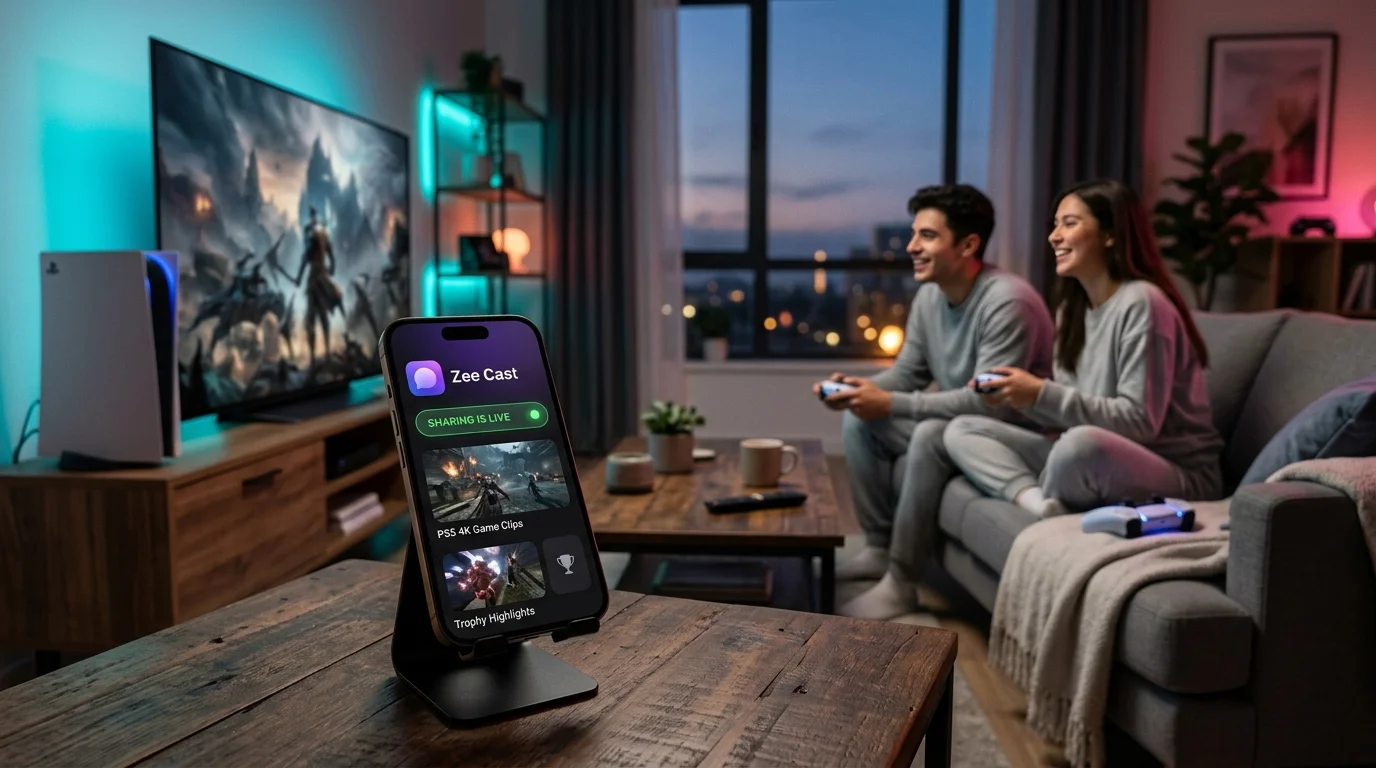
 ⚡ At a Glance: PlayStation 5 Media Setup Specs ⚡ At a Glance: PlayStation 5 Media Setup Specs | |
|---|---|
| Target Platform & OS | PlayStation 5 (Standard, Digital Edition, Slim, Pro) |
| Protocol & Port | UPnP / DLNA 1.5, HTTP Port 8080 (Byte-Range Requests) |
| Connection Type | Wi-Fi 6 (802.11ax), 5 GHz Wi-Fi, or Gigabit Ethernet |
| Transcoding | Direct Play (Original 4K 60fps MP4, MKV, AAC, MP3, FLAC) |
| Typical Setup Time | ~2 minutes (Zero PC/NAS servers or USB drives needed) |
Key takeaways
- PS5 replaced the PS4 Media Player with Media Gallery, restricting direct file browsing strictly to USB drives.
- With Zee Cast, you can stream 4K videos, photos, and music wirelessly from iPhone or Android across your local Wi-Fi without thumb drives.
- Direct TV Play to your gaming screen's native DLNA engine preserves 4K 60fps HDR quality without using PS5 console compute.
- 100% offline, private, and local: zero cloud uploads, zero account logins, and no PlayStation Plus subscription required.
The PS5 Media Dilemma: Why USB Drives Are Outdated
When Sony launched the PlayStation 5, gamers quickly praised its ultra-fast NVMe SSD and 120Hz gaming performance. However, home theater enthusiasts discovered a frustrating omission: Sony removed the dedicated DLNA 'Media Player' application that had been a staple of the PlayStation 3 and PlayStation 4.
Instead, the PS5 includes Media Gallery, an application engineered primarily to view gameplay recordings and screenshots. Official Sony support documentation specifies that personal media playback on PS5 is restricted to physical USB drives formatted in FAT32 or exFAT, organized into strict root-level folders.
Copying videos from your phone to a computer, formatting a USB drive, transferring gigabytes of footage, and plugging it into the front USB port of your PS5 is slow, tedious, and unnecessary. By using Zee Cast, you turn your smartphone into a high-speed local UPnP media server that broadcasts directly to your entertainment setup over Wi-Fi.
How to Stream Phone Media to Your PS5 Setup (Step-by-Step)
Follow these four simple steps to get high-bitrate streaming working across your living room or gaming station:
- 1
Connect Phone and Console to the Same Wi-Fi
Ensure your iPhone or Android device and your PlayStation 5 are connected to the same home network router. For smooth 4K 60fps video delivery, connect both devices to the 5 GHz Wi-Fi band or plug your PS5 directly into your router using an Ethernet cable.
- 2
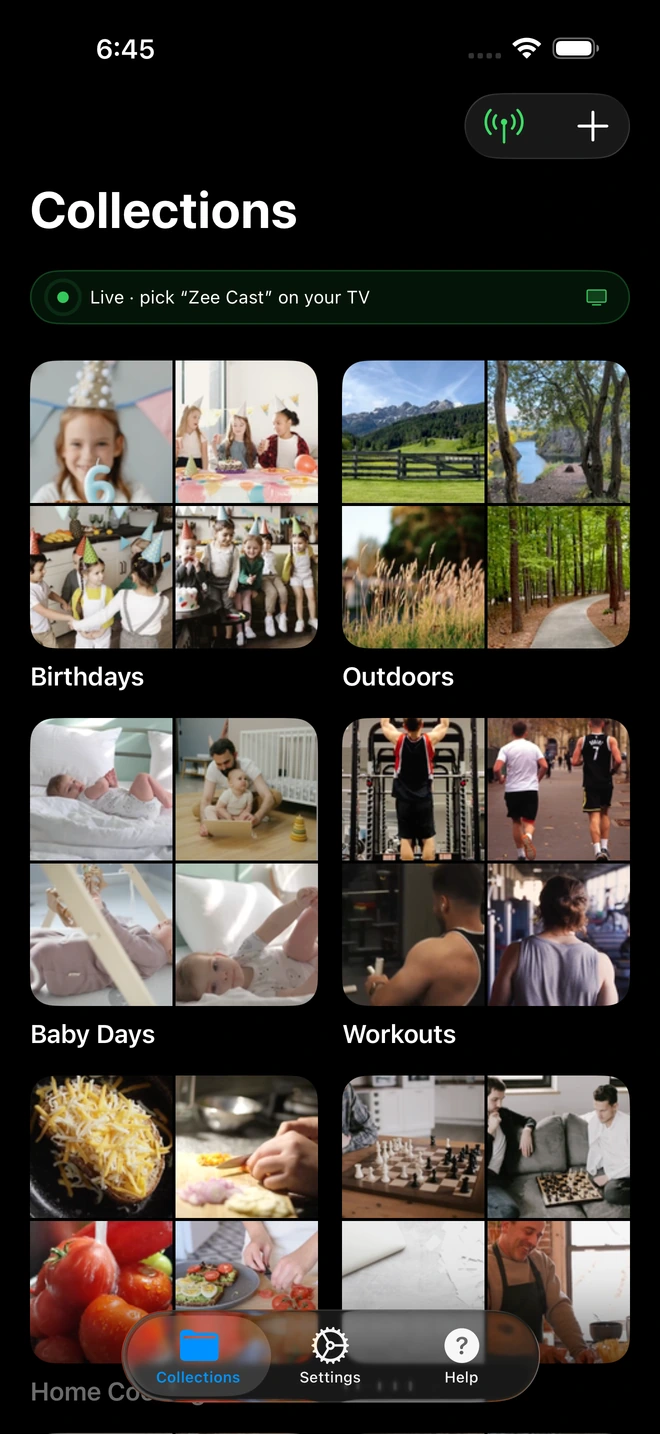
Open Zee Cast and Create Your Collection
Launch Zee Cast on your phone. Group the photos, 4K video clips, or lossless music albums you want to stream into a curated collection. Unlike older media servers that expose your entire phone storage, Zee Cast lets you share only the exact files you choose.
- 3
Turn On Sharing
Tap Turn on sharing. Zee Cast instantly launches an HTTP server on port 8080 and broadcasts its UPnP service description to your local network. Your server name appears as Zee Cast.
- 4
Browse and Direct Play on Your Big Screen
Select Zee Cast on your display's media inputs or local media browser. Your high-resolution media will play immediately in original bit-for-bit quality with smooth hardware decoding.
The Smart TV Direct Play Advantage for Gamers
If your PlayStation 5 is connected to a modern Smart TV (Samsung Tizen, LG webOS, Sony Google TV, Hisense VIDAA, or TCL), streaming directly to the TV’s internal DLNA player offers dramatic advantages over console-based playback:
- Zero Input Lag & Hardware Overhead: The TV decodes the video stream on its own picture processor, leaving the PS5's AMD Zen 2 CPU and RDNA 2 GPU completely cool and unencumbered for gaming.
- Full Native HDR & Dolby Vision: Built-in TV players natively support dynamic tone mapping and Dolby Vision Profile 8.4 from iPhones, avoiding color space clipping.
- Multitasking Freedom: You can pause a multiplayer lobby on your PS5, switch inputs to check vacation photos from your phone, and switch back without closing your game.
Background Music While Gaming on PS5
One of the greatest features of PlayStation gaming is listening to your own music while grinding in RPGs, racing in Gran Turismo, or playing casual sports titles. Zee Cast serves lossless 16-bit and 24-bit FLAC audio as well as high-bitrate MP3s over local HTTP. By connecting your soundbar or AVR to Zee Cast, your audio streams independently with zero game audio ducking.
PlayStation 5 vs PlayStation 4 Media Capabilities
| Feature | PlayStation 5 | PlayStation 4 / PS4 Pro |
|---|---|---|
| Built-in DLNA Client | ❌ Media Gallery (USB only) | ✅ Native Media Player App |
| Max Video Resolution | 3840×2160 (4K 60fps) | 1920×1080 (PS4) / 4K (PS4 Pro) |
| Supported Video Codecs | H.264 (AVC Level 5.2), VP9 | H.264 (AVC Level 4.2), MPEG-2 |
| Supported Audio Codecs | AAC-LC, MP3, FLAC | AAC-LC, AC-3 (Dolby Digital), MP3, FLAC |
| Zee Cast Compatibility | ✅ Direct Play via Display / Network | ✅ Direct Play via PS4 Media Player |
Frequently Asked Questions
Does PlayStation 5 have a built-in DLNA media player like PS4?
No. Unlike the PlayStation 4 which featured a dedicated 'Media Player' app with full UPnP/DLNA network server browsing, Sony replaced it on PS5 with 'Media Gallery'. The PS5 Media Gallery natively only reads files from USB drives formatted in exFAT or FAT32. However, you can seamlessly stream from phone to your display setup using Zee Cast without touching USB thumb drives.
How can I play videos from my phone on my PS5 display without a USB stick?
The cleanest method is Direct TV Play: because your PS5 is connected to your Smart TV or gaming monitor via HDMI, turning on Zee Cast on your phone allows your TV's built-in DLNA client (Samsung, LG, Sony, TCL, Hisense) to pull 4K videos directly across your home router. You get full 60fps playback, HDR10/Dolby Vision color, and zero HDMI input lag.
Can I stream background music to PS5 from my phone while gaming?
Yes. When streaming high-bitrate MP3 or FLAC audio from Zee Cast to a compatible UPnP receiver or local media bridge on your console network, audio streams in the background while you play multiplayer games without interrupting your match.
Why doesn't VLC Media Player exist on PlayStation 5?
VideoLAN has confirmed that Sony does not permit general open-source multimedia engine distribution on the PS5 PlayStation Store due to sandbox restrictions. Zee Cast solves this by operating as a standalone mobile UPnP server, removing the need for third-party media player apps on the console itself.
What video formats does PS5 support for 4K playback?
According to official Sony documentation, the PS5 hardware decodes MP4 (H.264 High Profile Level 5.2, AAC audio), MKV (H.264 High Profile Level 4.2, AAC audio), and WebM (VP9, Opus audio) up to 3840×2160 resolution. Zee Cast serves original video files bit-for-bit without mobile transcoding.
Do I need a PlayStation Plus subscription to stream media?
No. Streaming local media from your phone occurs entirely within your local area network (LAN). No PlayStation Plus membership, PlayStation Network sign-in, or internet bandwidth is required.
How does Zee Cast differ from using Plex on PS5?
Plex requires a dedicated PC, Mac, or NAS server running continuously in your home, consumes heavy computer CPU transcoding, and requires account creation. Zee Cast runs entirely on your phone: open the app, pick your camera roll photos and videos, and start streaming immediately.
Can I lock my phone screen while media is playing?
Yes. Zee Cast operates as a lightweight local background service on iOS and Android. Once playback begins, you can lock your phone screen, answer phone calls, or browse social media without interrupting the stream.


