
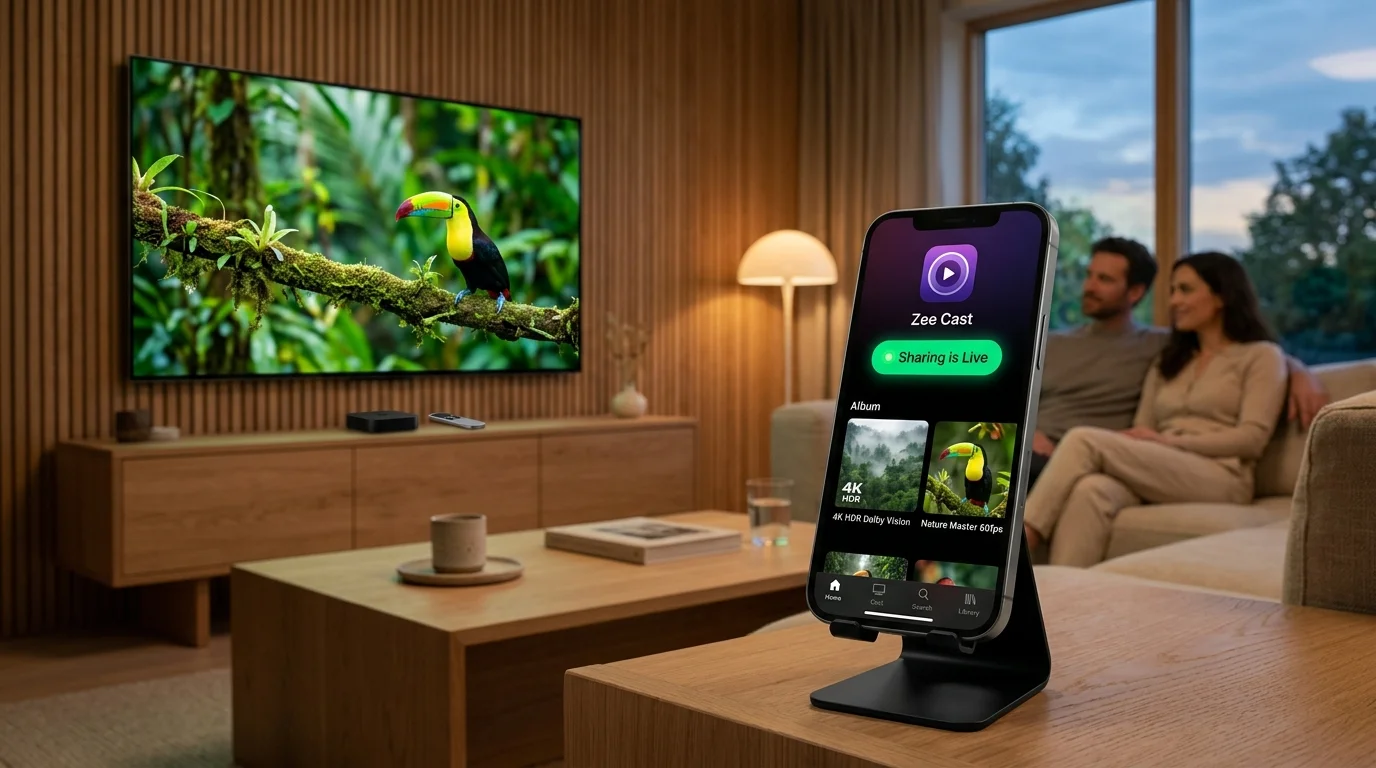
 ⚡ At a Glance: Apple Vision Pro Specs | |
|---|---|
| Target Platform & OS | Apple Vision Pro (visionOS 2+ via Infuse UPnP/DLNA or Safari Watch in a Browser) |
| Protocol & Port | UPnP / DLNA MediaServer (Infuse) & Local HTTP Viewer (Safari), Port 8080 |
| Connection Type | Local Wi-Fi (5 GHz / Wi-Fi 6) or Phone Hotspot (0 MB Internet) |
| Transcoding | None (Original HEIC, HEVC, MOV, MP4 Direct Play) |
| Typical Setup Time | ~1 minute (Infuse Available Shares or Safari URL) |
Key takeaways
- Bridge Android to Apple Vision Pro effortlessly: no iCloud Photo Library, AirDrop, or cables needed.
- Use Firecore Infuse on visionOS for 4K HDR, Dolby Vision, and MKV playback over UPnP/DLNA.
- Use built-in Safari with Zee Cast Watch in a Browser (v2.19.0+) for zero-install photo slideshows and direct file downloads.
Two Seamless Ways to Stream from Phone to Apple Vision Pro
Whether you carry an Android flagship with no iCloud access or an iPhone whose camera roll isn't synced over cellular travel Wi-Fi, Zee Cast gives Apple Vision Pro two private, cloud-free ways to play your local files on a cinema-sized canvas:
| Method on visionOS | Best For | Why It Shines on Vision Pro |
|---|---|---|
| Infuse on Vision Pro (DLNA / UPnP) | 4K HDR movies, MKV files, Dolby Atmos, Spatial MOV | Native visionOS theater UI under Available Shares—zero codec limits and smooth seeking. |
Safari Web Browser (v2.19.0+) | Instant zero-install photo slideshows, Safari-compatible MP4/MOV & Downloads | Nothing to install on Vision Pro—just open http://<phone-ip>:8080 in a spatial Safari window. |
Option 1: Stream 4K Movies & Collections in Infuse (UPnP / DLNA)
- 1
Turn On Sharing in Zee Cast
Open Zee Cast on your iPhone or Android phone, pick a collection, and toggle Turn on sharing.
- 2
Add Zee Cast in Infuse
Open Infuse on Apple Vision Pro, navigate to Settings → Add Files → Available Shares, and choose Zee Cast (auto-discovered over SSDP). Browse and play in full spatial cinema scale.
Option 2: Zero-Install Viewing in visionOS Safari
Don't want to install another headset app? Tap Watch in a Browser in Zee Cast to reveal your local IP URL (such as http://192.168.1.42:8080). Open Safari on Apple Vision Pro, type that address once (bookmark it for later), and scale the floating gallery window anywhere in your room. Need stereoscopic 3D workflow details? See our Spatial Video streaming guide.
Frequently Asked Questions
Can I stream photos and videos from an Android phone to Apple Vision Pro?
Yes! Android phones cannot use AirDrop or iCloud Photo Library with Apple Vision Pro. With Zee Cast on Android plus Infuse (over UPnP/DLNA) or Safari (Watch in a Browser) on visionOS, you can browse your Android photos and play 4K videos on a giant virtual Vision Pro screen over local Wi-Fi with zero cloud uploads.
Does VLC have a native visionOS app on Apple Vision Pro?
A full native spatial visionOS version of VLC has seen limited rollout, so most Vision Pro users rely on Firecore Infuse (natively optimized for visionOS with full UPnP/DLNA support) or open Zee Cast's Watch in a Browser player inside visionOS Safari.
Does Watch in a Browser work in Apple Vision Pro Safari?
Yes. Safari on visionOS 2+ renders HTML5 video, audio, and photo galleries cleanly inside resizable spatial windows. Open http://
What if I want to watch 3D Spatial Videos captured on iPhone?
Use Infuse over UPnP/DLNA or check our dedicated Spatial Video streaming guide to serve original Spatial MOV containers without cloud re-compression.


