
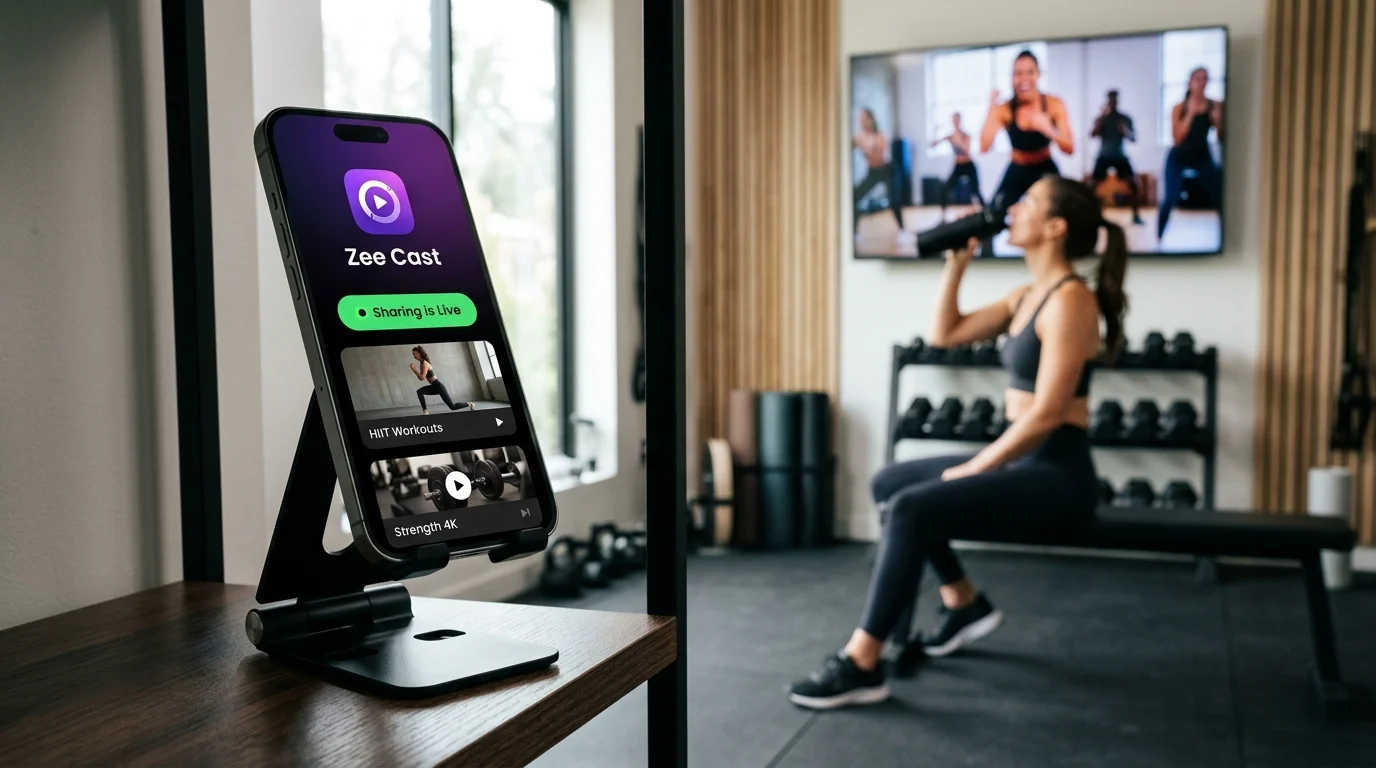
 ⚡ At a Glance: Studio Video Analysis Server Specs ⚡ At a Glance: Studio Video Analysis Server Specs | |
|---|---|
| Target Platform & OS | Studio Smart TVs & Displays (Samsung Tizen, LG webOS, Sony BRAVIA Google TV, Fire TV) |
| Protocol & Port | DLNA 1.5 MediaServer, Port 8080 (HTTP Byte-Range RFC 7233) |
| Connection Type | Studio 5 GHz Wi-Fi or Phone Personal Hotspot (0 MB Internet Data) |
| Transcoding | None (Direct Play 1080p/4K 60fps Uncompressed Bitstream to TV) |
| Typical Setup Time | ~60 seconds (Instant local playback directly after filming take) |
The Rehearsal Breakdown: Why Screen Mirroring Fails Movement Arts
Whether perfecting an intricate 32-count contemporary dance formation, drilling a synchronized hip-hop routine, or dissecting a spinning hook kick in competitive Taekwondo, instant visual feedback is the most powerful teaching tool in modern movement instruction.
Coaches routinely film a rehearsal run-through on their smartphone, then gather twenty dancers or martial artists around a 65-inch wall-mounted studio television to review synchronization, spacing, and technique. But the moment instructors attempt to cast via standard Screen Mirroring (Apple AirPlay Mirroring, Google Cast screen share, or Miracast), the rehearsal flow grinds to a halt:
The Screen Mirroring Stutter & Privacy Hazard
Screen mirroring live-encodes your smartphone display over Wi-Fi. High-velocity movements - such as rapid pirouettes, acrobatic flips, and synchronized arm strikes - create massive frame-to-frame delta changes. The screen mirroring encoder chokes, dropping frame rates from a fluid 60fps down to a choppy, stuttering 24–30fps with heavy motion blur and pixelation.
Even worse, while twenty young students and their parents are staring at the wall monitor, a private WhatsApp text from the director, a personal bank notification, or an incoming phone call pops up in giant text across the television screen.
The Solution: Bit-Perfect 60fps Direct Play with Zee Cast
Movement instruction requires surgical visual clarity. Zee Cast solves every pain point of studio choreography review by shifting from display screen mirroring to an independent, local UPnP/DLNA Media Server architecture.
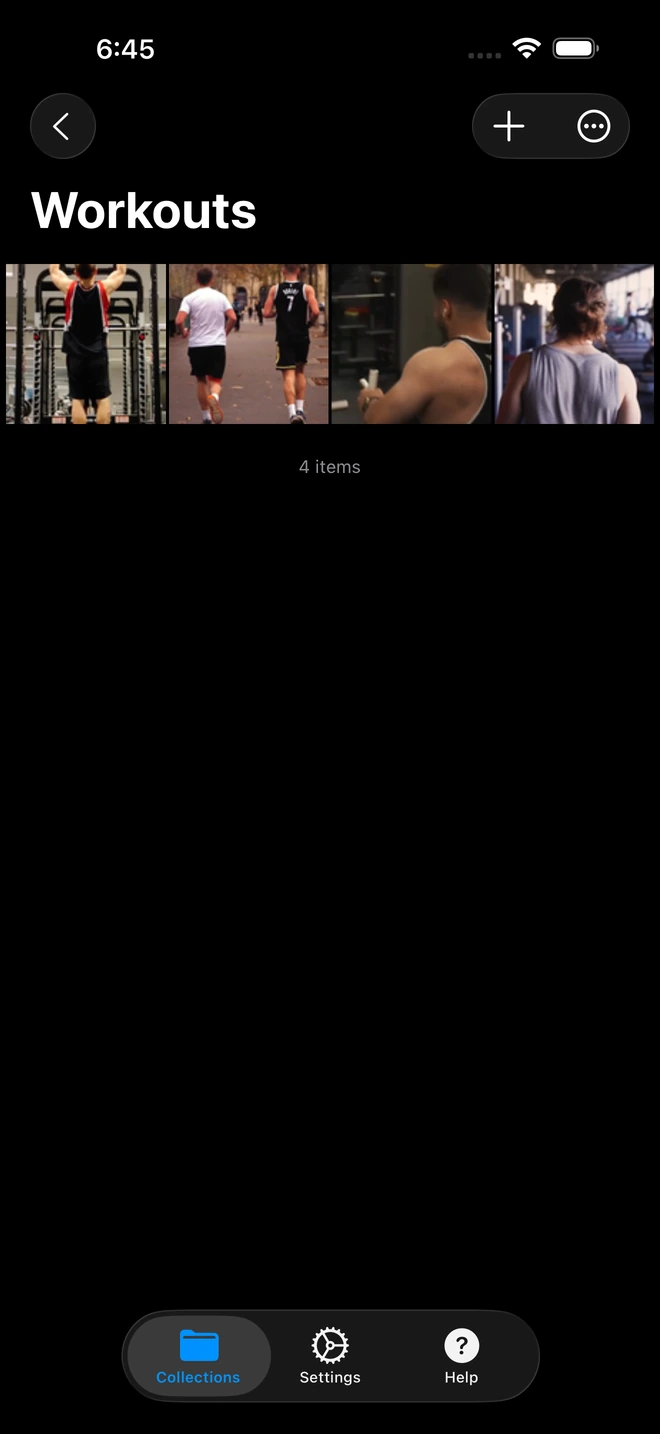
- 1Workout loops stream directly to TV without interrupting background audio.
Instead of mirroring whatever is on your phone screen, Zee Cast turns your iPhone or Android device into a lightning-fast local streaming server. When you select a rehearsal video on the studio TV:
- Native 60fps Fluidity: The smart TV's internal video processor pulls the uncompressed MP4 or MOV file directly over local 5 GHz Wi-Fi and renders it at full 60 or 120 frames per second. Dancers can see exact fingertip positions, ankle extension, and millisecond sync differences without motion stutter.
- 100% Shielded Notification Privacy: Your phone handset remains completely private. Incoming phone calls, text messages, social media alerts, and coaching reminders stay exclusively on your handheld screen and never appear on the studio television.
- Curated Rehearsal Collections: You choose exactly which takes are visible to the TV. Your personal camera roll - family snapshots, private vacations, receipts - remains securely quarantined behind Zee Cast's collection barrier.
- Full TV Remote Control: Step back from the screen and control review sessions using the television remote. Pause on an apex jump, rewind 10 seconds to re-examine a formation transition, or scrub through the timeline with zero lag.
Technical Breakdown: Screen Mirroring vs. Zee Cast Direct Play
| Metric / Capability | Screen Mirroring (AirPlay / Miracast) | HDMI Cable to TV | Zee Cast (DLNA Direct Play) |
|---|---|---|---|
| Motion Fluidity & Framerate | Choppy (compresses to ~24–30fps, macroblocking) | Native 60fps (wired) | Native 60fps / 4K (Lossless bitstream) |
| Notification Privacy | ❌ Texts, calls, and app alerts flash on TV | ❌ All phone screen activity mirrored | ✅ 100% private (zero notifications on TV) |
| Coach Handset Usability | ❌ Phone is frozen mirroring screen | ❌ Phone is tethered to a 10ft cord | ✅ Full multitasking (notes, music, schedules) |
| TV Remote Scrubbing & Pause | ❌ Must tap tiny scrub bar on phone | ❌ Must hold phone while scrubbing | ✅ TV remote pause, rewind, slow-motion |
| Physical Safety on Studio Floor | Wireless (but laggy) | ❌ Tripping hazard for dancers | ✅ Completely wireless and zero trip hazard |
| Data & Cloud Dependencies | Requires network handshakes | None | 0 MB (Strictly local subnet / hotspot) |
The Studio Rehearsal Routine: Step-by-Step Workflow
Integrate seamless 4K video review into your daily dance or martial arts curriculum with this rapid three-phase workflow:
Phase 1: Record the Run-Through
Position yourself at the front mirror or on the judges' table. Record the team running the routine at 1080p 60fps or 4K 60fps. Avoid low-power camera modes to ensure full shutter speeds, capturing crisp motion without blur on fast arm transitions or spins.
Phase 2: Build the Review Collection in 5 Seconds
Open Zee Cast. Tap + Create Collection and title it "Run 3 - Act I Finale". Check the box on the take you just filmed (and optionally the previous take for side-by-side comparison). Tap Turn on sharing.
Pro-Tip for Fast Rehearsal Iterations
You don't need to rebuild collections for every new take. In Zee Cast, simply tap your active rehearsal collection, tap Add Media, and select the latest recording. The smart TV's media directory refreshes automatically, allowing your dancers to review Take 4 seconds after the music fades.
Phase 3: Gather the Company & Dissect on the Big Screen
Point the TV remote at your wall display and select Zee Cast from the Connected Devices source menu. Click the video and press Play.
- Freeze-Frame Formations: Hit Pause on the TV remote at the exact musical beat where a formation change lands. Walk right up to the television and point out spacing errors, crooked lines, or uneven spacing between dancers.
- Scrub Footwork Cadence: Use the Left/Right directional arrows on the TV remote to jump backwards in 10-second increments. Replay complex footwork sequences at full visual resolution until every dancer locks in the timing.
- Multitask on Your Phone: While students study their lines on the TV, use your phone to log choreographic revisions, check attendance rosters, or adjust your soundboard's volume levels.
Field Study: Martial Arts Form Correction & Sparring Breakdown
In high-performance martial arts training (Karate Katas, Taekwondo Poomsae, Brazilian Jiu-Jitsu drills), minute angles of joint positioning dictate scoring and injury prevention.
Senseis and coaches filming sparring exchanges can immediately stream slow-motion clips (120fps or 240fps) to an on-mat smart display. Because Zee Cast streams raw byte-ranges, modern smart TVs with high-refresh panels (120Hz native) can render slow-motion takes with extreme mechanical clarity:
- Hip Rotation & Chambering: Verify whether a practitioner opened their hips prematurely during a spinning roundhouse.
- Guard Integrity: Examine whether hands dropped during counter-strikes in slow motion.
- Zero Disruption: Other sparring rings or mat areas are not disturbed because audio can remain muted on the TV while coaches deliver live verbal commentary over the paused video.
Summary: Elevating Studio Performance Without Digital Friction
Dance studios and martial arts dojos thrive on energy, discipline, and visual perfection. Eliminating screen mirroring lag, dropped frames, and notification blunders transforms your wall-mounted smart TV into an elite motion-analysis monitor. With Zee Cast, directors and instructors get the best of all worlds: uncompressed 60fps playback, complete personal privacy, and seamless coaching freedom on the rehearsal floor.
Frequently Asked Questions
Why does screen mirroring stutter during high-speed dance and martial arts video playback?
Screen mirroring protocols (such as standard AirPlay mirroring or Miracast) dynamically compress your phone display buffer into an H.264 stream at 30 frames per second over congested Wi-Fi. Fast-motion choreography, multi-person formations, rapid spins, and martial arts kicks overwhelm real-time wireless encoders, causing dropped frames, pixelated motion blur, and video stuttering right when timing precision matters most.
What happens when someone calls or texts my phone while reviewing footage?
With screen mirroring, an incoming phone call takes over the entire TV screen, while private WhatsApp or iMessage alerts pop up directly over the video, exposing personal messages to students and parents. With Zee Cast, your phone operates as an invisible background DLNA media server: notifications, text banners, and incoming calls stay strictly on your phone handset and never appear on the studio TV.
Can I pause, scrub, and step through frames using the TV remote control?
Yes! Because Zee Cast implements UPnP HTTP Byte-Range requests (RFC 7233), the smart TV's native media player has random-access control over the entire video file. You can press Pause on the TV remote to freeze an aerial spin, press Fast Forward/Rewind to jump 10-second increments, or scrub the timeline smoothly without buffering delays.
Do students see my personal camera roll photos when browsing the TV menu?
Never. Zee Cast uses a strict Curated Collections architecture. Only the specific video clips and photos you explicitly select and assign to an active collection are published to the UPnP ContentDirectory. Your personal vacation photos, personal family videos, and private screenshots remain completely sequestered and invisible to anyone viewing the TV.
Can our studio stream 4K 60fps videos without internet access or cellular data?
Yes, 100%. Zee Cast runs completely offline on your local network. It requires zero cloud connectivity, zero external internet bandwidth, and zero cellular data. All media bytes travel strictly from your smartphone to your wall TV over local 5 GHz Wi-Fi or your phone's Personal Hotspot.
How does Zee Cast compare to plugging a USB thumb drive into the TV?
USB flash drives are notoriously slow and impractical in active dance studios. Wall-mounted TVs are often mounted high or encased in protective frames, making physical ports unreachable. Furthermore, transferring a fresh rehearsal video from an iPhone to a computer and onto a FAT32 USB drive wastes 15–20 minutes of valuable rehearsal time. Zee Cast shares video directly from your phone in 10 seconds.
Can multiple rehearsal rooms stream from the same instructor's phone?
Yes. With Zee Cast Pro, you can create multiple curated collections (e.g., 'Studio A: Junior Tap', 'Studio B: Senior Contemporary', 'Dojo: Black Belt Sparring'). Smart TVs located in different rooms across the facility can connect to your phone's media server simultaneously and stream their respective rehearsals independently.
What if our studio Wi-Fi router blocks device discovery between phone and TV?
Many commercial dance studios and martial arts dojos share Wi-Fi routers that have AP/Client Isolation enabled. If your TV cannot discover Zee Cast over the studio router, simply turn on Personal Hotspot on your phone, connect the studio TV to your hotspot, and stream offline with zero data consumption.
Does Zee Cast support slow-motion videos recorded on iPhone and Android?
Yes. High-framerate slow-motion clips (120fps or 240fps) saved in standard MP4/MOV formats can be streamed directly to smart TVs. The TV's internal hardware media engine decodes the video smoothly, enabling instructors to dissect joint alignment, kick trajectory, and acrobatic landings with surgical precision.


