
 ⚡ At a Glance: Fire TV Stick Hotel Setup Specs ⚡ At a Glance: Fire TV Stick Hotel Setup Specs | |
|---|---|
| Target Platform & OS | Amazon Fire TV Stick (4K Max, 4K, Lite, Fire TV Cube) in Hotels |
| Protocol & Port | DLNA 1.5 / UPnP MediaServer, Port 8080 (HTTP Byte-Range) |
| Connection Type | Phone Personal Hotspot (0 MB Hotel Internet Required) |
| Transcoding | None (Direct Play downloaded MP4, MKV, 4K HEVC bitstreams) |
| Typical Setup Time | ~2 minutes (Bypasses hotel Wi-Fi captive portals and TV locks) |
The Hotel Room Dilemma: Trapped Behind Locked TVs & Slow Wi-Fi
You arrive at your hotel room after a long travel day, unpack your Amazon Fire TV Stick, and plug it into the back of the television. Immediately, you run into the classic hotel streaming roadblocks:
- No Input Button on the Remote: The hotel remote control has been stripped of the "Input" or "Source" button, locking you into hotel pay-per-view and cable channels.
- Hostile Captive Portal Wi-Fi: The hotel Wi-Fi requires entering your room number and last name on a splash page that the Fire TV Silk browser refuses to load properly.
- Network Isolation: Even if you get online, hotel routers block peer-to-peer multicast, making it impossible for your phone to cast to your Fire TV Stick.
- Throttled Broadband: Hotel internet speeds are often choked to 3–5 Mbps during evening peak hours, causing relentless video buffering.
The Secret Weapon: Offline Hotspot + Zee Cast UPnP
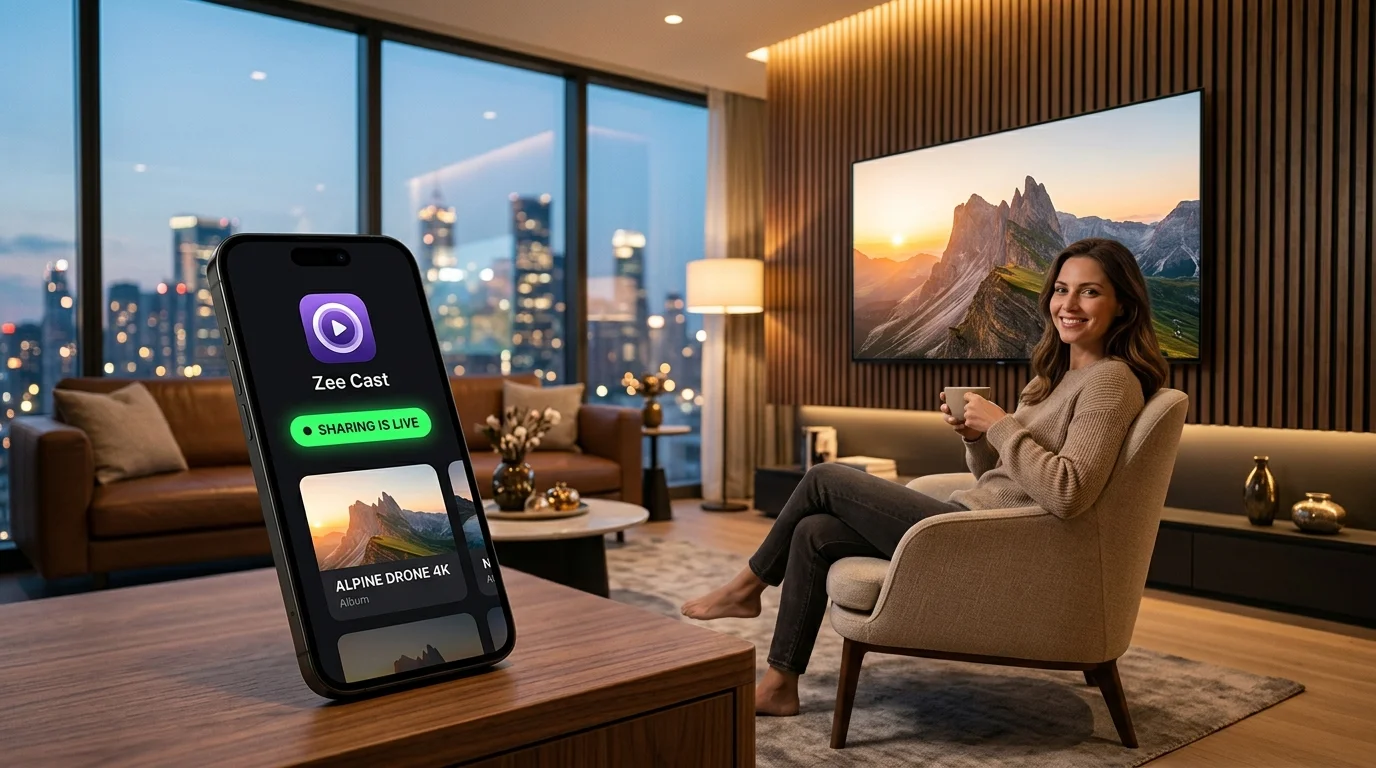
You do not need hotel Wi-Fi, and you do not need permission from hotel management. By using your phone's Personal Hotspot paired with Zee Cast, you create your own high-speed private wireless network inside your room. Your Fire TV Stick connects directly to your phone, streaming downloaded movies, TV shows, and vacation photos at full 1080p/4K resolution with zero cellular data consumption.
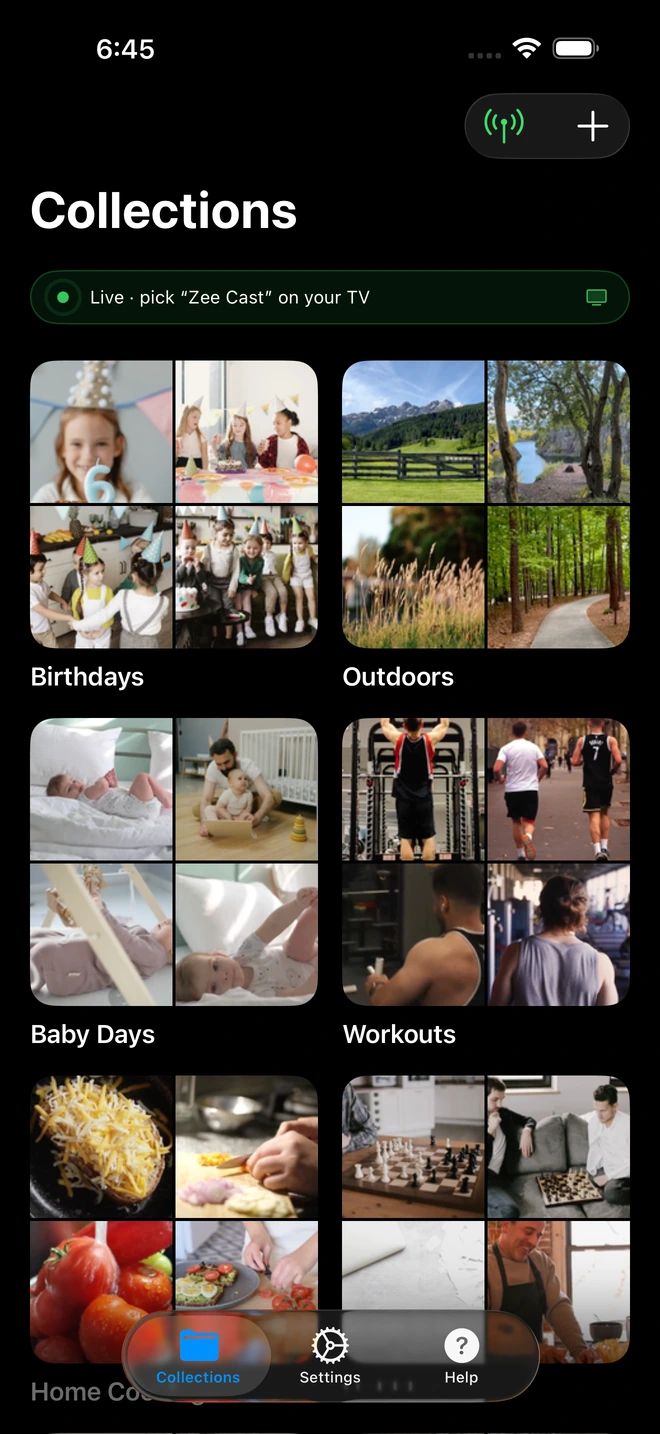
- 1Sharing is Live: TV detects Zee Cast under Connected Devices.
- 2Direct Play streams full-resolution photos & videos without mirroring.
4-Step Hotel Room Walkthrough
Turn any hotel television into your personal home theater in under two minutes:
- 1
Connect Fire TV Stick to HDMI & Wall Power
Plug your Fire TV Stick into an available HDMI port on the hotel TV. Important: Plug the power cord into a wall outlet or desk power strip, not the TV's USB port (which often lacks sufficient wattage).
- 2
Bypass the Hotel Remote & Switch Input
If the hotel remote lacks an Input button, reach behind the television or feel along the bottom frame for the physical button panel or multi-directional joystick. Press it to cycle inputs to your Fire TV's HDMI port.
Hotel TV Physical Input Bypass · Menu NavigationLocate physical joystick on bottom/rear TV bezel → Press to open menu → Select HDMI 1 / HDMI 2
- 3
Activate Phone Hotspot & Connect Fire TV
Turn on Personal Hotspot on your smartphone. On your Fire TV Stick, go to Settings → Network and connect to your phone's hotspot Wi-Fi. (If you forgot your physical remote, set your hotspot name and password to match your home Wi-Fi!).
- 4
Launch Zee Cast & Stream via VLC for Fire
Open Zee Cast on your phone, choose your downloaded movies or photos, and tap Turn on sharing. On the Fire TV Stick, launch VLC for Fire or Nova Video Player to start streaming:
Fire TV (VLC for Fire) · Menu NavigationOpen VLC → Select Browsing → Local Network → Select Zee Cast
Bypassing Hotel "Hospitality Mode" Locks
Some hotel chains configure televisions with commercial hospitality software (such as LG Pro:Centric or Samsung LYNK REACH) that disables external HDMI inputs entirely. Here are field-tested travel tricks to regain control:
| Hotel TV Restriction | Physical Indicator | How to Unlock |
|---|---|---|
| No Input Button on Remote | Simplified plastic remote | Use physical multi-function joystick on bottom/rear of TV panel. |
| HDMI Inputs Disabled via Software | Inputs grayed out in menu | Unplug the RJ11/RJ12 data telephone cable from the back of the TV. |
| Hotel Captive Portal Timeout | Fire TV Silk browser won't load login | Bypass entirely by connecting Fire TV to your phone's hotspot. |
| Forgotten Fire TV Remote | Cannot navigate Fire TV menus | Match phone hotspot SSID & password to your home Wi-Fi name. |
Why Offline Hotspot Streaming Uses 0 MB of Mobile Data
Travelers often worry that connecting a Fire TV Stick to their smartphone hotspot will rapidly consume their cellular data plan.
When you stream downloaded media through Zee Cast, data travels strictly across the local Wi-Fi transmission chip between your phone and the Fire TV Stick. The stream never touches the cellular network or external internet. To be 100% certain no background app updates occur, you can even turn off cellular data in your phone's settings while keeping Personal Hotspot active.
💡 Pro Tip: Pre-Download Media Before Traveling
Before leaving for the airport, download your favorite movies, video podcasts, and TV episodes to your phone's storage. Organize them into a Zee Cast collection. When you arrive at your hotel, you have instant, buffer-free entertainment ready to go - even during major storm outages or in hotels with zero cellular reception.
Frequently Asked Questions
How do I change the hotel TV to HDMI if the remote has no 'Input' button?
Hotel hospitality remotes frequently disable the Input button. Look underneath the bottom bezel, along the sides, or on the rear panel of the hotel TV. Nearly all modern commercial televisions (LG Pro:Centric, Samsung LYNK, Philips Hospitality) feature a physical joystick or push-button toggle that cycles through inputs when pressed. Alternatively, powering on the Fire TV Stick often triggers HDMI-CEC, causing the television to switch inputs automatically.
How can I connect the Fire TV Stick if I forgot the physical Fire TV remote?
If you forgot your Fire TV remote at home, you cannot type the hotel Wi-Fi password. The secret workaround: configure your smartphone's Personal Hotspot SSID and password to exactly match your home Wi-Fi network name and password. When the Fire TV Stick boots up, it will automatically connect to your phone's hotspot believing it is your home router. You can then use the Fire TV app on your phone as a remote controller.
Why does hotel Wi-Fi prevent Fire TV Stick streaming?
Hotel Wi-Fi networks use captive web portals requiring room number and last name logins, which Fire TV browsers often struggle to load. More critically, hotel networks enable Client Isolation (AP Isolation), blocking wireless devices from discovering each other. Running a Personal Hotspot from your phone creates an isolated private subnet where Zee Cast and your Fire TV communicate seamlessly.
Does streaming from my phone to Fire TV over hotspot consume mobile cellular data?
No. All media streaming between your smartphone and the Fire TV Stick occurs strictly across your local hotspot Wi-Fi link. Because Zee Cast serves files locally via HTTP byte-range requests, zero kilobytes of cellular data are used for streaming your downloaded movies or photos.
Which media player apps on Fire TV Stick work best with Zee Cast?
The two best free media players on the Amazon Appstore are VLC for Fire and Nova Video Player. Both feature native UPnP/DLNA network browsers that automatically detect Zee Cast, support hardware video acceleration, and play MKV, MP4, and multi-channel surround sound.
What if the hotel television disables HDMI ports in 'Hospitality Mode'?
Some hotels plug a data cable (RJ11 or RJ12 telephone-style cord) into a port labeled 'Data Pass-Through' or 'MPI/MPI-RJ' on the back of the TV to lock the firmware. Unplugging that phone cable from the rear of the TV temporarily re-enables standard consumer menus and unlocks all HDMI ports until you check out.
Can I stream high-bitrate 4K HDR videos to the Fire TV Stick?
Yes. The Fire TV Stick 4K and 4K Max feature quad-core processors capable of decoding 4K 60fps HEVC and Dolby Vision. Connected via a 5 GHz mobile hotspot, Zee Cast streams original bitstreams smoothly without stutter or buffering.
Does Zee Cast keep streaming if my phone screen turns off or goes to sleep?
Yes. Zee Cast operates as a persistent background service on both iOS and Android. Once playback begins on the Fire TV Stick, you can lock your phone screen, read a book, or browse social media without interrupting the movie.


