
 ⚡ At a Glance: Google TV Streamer & Onn Specs | |
|---|---|
| Target Platform & OS | Google TV Streamer (4K) & Walmart onn. 4K / onn. 4K Pro (Android TV 12–14+) |
| Protocol & Port | DLNA 1.5 / UPnP MediaServer, Port 8080 (via VLC or Nova) |
| Connection Type | Wi-Fi 5 / Wi-Fi 6 or Router-Bridged Gigabit / Fast Ethernet |
| Transcoding | None (4K Dolby Vision / HDR10+ Direct Play) |
| Typical Setup Time | ~2 minutes (Free VLC or Nova Video Player from Play Store) |
Key takeaways
- Google TV Streamer 4K and Walmart onn. 4K Pro run full Google Play—meaning free VLC and Nova Video Player decode 4K HDR HEVC natively over DLNA.
- Unlike Google Cast, local UPnP streaming requires zero internet connection and zero Google Photos cloud uploads.
- Wired Gigabit Ethernet on Google TV Streamer works seamlessly with a Wi-Fi phone whenever router client isolation is disabled.
Google TV Streamer (4K) vs. Walmart onn. 4K Pro for Local Streaming
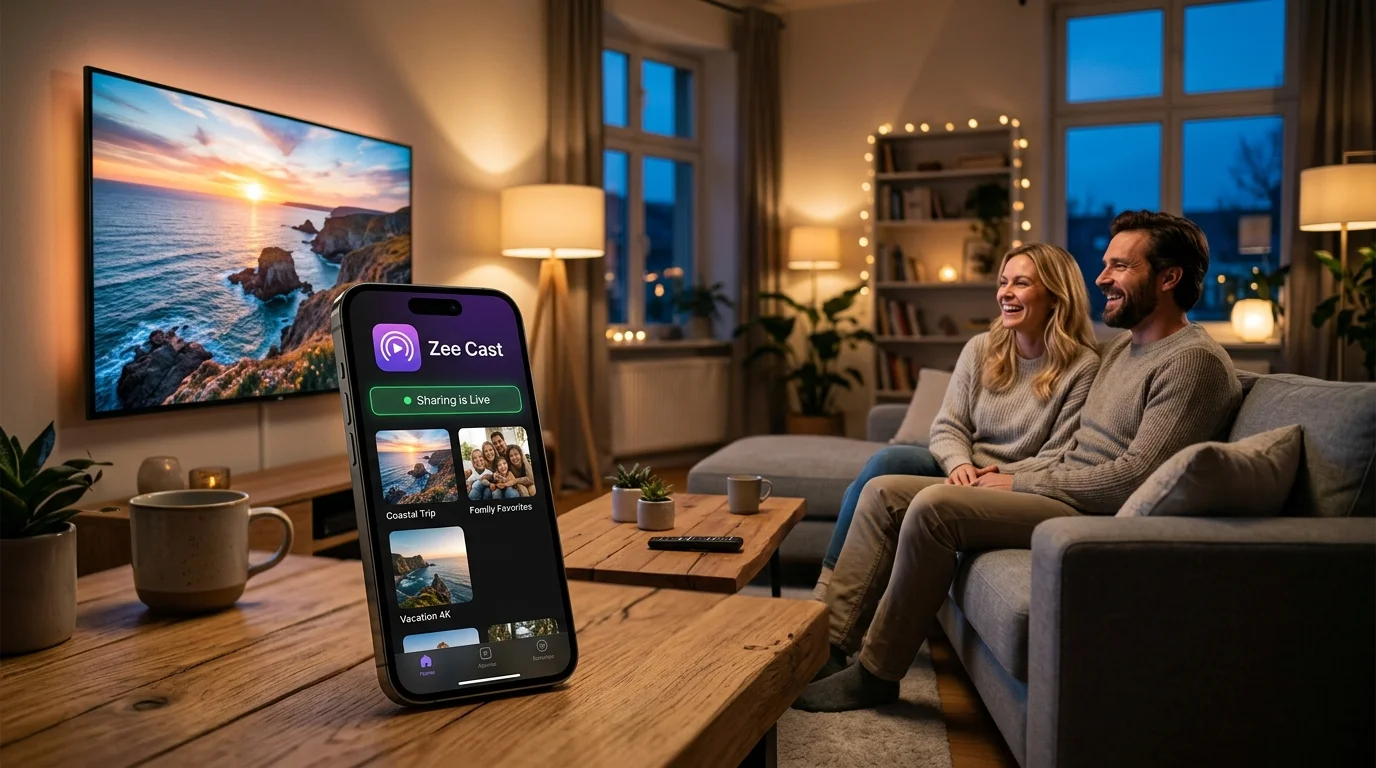
Because Google TV does not include AirPlay 2 or a built-in gallery browser, installing a lightweight player like VLC or Nova Video Player turns either streaming box into a dedicated 4K local receiver for Zee Cast:
| Spec | Google TV Streamer (4K) | Walmart onn. 4K Pro |
|---|---|---|
| Operating System | Android TV 14 (Google TV) | Google TV (Android TV) |
| Memory / Storage | 4 GB RAM · 32 GB Storage | 3 GB RAM · 32 GB Storage |
| Wired Ethernet | Built-in Gigabit (1000 Mbps) | Built-in Fast Ethernet (100 Mbps) |
| Wi-Fi Generation | Wi-Fi 5 (802.11ac) | Wi-Fi 6 (802.11ax) |
| HDR & Video Support | 4K Dolby Vision, HDR10+, HEVC, AV1 | 4K Dolby Vision, HDR10+, HEVC, AV1 |
| Best Free DLNA Clients | VLC for Android, Nova Video Player, Kodi | VLC for Android, Nova Video Player, Kodi |
Step-by-Step Setup with VLC or Nova Video Player
- 1
Install VLC from Google Play on Your TV Box
Open the Apps tab on Google TV Streamer or onn. 4K Pro, search for VLC, and install the official VideoLAN app (100% free, zero ads).
- 2
Share a Collection in Zee Cast
Open Zee Cast on iPhone or Android, select the photos and 4K videos you want to show, and tap Turn on sharing.
- 3
Open Browse → Local Network in VLC
Launch VLC on your TV box and select Browse → Local Network. Your Zee Cast device appears under UPnP/DLNA servers within seconds—open any folder to play in full 4K HDR.
💡 Troubleshooting Wired Ethernet + Phone Wi-Fi Discovery
If your Google TV Streamer is wired via Gigabit Ethernet while your phone is on Wi-Fi, make sure both connect to the same router (not a separate Guest Wi-Fi network or downstream double-NAT mesh node), and toggle iOS Settings > Privacy & Security > Local Network > Zee Cast ON if you use an iPhone. See our TV discovery troubleshooting guide for router tips.
Frequently Asked Questions
Can I cast iPhone camera roll photos directly to Google TV Streamer without installing anything?
Google TV devices include Google Cast, not Apple AirPlay 2. While iPhone apps like YouTube can Cast over the internet, iPhone's native Photos app cannot cast locally over Google Cast without uploading your library to Google Photos. Installing free VLC or Nova Video Player on Google TV + running Zee Cast on your iPhone streams photos and 4K videos directly over local Wi-Fi in seconds.
Does Gigabit Ethernet on Google TV Streamer work with Zee Cast over Wi-Fi?
Yes. As long as the router bridges wired Ethernet and wireless Wi-Fi onto the same local subnet (default on almost all home routers), SSDP discovery works seamlessly—allowing wired Google TV Streamers to pull high-bitrate 4K phone videos smoothly.
Which is better for Zee Cast: VLC or Nova Video Player on onn. 4K Pro and Google TV Streamer?
VLC for Android is fastest for ad-hoc camera roll clips, quick photo browsing, and rock-solid HEVC/MKV playback. Nova Video Player offers a richer poster-art interface if you collect downloaded movies—just keep libraries reasonable on 3 GB RAM devices.
Can I use Watch in a Browser on Google TV Streamer or onn. 4K Pro?
Google TV does not ship a pre-installed TV web browser out of the box. You can install a TV web browser like TV Bro from Google Play to open Zee Cast's Watch in a Browser address (http://


