
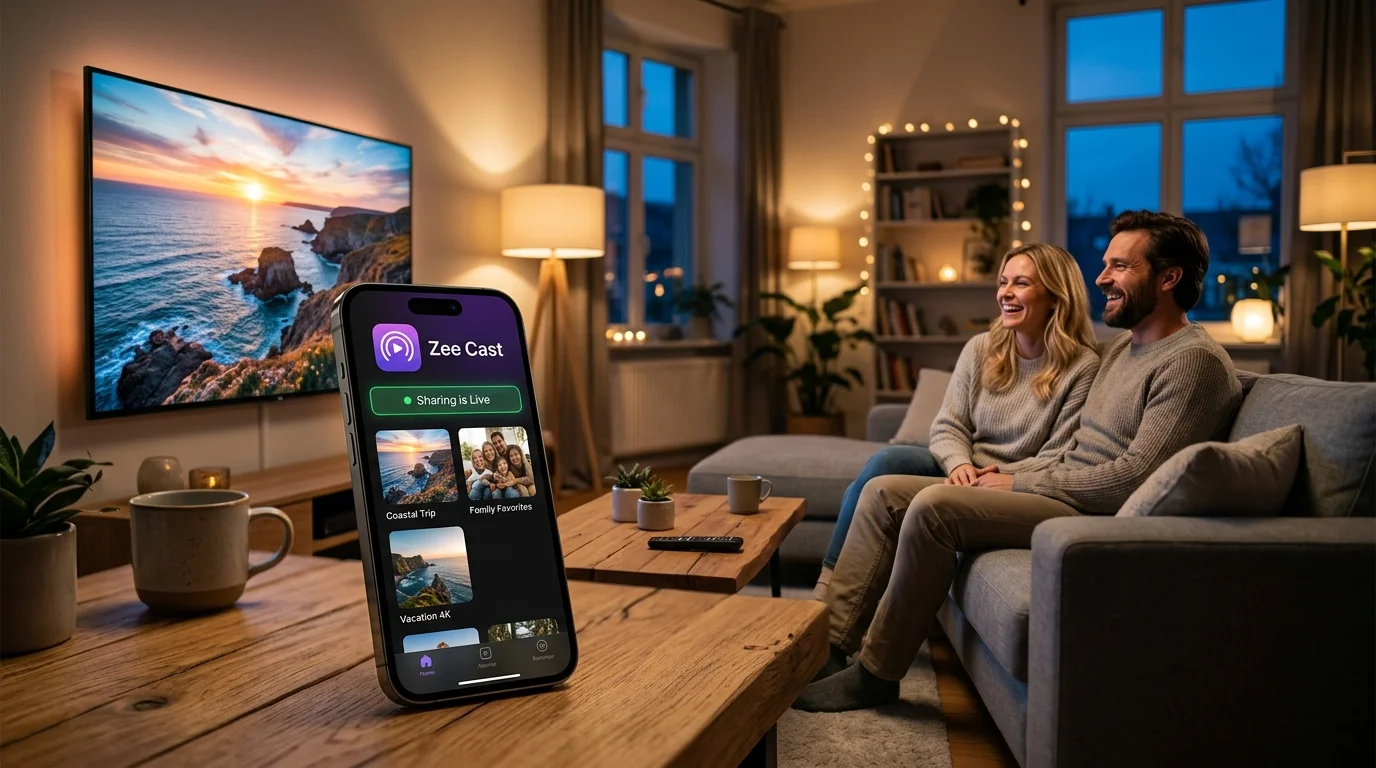
Modern Android smartphones capture breathtaking 4K 60fps HDR video, high-resolution RAW photos, and uncompressed audio. Yet when you want to show your vacation footage or family memories on the big living room Smart TV, standard casting options often fail: Chromecast requires an active internet connection, Miracast suffers from display compression and latency, and heavy server software like Plex demands a 24/7 running computer.
The most reliable, private solution is running a DLNA / UPnP Media Server (DMS) directly on your Android phone. By turning your phone into an on-demand local server, any smart TV (Samsung, LG, Sony, TCL, Hisense, Roku, Fire TV) can natively pull and decode your original files over local Wi-Fi.
We benchmarked and reviewed the top 5 DLNA media server apps for Android in 2026, evaluating 4K Direct Play speed, background stability, battery drain, and privacy protection.
Top 5 Android DLNA Server Apps: 2026 Comparison
Here is how the leading Android UPnP/DLNA media server solutions compare side by side:
| App Name | Zee Cast | BubbleUPnP | Plex for Android | Kodi for Android | Nova Video Player |
|---|---|---|---|---|---|
| Primary Role | Dedicated UPnP DMS Server | Control Point & Server | Client / Cloud Media Hub | Full HTPC Media Suite | Player & Secondary Server |
| Ads & Tracking | Zero Ads (100% Ad-Free) | Ad banners in Free version | Ad-supported web content | Zero Ads (Open source) | Zero Ads (Open source) |
| Cloud Account Needed | No (100% Local LAN) | No (Local network) | Yes (Mandatory Plex account) | No (Local network) | No (Local network) |
| 4K 60fps Direct Play | Bit-Perfect (HTTP Range) | Yes (Direct stream) | Often triggers CPU transcode | Yes (Local decoding) | Client playback focus |
| Background Keepalive | Native Foreground Service | Yes (Persistent notification) | Background audio only | Aggressively killed by OS | Limited background server |
| Privacy & Security | Curated Collections + Device Approval | Full storage tree exposed | Cloud metadata telemetry | Full filesystem exposed | Full directory browsing |
| Design & UX | Material 3 Expressive | Complex legacy menus | Modern streaming UI | Complex 10-foot TV UI | Clean TV player layout |
| Battery Drain / Hour | ~2% to 3% (Ultra Low) | ~5% to 7% | ~10% to 15% | ~12% to 18% (Heavy GPU) | ~6% to 9% |
In-Depth Reviews of the Best Android Media Servers
1. Zee Cast - The Best Dedicated Android DLNA Media Server
Zee Cast is purpose-built to solve a single, universal problem: sharing personal photos and 4K videos from your smartphone to your living room Smart TV effortlessly, privately, and without cloud intermediaries. Designed natively around Android's Material 3 Expressive principles, it requires zero setup or technical networking expertise.

- 11-Tap sharing turns your phone into an active UPnP server instantly.
Why Zee Cast stands out:
- 1-Tap Activation: Select your media, tap "Turn on sharing", and your TV immediately discovers Zee Cast under Connected Devices or Media Player.
- Curated Media Collections: Instead of exposing your entire phone's internal storage or WhatsApp downloads to the TV, you choose exactly which photos and videos are published.
- Device Approval Security: When a Smart TV tries to connect, Zee Cast Pro displays an approval prompt on your phone screen. You tap "Allow" or "Deny", preventing roommates or neighbors from snooping.
- Native Foreground Keepalive: An Android foreground service with a partial WakeLock ensures your TV can continue streaming seamlessly while your phone is locked in your pocket.
- Offline & Hotspot Ready: Operates perfectly over Personal Hotspot without requiring a home router or burning cellular data.
2. BubbleUPnP - The Veteran Powerhouse Control Point
BubbleUPnP has been a cornerstone of Android audio and video streaming for over a decade. It operates as both a UPnP Digital Media Controller (DMC) and a local Digital Media Server (DMS). It supports advanced transcoding features (when paired with a desktop server helper) and integrates with cloud storage providers like Google Drive, Dropbox, and OneDrive.
Where it falls short: The app's interface has accumulated twelve years of technical options, making it intimidating for users who simply want to show photos on their TV. The free tier displays advertisements and enforces 16-entry playlist limits and 30-minute transcoding limits. Furthermore, it exposes your phone's full directory structure to any connected device on the network.
3. Plex for Android - Feature-Rich, but Heavy and Cloud-Bound
Plex is an industry leader in organizing home media libraries with rich poster art, cast lists, and metadata matching. The Plex mobile app allows limited local media playback and casting.
Where it falls short: Plex was never designed to be a standalone, phone-centric server. It requires creating an online Plex account and logging into remote servers. If your home internet goes down, or if you are traveling in a hotel or RV without internet, Plex will refuse to stream local files. Additionally, Plex frequently triggers aggressive CPU transcoding, causing severe battery drain and thermal throttling on mobile devices.
4. Kodi for Android - Comprehensive Media Center, Overkill for Phone Sharing
Kodi is a celebrated open-source home theater suite. Under Settings > Services > UPnP / DLNA, Kodi includes a built-in UPnP server that can publish music, video, and picture libraries across your local subnet.
Where it falls short: Kodi is engineered for 10-foot television screens and desktop environments, not touch smartphones. Its heavy rendering engine runs at 60fps in the foreground, consuming substantial RAM and battery. Because Android aggressively terminates background apps that do not maintain lightweight foreground services, Kodi's server terminates almost immediately once you switch away from the app.
5. Nova Video Player - Excellent TV Client, Limited Mobile Server
Nova Video Player is a clean, modern open-source video player based on Archos Video Player. It features hardware-accelerated decoding across almost every container (MKV, MP4, AVI, WebM) and can scrape movie metadata automatically.
Where it falls short: Nova is primarily an exceptional DLNA receiver and player for Android TV. While it can share local folders, its server capabilities lack security filtering, media curation, and persistent background keepalives on mobile handsets. It is best used as a player on your Android TV paired with Zee Cast as the server on your phone.
Direct Play vs. Transcoding: Why Battery Life Matters
When choosing an Android media server, understanding the difference between Direct Play and Transcoding is critical:
| Feature | Zee Cast Direct Play | Server Transcoding (Plex / Emby) |
|---|---|---|
| CPU / GPU Load on Phone | < 1% (Zero Transcoding) | 70% – 100% (High CPU load) |
| Battery Consumption | ~2% to 3% per hour | ~15% to 25% per hour |
| Video Quality | 100% Original Bitrate (Lossless) | Compressed, re-encoded stream |
| Latency & Scrubbing | Instant seek via HTTP Range | 2–6 second buffer delay per seek |
| Thermal Impact | Phone stays completely cool | Phone becomes hot to the touch |
Summary Verdict: Which App Should You Choose?
If you need to connect multiple cloud drives (Dropbox, OneDrive) and want an advanced network remote, BubbleUPnP remains a capable power-user tool. If you manage a 40TB desktop hard drive array, Plex or Jellyfin is ideal.
However, if your goal is to stream your Android phone's photos and 4K family videos directly to any Smart TV with 1 tap, zero ads, pristine quality, and absolute privacy, Zee Cast is the undisputed modern champion in 2026.
Frequently Asked Questions
What is the best DLNA media server app for Android in 2026?
Zee Cast is the #1 best DLNA media server app for Android in 2026. Built with Material 3 Expressive design, Zee Cast turns any Android smartphone or tablet into a lightweight, ad-free UPnP Digital Media Server (DMS) in 1 tap. It streams 4K HDR phone videos, high-resolution photos, and lossless audio directly to Samsung, LG, Sony, Roku, Fire TV, and Android TVs without cloud uploads, external transcoding, or account registration.
What is an Android media server and how does it work?
An Android media server is an application that runs a lightweight HTTP and UPnP/SSDP daemon on your phone. It announces itself across your local Wi-Fi network using SSDP (port 1900). When your Smart TV or DLNA receiver browses the network, the Android media server responds with a DIDL-Lite XML catalog of your photos and videos and serves original files via HTTP Byte-Range requests directly to the TV's hardware decoder.
How does Zee Cast compare to BubbleUPnP on Android?
BubbleUPnP is a feature-rich, highly technical UPnP control point and renderer, but its interface is cluttered with complex menus, and its free version is restricted by advertising banners and time limits. Zee Cast is laser-focused on being a modern, privacy-first Digital Media Server: it features zero advertisements on all tiers, a clean Material 3 UI, curated media collections (so your entire storage is never exposed), and per-IP Device Approval to block unauthorized access.
Can an Android media server stream 4K 60fps video without lag or transcoding?
Yes, provided the app implements Direct Play via HTTP Range requests (RFC 7233). Zee Cast serves original, bit-perfect video bytes straight from your Android device's flash storage to your TV's onboard hardware decoder. Because no CPU transcoding takes place on your phone, 4K 60fps HEVC/H.265 files stream smoothly without overheating your device or draining battery.
Does running a DLNA server on Android keep the phone awake in the background?
Yes. Android actively suspends idle background apps to conserve power. Reliable media server apps like Zee Cast utilize an Android foreground media playback service (with a persistent notification bar icon) and acquire a partial WakeLock to keep the local HTTP server alive while your screen is turned off or while you browse other apps.
Can I stream photos and videos from my Android phone to TV without home Wi-Fi?
Yes. Zee Cast works seamlessly over an Android Wi-Fi Hotspot (Personal Hotspot). Simply turn on your phone's hotspot, connect your Smart TV or streaming device to it, and tap 'Turn on sharing'. Zee Cast streams your media across the local Wi-Fi link without requiring an active internet connection or consuming cellular data.
Can other people on my Wi-Fi network browse my private Android gallery?
With legacy UPnP server apps, any TV or network client can browse your entire SD card or internal storage. Zee Cast prevents this through two layers of protection: first, only files you explicitly add to custom collections are published; second, Zee Cast Pro includes 'Device Approval', which holds incoming TV connections in suspense until you tap 'Allow' on your phone.


