

⚡ At a Glance: Quick Specs | |
|---|---|
| Target Platform & OS | |
| Protocol & Port | DLNA 1.5 / UPnP MediaServer, Port 8080 (HTTP Byte-Range) |
| Connection Type | Local Wi-Fi (5 GHz recommended) or Hotspot (0 MB Internet Data) |
| Transcoding | None (Direct Play original bitstream to native TV hardware) |
| Typical Setup Time | ~2 minutes (Instant local discovery) |
Key takeaways
- VLC includes a built-in 'Renderer' menu under Playback that can discover Chromecast and DLNA renderers.
- Many 2022–2026 smart TVs have deprecated passive DMR push streaming, causing VLC's renderer scan to show empty results.
- The most reliable method for smart TV streaming is the 'Pull' model: running a lightweight DLNA server on your phone and browsing it with the TV remote.
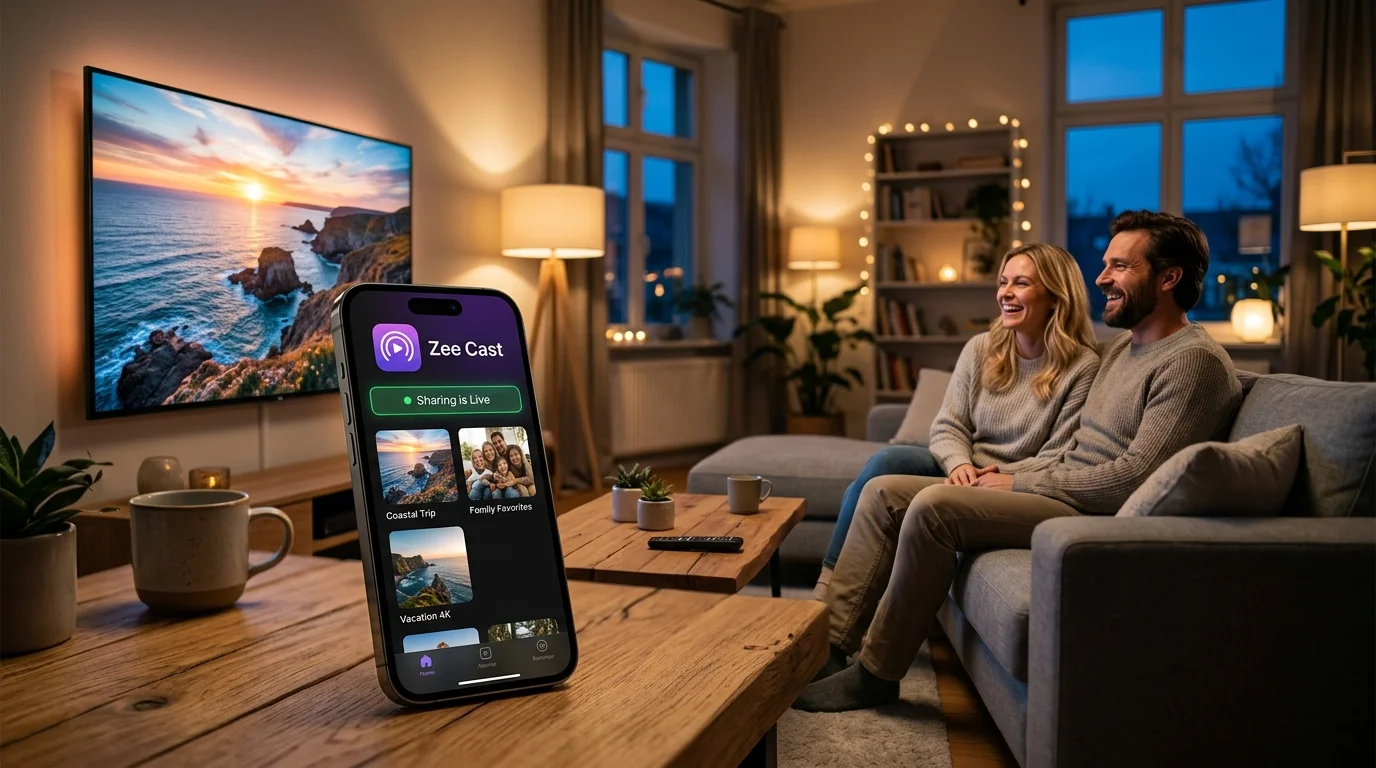
- Zee Cast implements standard UPnP ContentDirectory service, ensuring instant detection on every smart TV platform.
Push vs Pull: Understanding How Smart TVs Stream
When streaming local video files across a home network, the DLNA standard defines two distinct operational models:
01 · The Push Model (DMR)
Used by VLC's Playback → Renderer. A controller on your PC finds the TV and forces video playback onto it. While convenient when it works, modern TV operating systems (Tizen, webOS) frequently block or drop these incoming connections due to strict network standby and firewall policies.
02 · The Pull Model (DMS)
Used by Zee Cast. Your phone acts as a certified Digital Media Server. You pick up your TV remote, open the TV's native Media Player or Sources menu, and pull the video directly. This is supported natively by 100% of smart TVs with hardware acceleration.
How to Cast from Desktop VLC to Smart TV
- 1
Verify Local Subnet Connectivity
Ensure your computer and your Smart TV are connected to the exact same Wi-Fi router. Disable VPNs on your computer, as active VPNs redirect local multicast traffic.
- 2
Check Playback → Renderer in VLC
Open VLC Media Player. In the top menu, go to Playback → Renderer. Wait 5 to 10 seconds while VLC sends SSDP multicast probes across your network.
- 3
Select TV & Accept Incoming Stream
If your TV appears, click it. On some television screens, a security prompt will appear asking: "Allow computer to play media?" Click Allow with your TV remote.
Frequently Asked Questions
Why doesn't my Smart TV appear in VLC's Renderer menu?
Many modern smart TVs (particularly newer Samsung Tizen and LG webOS models) have disabled the legacy UPnP DMR (Digital Media Renderer) push protocol due to security and manufacturer app store restrictions. Instead, they require a 'Pull' model where the TV browses a Digital Media Server (DMS) like Zee Cast.
Does VLC transcode videos when streaming to a Smart TV renderer?
Yes. When streaming via VLC's Renderer function, VLC on your PC or Mac often transcodes the video on the fly into an MP4/TS stream to ensure the target TV can decode it. This can cause high CPU usage on older laptops and brief initial buffering.
What is the difference between a DLNA Renderer (DMR) and a DLNA Server (DMS)?
A DLNA Renderer (DMR) is a 'passive display' that waits for a computer or phone to push a video stream to it. A DLNA Server (DMS)—like Zee Cast—publishes an organized catalog of media files that your TV's native media player can browse and pull on demand with full remote control transport.
Why is streaming from phone with Zee Cast often more reliable than desktop VLC casting?
Smart TV manufacturers design their built-in Media Players to browse DLNA media servers (Pull architecture) rather than accept unsolicited push streams (Push architecture). Zee Cast leverages this native TV media engine, resulting in zero computer CPU load and instantaneous playback.
Can I stream 4K HDR videos with multichannel audio?
Yes, provided your local network has sufficient bandwidth (5 GHz Wi-Fi or 100 Mbps Ethernet) and your Smart TV supports the target codec (HEVC/H.265 with AC3 or EAC3 audio).


