

⚡ At a Glance: Quick Specs | |
|---|---|
| Target Platform & OS | |
| Protocol & Port | DLNA 1.5 / UPnP MediaServer, Port 8080 (HTTP Byte-Range) |
| Connection Type | Local Wi-Fi (5 GHz recommended) or Hotspot (0 MB Internet Data) |
| Transcoding | None (Direct Play original bitstream to native TV hardware) |
| Typical Setup Time | ~2 minutes (Instant local discovery) |
Key takeaways
- VLC relies on SSDP multicast packets (address 239.255.255.250 on UDP port 1900) to find media servers.
- Windows 11 defaults to 'Public network' mode which blocks all incoming local SSDP broadcast packets.
- macOS Sequoia and Sonoma require explicit user permission in System Settings under 'Local Network'.
- VPNs that lack local LAN bypass will redirect multicast traffic away from your physical home Wi-Fi.
- Zee Cast maintains standard SSDP announcements that immediately pop up once the local firewall is unblocked.
The Root Cause: How VLC Discovers Media Servers
When you click on Universal Plug 'n' Play inside VLC Media Player, VLC does not scan every IP address one by one. Instead, it sends an M-SEARCH UDP multicast packet to the standardized address 239.255.255.250:1900.
Any active DLNA media server on your local network—like Zee Cast running on your phone—hears this request and responds with a unicast UDP packet containing the URL to its device description XML (e.g. http://192.168.1.50:8080/description.xml).
If your playlist remains blank, something in the network path is dropping these multicast packets. Here is how to fix it on each operating system:
Resolution 1: Windows 11 & Windows 10
- 1
Change Network Profile to Private
Open Windows Settings (
Win + I) → Network & internet → click on your active Wi-Fi or Ethernet connection. Under Network profile type, change the selection from Public network (Recommended) to Private network. This immediately opens local discovery ports. - 2
Permit VLC in Windows Defender Firewall
Open the Start Menu, type
firewall.cpland hit Enter. In the left sidebar, click Allow an app or feature through Windows Defender Firewall. Click Change settings, scroll down to VLC media player, and ensure both Private and Public checkboxes are checked. Click OK.
Resolution 2: macOS Sequoia & Sonoma
Enable Local Network Privacy Permission
On your Mac, click the Apple menu → System Settings → Privacy & Security → Local Network. Locate VLC in the list of applications and make sure the toggle switch is turned ON. If it was already on, toggle it off and back on, then restart VLC.
Frequently Asked Questions
Why is the Universal Plug 'n' Play list in VLC completely empty?
VLC relies on Simple Service Discovery Protocol (SSDP) multicasting over UDP port 1900 to discover DLNA media servers. If your operating system firewall blocks UDP 1900, if your network profile is set to 'Public', or if your router blocks IGMP multicast packets, VLC cannot hear the announcements from your media server.
Why did UPnP work on Windows 10 but stopped working after updating to Windows 11?
Windows 11 defaults new Wi-Fi and Ethernet connections to the 'Public network' profile for security. In Public mode, Windows Firewall aggressively blocks all unsolicited local network broadcast and multicast discovery requests. Changing the profile to 'Private' immediately restores DLNA discovery.
Why does macOS prompt for 'Local Network' permission when launching VLC?
Starting in macOS Sequoia and Sonoma, Apple introduced strict sandboxing for local network traffic. If you accidentally clicked 'Don't Allow' when VLC first opened, macOS silently blocks all SSDP multicast packets. You can re-enable this in System Settings → Privacy & Security → Local Network.
Does an active VPN on my computer break VLC UPnP discovery?
Yes! Most VPN clients (NordVPN, ExpressVPN, Surfshark, Mullvad) route all network traffic through an encrypted virtual tunnel, preventing VLC from broadcasting to your physical local subnet (e.g. 192.168.1.x). Enable 'Local Network Sharing' (or 'Allow LAN traffic') in your VPN app settings, or disconnect from the VPN while streaming.
How can I verify if Zee Cast is broadcasting properly on my phone?
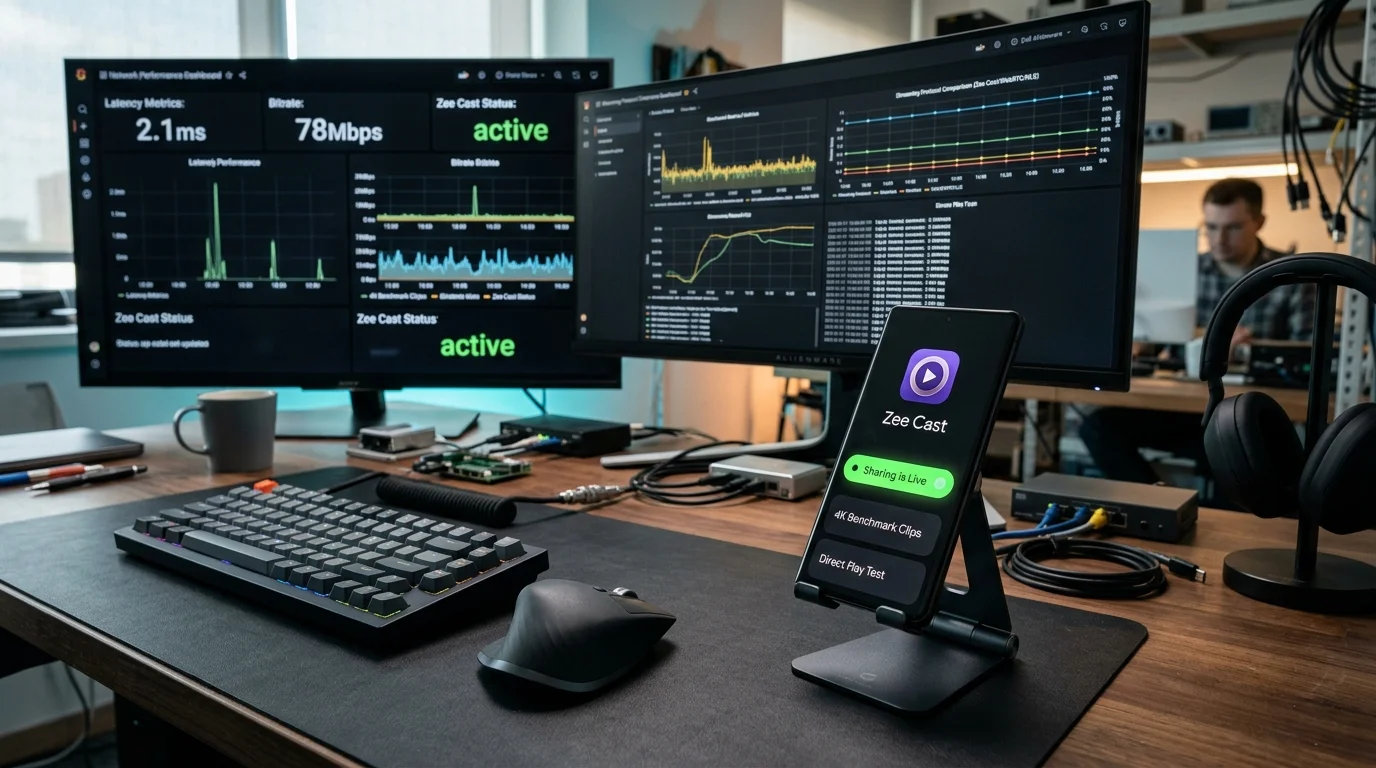
Inside the Zee Cast app on your phone, ensure the sharing status says 'Sharing Active' with a green indicator. You can also view the local IP address and port (e.g., http://192.168.1.45:8080) displayed on the Zee Cast dashboard.


