
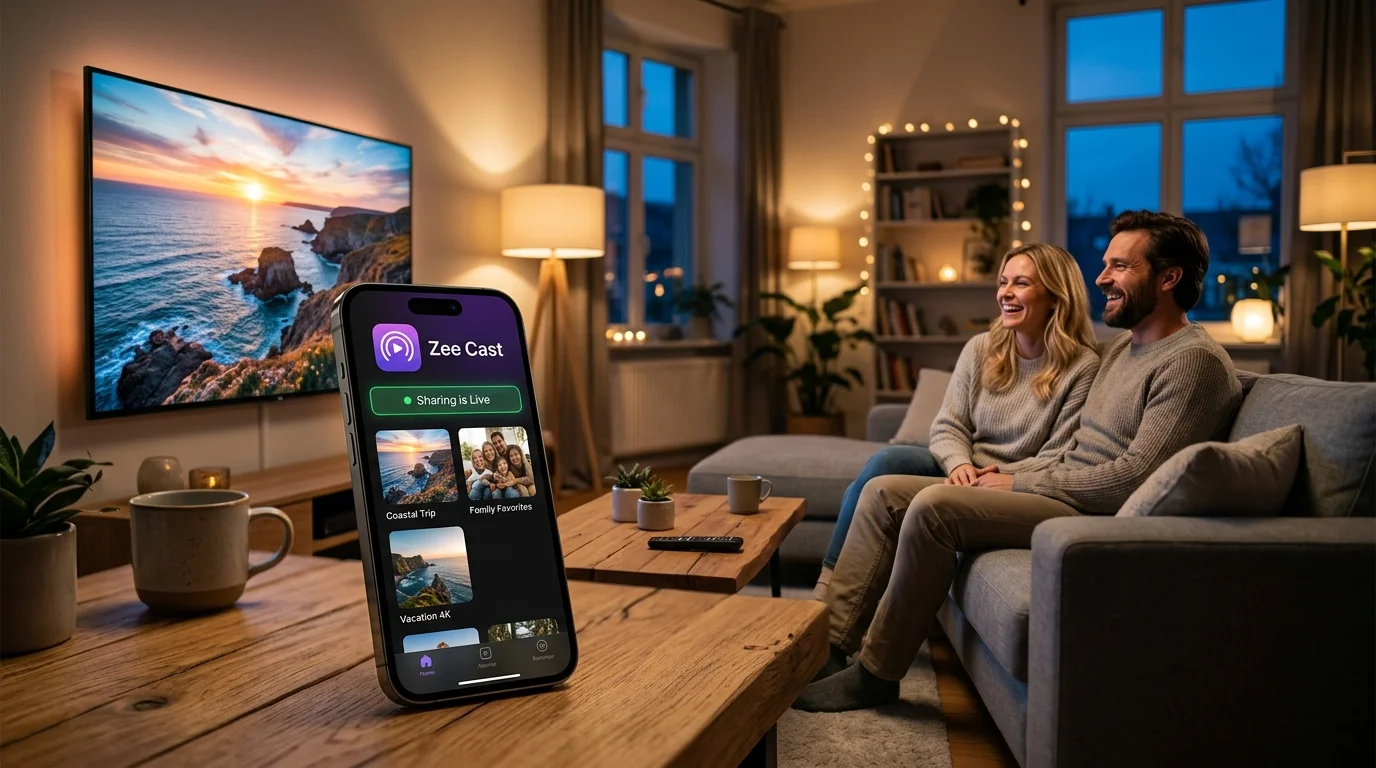
⚡ At a Glance: Quick Specs | |
|---|---|
| Target Platform & OS | |
| Protocol & Port | DLNA 1.5 / UPnP MediaServer, Port 8080 (HTTP Byte-Range) |
| Connection Type | Local Wi-Fi (5 GHz recommended) or Hotspot (0 MB Internet Data) |
| Transcoding | None (Direct Play original bitstream to native TV hardware) |
| Typical Setup Time | ~2 minutes (Instant local discovery) |
Key takeaways
- Nova Video Player excels at creating a commercial streaming-like experience with automatic posters, synopses, and genre tags.
- VLC for Android is unmatched when dealing with raw folders, multi-angle videos, DVD image files, and specialized audio codecs.
- Both players integrate seamlessly with Zee Cast's UPnP server engine without configuration.
- Nova's Night Mode audio compression solves the issue of quiet dialogue and loud explosion spikes during late-night viewing.
Side-by-Side Benchmark
Here is how both players evaluate across essential streaming categories:
| Feature | Nova Video Player | VLC for Android TV |
|---|---|---|
| User Interface | Rich poster wall & movie info | Basic directory folder list |
| Metadata Scraping | Automatic (TMDB / TheTVDB) | None (Shows filenames only) |
| Audio Night Mode | Built-in dynamic range compression | Manual equalizer adjustments |
| Exotic Codec Support | Excellent for standard video formats | Unbeatable (ISO, TS, OGG, FLV) |
| DLNA UPnP Auto-Detect | Integrated under Network Devices | Instant SSDP scan under Local Network |
| HDMI Bitstream Passthrough | Supported (AC3, EAC3, DTS) | Supported (Direct HDMI pass) |
| Subtitle Handling | In-app OpenSubtitles downloader | Deep styling (font, size, color, delay) |
Which One Should You Install?
Install Nova Video Player if: You want your TV to feel like a premium streaming platform. Its poster grid, automatic resume-playback, and dialogue booster make it the best everyday living room player.
Install VLC for Android if: You are a power user who prioritizes instant folder navigation, plays FLAC music albums, or streams video files recorded in obscure containers.
Frequently Asked Questions
Which player is better for Android TV: Nova or VLC?
Nova Video Player is generally better for pure video and movie watching on Android TV and Google TV because of its beautiful poster art interface, automated metadata scraping, and night mode audio normalization. VLC is superior if you need to play uncommon legacy containers, ISO files, DVD directories, or pure audio streams.
Do both Nova and VLC support hardware acceleration for 4K HEVC?
Yes. Both players utilize Android's native MediaCodec framework to offload 4K HEVC (H.265), VP9, and AVC decoding directly to your television's GPU/VPU hardware, ensuring smooth 60fps playback with minimal CPU usage.
Which player discovers DLNA servers faster?
VLC discovers DLNA servers slightly faster in ad-hoc situations because it sends an instant SSDP M-SEARCH broadcast the moment you open the 'Local Network' tab. Nova Video Player is designed to index servers into a persistent library, which provides a richer browsing experience but takes a few moments to scan.
Does Nova Video Player support Dolby Vision and HDR10?
Yes! Modern releases of Nova Video Player support HDR10, HDR10+, HLG, and Dolby Vision (Profile 8.4 and Profile 5) passthrough on supported Android TV devices like the Nvidia Shield TV and Chromecast with Google TV.
Are both players free and open source?
Yes. Both Nova Video Player (Apache 2.0 license) and VLC for Android (GPL v2/v3 license) are 100% free, open-source applications with zero advertisements, user tracking, or paid subscriptions.


