
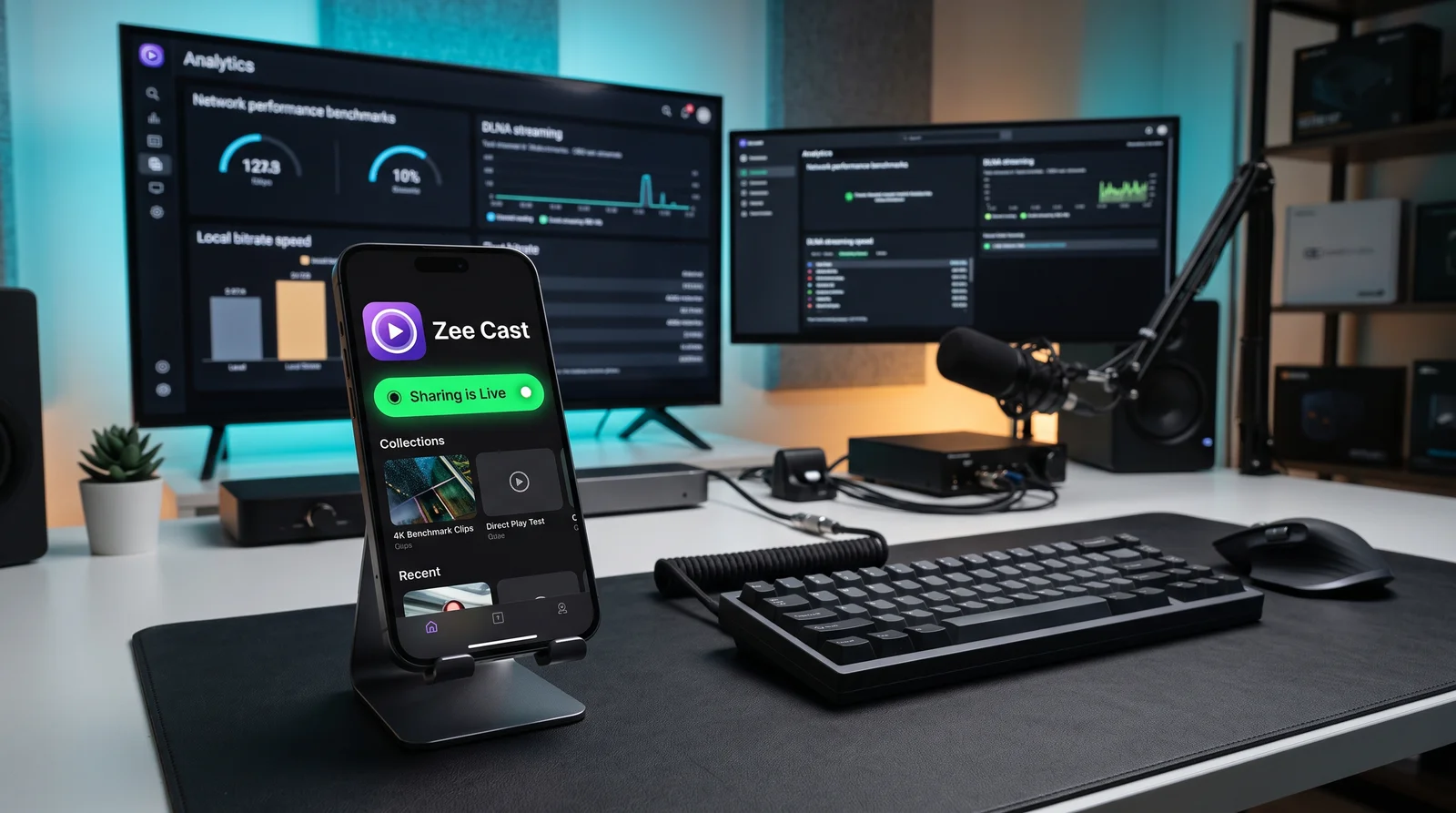
⚡ At a Glance: Quick Specs | |
|---|---|
| Target Platform & OS | |
| Protocol & Port | DLNA 1.5 / UPnP MediaServer, Port 8080 (HTTP Byte-Range) |
| Connection Type | Local Wi-Fi (5 GHz recommended) or Hotspot (0 MB Internet Data) |
| Transcoding | None (Direct Play original bitstream to native TV hardware) |
| Typical Setup Time | ~2 minutes (Instant local discovery) |
Key takeaways
- Jellyfin is an extraordinary open-source solution for centralized home theaters with permanent storage drives.
- Zee Cast eliminates the need to buy and maintain server hardware if you simply want to stream phone media to a television.
- Zee Cast works entirely offline (camping, hotels, flights) using your phone's personal hotspot, requiring zero internet.
- DLNA Direct Play allows your TV's native hardware decoder to handle 4K 60fps video with zero load on your phone.
Feature & Architecture Comparison
Compare how both architectures handle hardware requirements, maintenance, and streaming performance:
| Capability | Jellyfin Home Server | Zee Cast (Mobile DLNA) |
|---|---|---|
| Target Hardware | Dedicated PC, NAS, Linux Server (24/7) | Your iPhone or Android Phone |
| Setup Time | 1–3 hours (Docker, ports, storage) | 5 seconds (Single tap) |
| Electricity & Cost | $100–$500+ hardware + 24/7 electricity | $0 hardware (Runs on phone) |
| Remote Access Outside Home | Yes (Reverse proxy / Tailscale / DDNS) | Local network & offline hotspot only |
| Offline Camping / Hotel Use | Difficult (Requires travel router / server) | Flawless (Works on phone hotspot) |
| Media Transcoding | Server-side CPU/GPU transcoding | 100% Direct Play (Zero phone lag) |
| Smart TV Compatibility | Requires Jellyfin app or DLNA plugin | Universal (100% of DLNA smart TVs) |
When to Choose Jellyfin
Jellyfin is the undisputed king of self-hosted home media if:
- You own multiple hard drives filled with hundreds of movies, TV show seasons, and music albums.
- You want to stream your media remotely when away from home across cellular networks.
- You have client devices (such as older web browsers) that cannot decode HEVC and require real-time GPU transcoding.
- You enjoy homelab administration, Docker containers, and reverse proxy networking.
When to Choose Zee Cast
Zee Cast is the superior, friction-free choice if:
- You want to watch 4K videos and photos captured on your iPhone or Android phone on your smart TV right now.
- You do not want to buy a NAS, leave a computer running 24/7, or pay higher electricity bills.
- You travel frequently and want to stream offline downloaded movies to hotel TVs or outdoor projectors without internet.
- You value privacy and want to selectively share specific collections rather than opening your entire file system.
Frequently Asked Questions
What is the main difference between Jellyfin and Zee Cast?
Jellyfin is a full-featured, open-source media system designed to run 24/7 on dedicated hardware (such as a NAS, Linux server, or desktop PC) to organize massive multi-terabyte movie libraries and transcode streams. Zee Cast is a lightweight mobile DLNA server that turns your iPhone or Android phone into an instant UPnP streaming hub in 5 seconds with zero server hardware or configuration required.
Do I need a NAS or home server to stream videos to my TV?
No! If your primary goal is to stream videos you recorded on your phone, downloaded movie files, or photo albums to your living room TV or an Airbnb/hotel television, running Zee Cast directly on your phone eliminates the need for expensive NAS hardware, Docker containers, or high electricity bills.
Does Jellyfin support DLNA streaming?
Yes, Jellyfin has a built-in DLNA server plugin that can broadcast media over UPnP. However, running Jellyfin requires keeping a host computer turned on continuously and maintaining a local network server infrastructure.
Can Zee Cast transcode video like Jellyfin does?
Zee Cast intentionally uses Direct Play rather than on-the-fly transcoding. By streaming the original video bitstream directly to your Smart TV's hardware video decoder, your phone avoids heavy CPU rendering, preventing overheating and battery drain.
Can I use both solutions together?
Absolutely! Many home theater enthusiasts use Jellyfin at home for their permanent Blu-ray collection, and use Zee Cast on their phones when traveling, visiting friends, or casting personal phone recordings directly to TVs without uploading them to a media server.


