
Key takeaways
- UPnP provides the network handshake: discovery via SSDP and remote action control via SOAP XML.
- DLNA builds on top of UPnP: it defines media format profiles, container requirements, and HTTP streaming standards.
- Think of UPnP as the postal carrier delivering packages, and DLNA as the standardized packing format ensuring the recipient can open it.
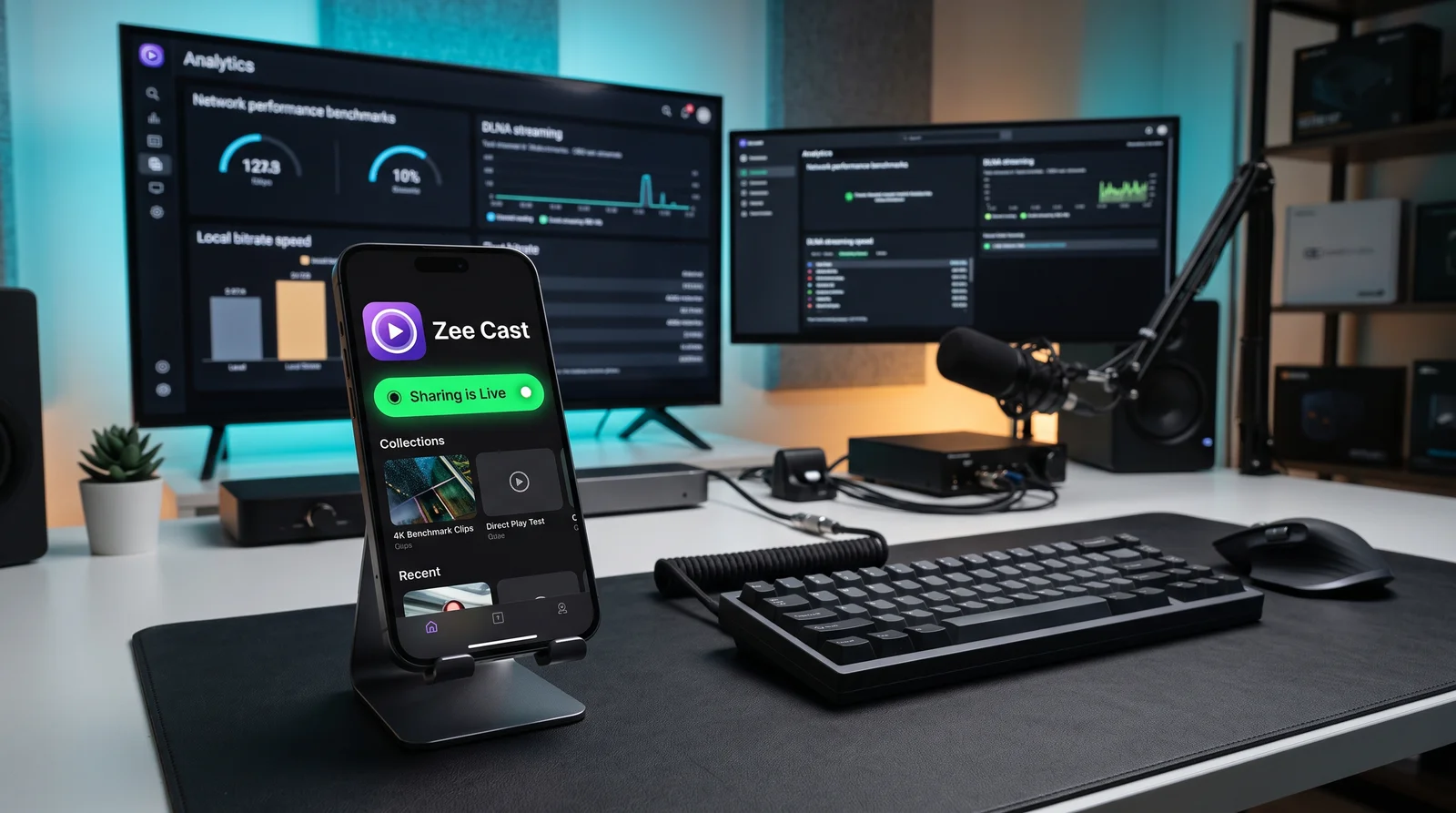
- Zee Cast acts as a mobile UPnP Digital Media Server (DMS) serving standards-compliant DLNA byte-range streams directly to Smart TVs.
Side-by-Side Architectural Breakdown
Many users and app stores use the terms UPnP and DLNA interchangeably. While closely related, they operate at different layers of the local media streaming stack:
| Architecture Dimension | UPnP (Universal Plug and Play) | DLNA (Digital Living Network Alliance) |
|---|---|---|
| Primary Purpose | Zero-configuration device discovery and remote procedure calls over IP networks. | Cross-vendor interoperability guidelines for media playback, codecs, and container formats. |
| Standards Body | UPnP Forum (standardized under ISO/IEC 29341, now OCF). | DLNA Non-Profit Trade Association (founded by Sony, Intel, Samsung, LG). |
| Network Protocols Used | SSDP (UDP multicast 239.255.255.250:1900), HTTPU, SOAP, XML, GENA. | HTTP/1.1 with Byte-Range Requests (RFC 7233) built on top of UPnP AV architecture. |
| Device Roles Defined | DMS (Server), DMR (Renderer), DMC (Controller), and DMP (Player). | Expands UPnP roles into certified consumer profiles: M-DMS (Mobile Server), +PU+, +PR+. |
| Media Format Rules | None. UPnP AV describes where a file lives, but doesn't care if the client can decode it. | Strict format rules: mandates baseline support for JPEG, LPCM audio, MPEG-2/H.264/HEVC video. |
| Seeking & Scrubbing | Generic byte counters or transport actions. | Mandatory HTTP byte-range support allowing instant remote control seeking without buffering. |
How the UPnP AV Architecture Operates
The UPnP AV specification standardizes three distinct network entities that collaborate during a streaming session:
| Entity | Formal UPnP Name | Real-World Example | Function in Streaming Flow |
|---|---|---|---|
| Digital Media Server (DMS) | urn:schemas-upnp-org:device:MediaServer:1 | Zee Cast on your iPhone or Android phone | Indexes media collections, publishes metadata via ContentDirectory, and streams raw file bytes via HTTP. |
| Digital Media Renderer (DMR) | urn:schemas-upnp-org:device:MediaRenderer:1 | Your Samsung, LG, Sony, or Roku Smart TV | Receives the HTTP media URL, handles hardware decoding, and renders pixels and audio to the screen. |
| Digital Media Controller (DMC) | Control Point | Your TV Remote Control or Media Browser UI | Browses the DMS collection tree and directs the DMR to initiate playback. |
Why DLNA Was Needed on Top of UPnP
In the early 2000s, UPnP allowed a network hard drive to announce itself to a stereo receiver. However, because UPnP did not enforce codec standards, users frequently encountered frustrating errors: a file would show up on the TV, but when selected, the TV screen would stay black with an error message saying "Unrecognized Codec".
To solve this, leading electronics manufacturers formed the DLNA consortium. DLNA defined mandatory media profiles:
- Image Compliance: Every DLNA player must render baseline JPEG images up to 4096×4096.
- Audio Compliance: Mandatory support for LPCM, AAC, and MP3 audio bitstreams.
- Video Compliance: Mandatory support for MPEG-2 Part 2 and MPEG-4 AVC (H.264), later updated for HEVC (H.265) 4K HDR playback.
- HTTP Byte-Range Delivery: Mandatory compliance with RFC 7233 byte-range requests, ensuring that when you press fast-forward on your TV remote, the TV can request exact byte offsets instantly.
How Zee Cast Bridges UPnP and DLNA
Zee Cast was engineered specifically to respect both sides of this architecture while eliminating the need for dedicated server PCs:
- Clean UPnP Discovery: Zee Cast broadcasts compliant SSDP
NOTIFYannouncements every few seconds, allowing smart TVs running Samsung Tizen, LG webOS, Roku, and Android TV to discover your phone immediately under Connected Devices. - XML Content Directory Service: When your TV queries the server, Zee Cast returns strict DIDL-Lite XML responses containing clean titles, MIME types, resolutions, and thumbnail URLs.
- Lossless DLNA Direct Play: When playback begins, Zee Cast serves the raw file bytes directly from your phone's internal storage via HTTP Range requests. There is zero CPU re-encoding, preserving 100% of the camera sensor's original 4K HDR quality.
- HEIC Compatibility Bridge: Because many smart TVs only support DLNA JPEG guidelines and cannot decode Apple's proprietary HEIC containers, Zee Cast on iOS provides on-the-fly JPEG translation so photos display instantly on any screen.

- 1Local server active on port 8080.
Standards & Protocol References
For network engineers and protocol developers, consult the formal specifications:
Frequently Asked Questions
What is the core difference between UPnP and DLNA?
UPnP (Universal Plug and Play) is the underlying networking protocol suite that handles automatic device discovery (SSDP) and control commands (SOAP/XML). DLNA (Digital Living Network Alliance) is a set of interoperability guidelines built on top of UPnP AV that specifies mandatory media codecs (H.264, AAC, JPEG), container formats, and byte-range HTTP streaming standards so devices from different manufacturers can actually decode each other's files.
Can a UPnP server stream media to a DLNA Smart TV?
Yes. In practice, modern smart TVs implement both UPnP AV for network discovery and DLNA profile rules for media playback. A device like Zee Cast acts as both a UPnP Digital Media Server (DMS) announcing itself via SSDP multicast and a DLNA-compliant HTTP server feeding bitstreams via HTTP byte-range requests.
What are DMS, DMR, and DMC in UPnP AV architecture?
UPnP AV divides media streaming into three roles: Digital Media Server (DMS) stores and hosts media files (e.g., your phone running Zee Cast); Digital Media Renderer (DMR) decodes and displays the audio/video (e.g., your Smart TV or AV receiver); Digital Media Controller (DMC) finds content on the DMS and commands the DMR to play it (e.g., a remote control app).
Why do some media servers appear on my TV but show 'File Not Supported'?
This is the exact reason DLNA was created. A server might speak UPnP properly to show folders and file names on your TV, but if the video is encoded in an unsupported codec (such as exotic containers or missing audio licenses like DTS), the TV's hardware decoder cannot render it. Zee Cast strictly provides standards-compliant streams with native HEVC/H.264 and on-the-fly JPEG compatibility.
Why is UPnP/DLNA preferred over screen mirroring for video streaming?
Screen mirroring (like AirPlay or Miracast) continuously re-compresses your phone screen in real time, causing 1080p downscaling, heavy battery drain, and display lag. UPnP/DLNA streams the raw original file bytes directly to the TV hardware decoder, preserving full 4K 60fps HDR quality while letting you lock your phone.
Is DLNA still relevant in 2026?
Extremely relevant. Virtually every smart TV manufactured today (Samsung Tizen, LG webOS, Sony Bravia, TCL, Hisense, Roku, Fire TV) includes built-in DLNA client software. It remains the only universal, zero-cloud standard for local media streaming that works across all device brands without proprietary vendor lock-in.


