
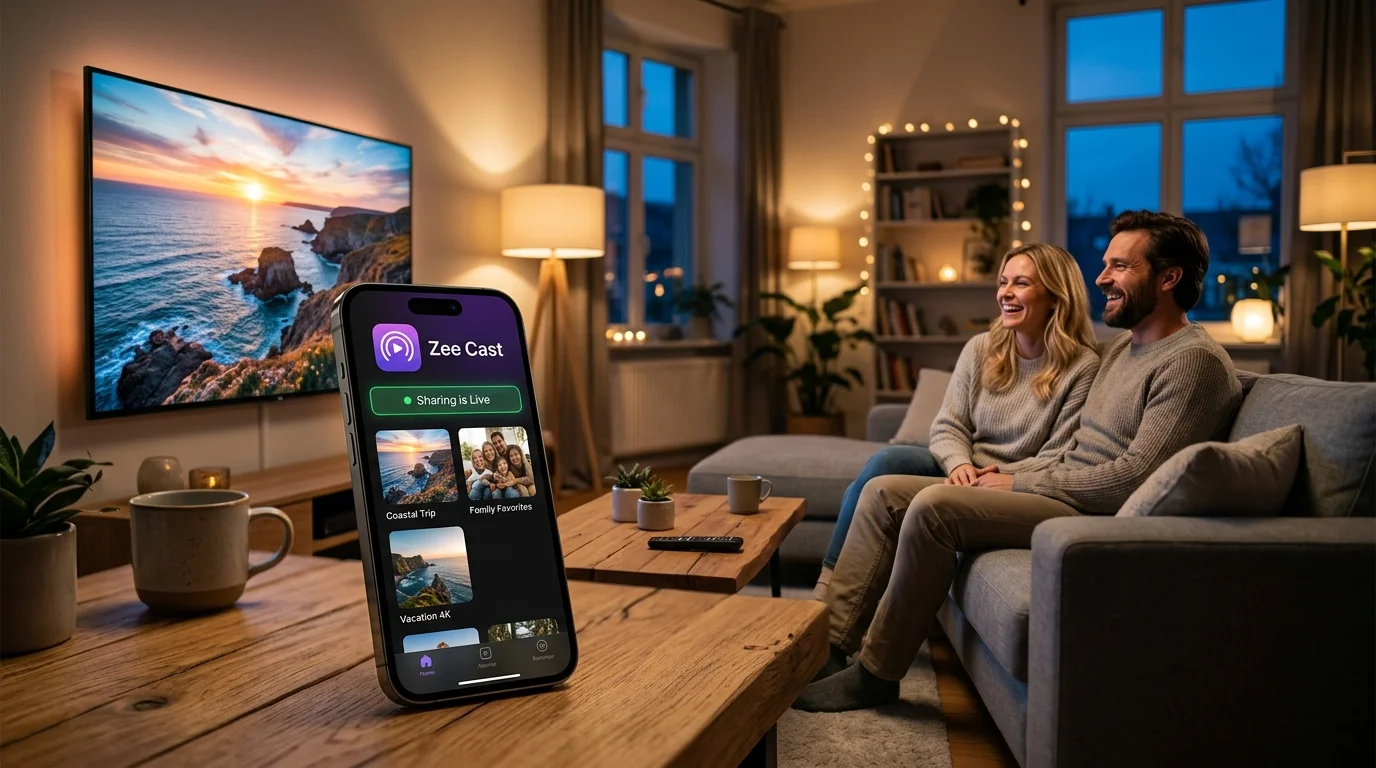
Learn how to stream crystal-clear 4K camera roll videos, high-resolution family photos, and audio from iPhone and Android to any Amazon Fire TV Stick or Fire TV Cube with zero lag, zero compression, and complete phone multitasking freedom.
How to Stream to Fire TV in 4 Simple Steps
Unlike screen mirroring which requires complex pairing and fragile connections, direct local streaming uses open UPnP/DLNA protocols to connect your phone directly to your Fire TV in under two minutes:
- 1
Install VLC on Fire TV
On your Fire TV home screen, navigate to Find > Search, type VLC (or Nova Video Player), and download the free official app from the Amazon Appstore.
- 2
Join Same Wi-Fi Network
Ensure your smartphone (iPhone or Android) and your Amazon Fire TV Stick are connected to the same local Wi-Fi router or phone Personal Hotspot.
- 3
Turn on sharing in Zee Cast
Launch Zee Cast on your phone, organize your videos and photos into custom collections, and tap Turn on sharing.
- 4
Browse & Stream in VLC
Open VLC on your Fire TV, navigate to Browse > Local Network (Universal Plug'n'Play), click on Zee Cast, and enjoy native 4K playback with your Alexa remote.
Why Fire TV Screen Mirroring Fails for Personal Media
Screen mirroring treats your television like a wireless computer monitor rather than a dedicated media player, forcing your phone to perform live video encoding of its entire screen:
| Technical Comparison | Zee Cast + VLC (Direct Local DLNA) | Fire TV Display Mirroring |
|---|---|---|
| Playback Quality | Lossless 4K 60fps & HDR (Bit-for-bit raw file delivery) | Compressed 1080p / 720p with compression artifacts |
| Battery Drain | <2% per hour (Lightweight HTTP byte serving) | 20%–35% per hour (Continuous GPU screen encoding) |
| Phone Usability | 100% Free - lock screen, answer calls, use other apps | Blocked - leaving app stops TV video |
| Notification Privacy | 100% Private (Only selected media albums visible) | High Risk (All text alerts mirror on TV) |
| Remote Controls | Full Alexa Voice Remote (Play, pause, rewind, scrub) | Controlled manually from phone touchscreen |
| Platform Support | Universal (Native iOS & Android UPnP standard) | Fragmented (Miracast unsupported on iOS) |
| Offline Streaming | 100% Local (Zero broadband or cloud data consumed) | Mirroring apps often require WAN handshake & ads |
| Audio Passthrough | Direct 5.1 Surround, AAC, FLAC, and Dolby Atmos audio | Stereo downmix with frequent audio-video sync latency |
1. The Decoupled Server-Renderer Architecture
Standardized by the Digital Living Network Alliance (DLNA) and UPnP AV forum, local streaming divides the media pipeline into two specialized hardware roles:
- Digital Media Server (DMS) - Your Smartphone: Zee Cast embeds an ultra-lightweight, high-throughput HTTP server inside your iOS or Android app. When you tap "Turn on sharing", it catalogs your selected photos and videos into an XML-based UPnP
ContentDirectorytree and announces its existence via SSDP multicast (239.255.255.250:1900). - Digital Media Renderer (DMR) - Your Amazon Fire TV: When you open VLC for Fire or Nova Video Player, the app receives the SSDP broadcast and parses the server's XML metadata. When you select a video, the Fire TV's hardware video decoder sends standard HTTP
Range: bytes=start-endrequests directly to your phone.
💡 Why There Is Zero Transcoding Lag
Because your phone serves original video bytes directly over your local Wi-Fi router rather than re-encoding video frames, your phone's processor utilization remains near 0%. The Fire TV Stick's dedicated hardware GPU handles 100% of the video rendering, ensuring instantaneous seeking and smooth 60fps playback.
2. Bypassing Fire TV's Missing Built-in DLNA Browser
Unlike smart TVs running Samsung Tizen or LG webOS (which have built-in DLNA media players in their "Sources" menu), Amazon Fire OS is engineered primarily around Amazon Prime Video. However, Fire OS is built on Android, giving you instant access to open-source media engines in the Amazon Appstore:
- VLC for Fire (VideoLAN): The gold standard. It features automated UPnP discovery, hardware-accelerated HEVC/H.264 decoding, full subtitle support, and native integration with the Alexa Voice Remote direction pad and playback buttons.
- Nova Video Player: An outstanding open-source alternative for Fire TV that automatically scans local UPnP servers and formats movies or home video archives with a rich poster grid.
- Kodi for Fire TV: For advanced users with home theater setups, Kodi's UPnP client engine allows full bitstream audio passthrough and customized slideshow transitions.
⚠️ Avoid Ad-Riddled "AirPlay Receiver" Apps on Fire TV
Apps like AirScreen or AirReceiver on the Amazon Appstore claim to add AirPlay to Fire TV, but they rely on reverse-engineered screen mirroring protocols. They frequently inject video advertisements, introduce 500ms+ audio delay, downsample resolution, and overheat older Fire TV sticks.
Supported Amazon Fire TV Models
Fire TV Stick 4K Series
Full support for 4K 60fps HDR10+, Dolby Vision, and Wi-Fi 6/6E throughput. Exceptional performance for high-bitrate iPhone and Android footage.
Fire TV Cube
Fastest processor with octa-core performance, hands-free Alexa voice controls, and ultra-low buffering over local Ethernet or high-speed Wi-Fi.
Fire TV Stick Lite & HD
Smooth 1080p 60fps streaming for standard HD home videos, high-resolution photo slideshows, and lossless audio tracks.
Toshiba, Insignia, Pioneer & Omni
Seamless operation on built-in Fire TV smart televisions with native remote control support.
💡 Pro Tip: Streaming While Traveling or in Hotels
When staying in hotels or vacation rentals where the local Wi-Fi blocks device-to-device communication (AP Isolation), you can turn on your phone's Personal Hotspot, connect your Fire TV Stick to your hotspot, and stream your personal videos smoothly without using any cellular mobile data.
Official Amazon Fire TV & UPnP Documentation References
Frequently Asked Questions
Why is DLNA streaming better than Amazon Fire TV Display Mirroring?
Display Mirroring (Miracast or third-party AirPlay apps) compresses your entire phone screen in real-time, causing severe frame drops, audio lag, battery drain (20-35%/hr), and awkward notification popups on the TV. DLNA with Zee Cast sends the original, uncompressed video file directly to the Fire TV's hardware decoder over local Wi-Fi, leaving your phone completely free to lock or use for other apps.
Can I stream from an iPhone to Amazon Fire TV without AirPlay?
Yes. Most Fire TV sticks lack built-in Apple AirPlay receiver support. By running Zee Cast on your iPhone and installing VLC for Fire on your Fire TV, your iPhone acts as a native DLNA media server, allowing seamless 4K video and photo streaming without purchasing third-party receiver apps or hardware.
Can I lock my phone screen or take phone calls while streaming to Fire TV?
Yes. Zee Cast operates as a background local media server. Once playback begins on your Fire TV, you can lock your phone screen, answer phone calls, or browse social media without interrupting the video on the TV.
Does direct streaming preserve original 4K 60fps HDR quality?
Yes. Zee Cast serves the raw, bit-for-bit HEVC/H.264 video files directly from your phone's storage. Your Amazon Fire TV Stick 4K or Fire TV Cube decodes the stream using its native GPU hardware, preserving pristine 4K resolution, 60fps smoothness, and HDR color grading.
Do I need an active internet connection to stream to Fire TV?
No. Zee Cast and VLC communicate 100% offline over your local Wi-Fi network using SSDP and HTTP. You can stream media without consuming any broadband internet data, even when connected to a travel router or your phone's Personal Hotspot.
Which free media player app is best for Fire TV?
VLC for Fire (available free in the Amazon Appstore) is the most versatile player with instant UPnP auto-discovery, robust codec support, and full Alexa remote integration. Nova Video Player is another excellent alternative if you prefer a graphical poster-based interface.
Will private messages or notifications appear on my TV screen?
No. Unlike screen mirroring which mirrors every notification, phone call, and password entry on the TV, DLNA only exposes the specific photos and videos you include in your Zee Cast collections. Your private notifications remain strictly on your phone.


