
Key takeaways
- HEVC (H.265) reaches the same quality as H.264 at roughly half the bitrate, which is why 4K phone video uses it.
- Hardware decode is common on TVs from 2016 onward; the stutter usually comes from the server transcoding, not the codec.
- Direct Play avoids transcoding entirely - the TV's dedicated decoder handles the original stream.
- AV1 compresses better still, but TV hardware decode is inconsistent in 2026, so it is not a safe default yet.
You hit play on a crisp 4K 60fps HDR family video or high-bitrate movie, and within seconds, your Smart TV freezes, drops frames, or gets trapped in an endless buffering loop. In this engineering deep-dive, we analyze the mathematical compression differences between H.264 (AVC) and High Efficiency Video Coding - roughly 50% more efficient than H.264 at the same quality; hardware decode is common on 2016+ TVs. Glossary →, unpack why media server CPU transcoding fails catastrophically on 4K streams, and demonstrate how native HTTP byte-range direct-play lets your TV's dedicated hardware ASIC decode silky-smooth 60fps video.
Under the Hood: H.264 (AVC) vs H.265 (HEVC)
Understanding why 4K video demands HEVC requires examining the core mathematical building blocks of discrete cosine transforms, prediction trees, and color quantization:
Macroblocks vs CTUs
H.264 partitions frames into rigid 16×16 pixel macroblocks. At 4K resolution (3840×2160), a single frame requires 32,400 macroblocks, ballooning header signaling overhead. HEVC replaces this with dynamic Coding Tree Units (CTUs) up to 64×64 pixels with recursive quadtree partitioning to encode large flat areas with near-zero data overhead.
- H.264 Block Size: 16×16 Fixed
- HEVC Block Size: 64×64 Quadtree
- 4K Partition Count: ~75% Fewer Headers
Intra-Frame Prediction
When predicting pixel data from adjacent blocks, H.264 offers only 9 intra-prediction directions (8 angular + DC). HEVC expands this to 35 intra-prediction modes (33 angular directions + Planar + DC), dramatically cutting residual spatial errors and preventing banding across skies, textures, and subtle gradients.
- H.264 Intra Modes: 9 Modes
- HEVC Intra Modes: 35 Modes
- Residual Redundancy: ~30% Less Residual
SAO & Advanced Vectors
Beyond standard deblocking filters, HEVC introduces Sample Adaptive Offset (SAO) in-loop filtering to reconstruct high-frequency edge and band offsets. Paired with Advanced Motion Vector Prediction (AMVP), HEVC derives temporal motion from spatial neighbors with unmatched precision.
- H.264 Filter: Deblocking Only
- HEVC Filter: Deblocking + SAO
- Motion Vector Data: Up to 50% Reduction
The 10-Bit & HDR Revolution: Why 8-Bit Falls Apart at 4K
Video compression is not solely about pixel resolution (3840×2160); it is fundamentally about color fidelity and dynamic range. Legacy H.264 is overwhelmingly constrained to 8-bit color depth (High Profile), while modern 4K content, iPhone camera roll captures, and high-end streaming masters utilize 10-bit HEVC (Main 10 Profile).
🎨 The 10-Bit Compression Paradox
Counter-intuitively, encoding a video in 10-bit color depth often requires less bitrate than encoding the same scene in 8-bit. Because 10-bit provides 1024 quantization steps per color channel instead of 256, it minimizes truncation noise and rounding errors during the inverse discrete cosine transform (IDCT), yielding fewer high-frequency compression residuals.
1. 8-Bit (Rec. 709) vs 10-Bit (Rec. 2020) Quantization
In standard 8-bit video, each RGB/YUV channel has 28 = 256 quantization levels, representing 16.7 million colors. When displaying high-contrast scenes (such as sunsets, dark shadows, or specular highlights), 256 levels are insufficient to render smooth gradients, resulting in harsh, distracting color banding artifacts.
10-bit color depth provides 210 = 1024 quantization levels per channel - representing 1.07 billion colors. Combined with the ITU-R Recommendation BT.2020 color space, it covers over 75% of the visible spectrum, compared to barely 35% in Rec. 709.
2. HDR10 (SMPTE ST 2084) & Dolby Vision Metadata
4K HDR video replaces the legacy gamma curve with the Perceptual Quantizer (PQ) electro-optical transfer function standardized in SMPTE ST 2084. The PQ curve is designed around the human visual system, supporting peak luminance up to 10,000 nits.
- HDR10: Utilizes static metadata (SMPTE ST 2086) embedded in the HEVC Sequence Parameter Set (SPS) to define display mastering limits for the entire video.
- Dolby Vision (Profile 5 & Profile 8.4): Embeds dynamic Reference Processing Unit (RPU) metadata into HEVC NAL units on a frame-by-frame basis, allowing the TV's tone mapping engine to dynamically reshape highlights and shadow detail in real time.
H.264 vs HEVC: Bitrate, Bandwidth & File Size Matrix
At 4K resolutions, H.264 requires double the bandwidth to achieve comparable VMAF perceptual quality scores:
| Format & Profile | Resolution & FPS | H.264 Bitrate | HEVC Bitrate | Savings | 1-Hour Size (HEVC) |
|---|---|---|---|---|---|
| 1080p Standard (SDR, 8-bit) | 1920×1080 @ 30fps | 8.0 Mbps | 4.2 Mbps | 47.5% | ~1.89 GB |
| 1080p High-Motion (SDR, 8-bit) | 1920×1080 @ 60fps | 14.0 Mbps | 7.5 Mbps | 46.4% | ~3.37 GB |
| 4K UHD Standard (SDR, 8-bit) | 3840×2160 @ 30fps | 32.0 Mbps | 16.0 Mbps | 50.0% | ~7.20 GB |
| 4K UHD HDR10 (Main 10, Rec.2020) | 3840×2160 @ 60fps | 65.0 Mbps | 28.0 Mbps | 56.9% | ~12.60 GB |
| 4K UHD Dolby Vision (Profile 8.4) | 3840×2160 @ 60fps | 80.0 Mbps | 35.0 Mbps | 56.2% | ~15.75 GB |
| Phone 4K 60fps Master (iPhone) | 3840×2160 @ 60fps | 110.0 Mbps | 48.0 Mbps | 56.3% | ~21.60 GB |
The CPU Transcoding Trap: Why Traditional Servers Stutter on 4K
When a desktop or NAS media server detects that a Smart TV client cannot natively unpack a specific container, it falls back to real-time video transcoding. The server's CPU must decompress the 10-bit 4K stream into raw YUV buffers (over 1.4 GB/s at 60fps), perform tone-mapping calculations, and re-encode all 8.3 million pixels per frame in real-time.
🔥 The PassMark Compute Wall
Real-time software transcoding of a single 4K 10-bit HDR HEVC stream requires an estimated 17,000+ PassMark CPU benchmark score. Standard consumer laptops and budget NAS enclosures possess PassMark scores between 1,500 and 4,000. When 4K transcoding starts, CPU utilization immediately hits 100%, causing the Smart TV to stutter every 3 to 5 seconds.
The Direct-Play Architecture: Unleashing Smart TV Hardware ASICs
Every modern 4K Smart TV features a dedicated silicon Video Processing Unit (VPU / ASIC hardware decoder) integrated into its primary SoC. These decoders decompress 4K 60fps 10-bit HEVC, HDR10, and Dolby Vision bitstreams with effortless efficiency, consuming less than 3 to 5 Watts of power with zero frame drops.
⚡ How Zee Cast Direct Play Works
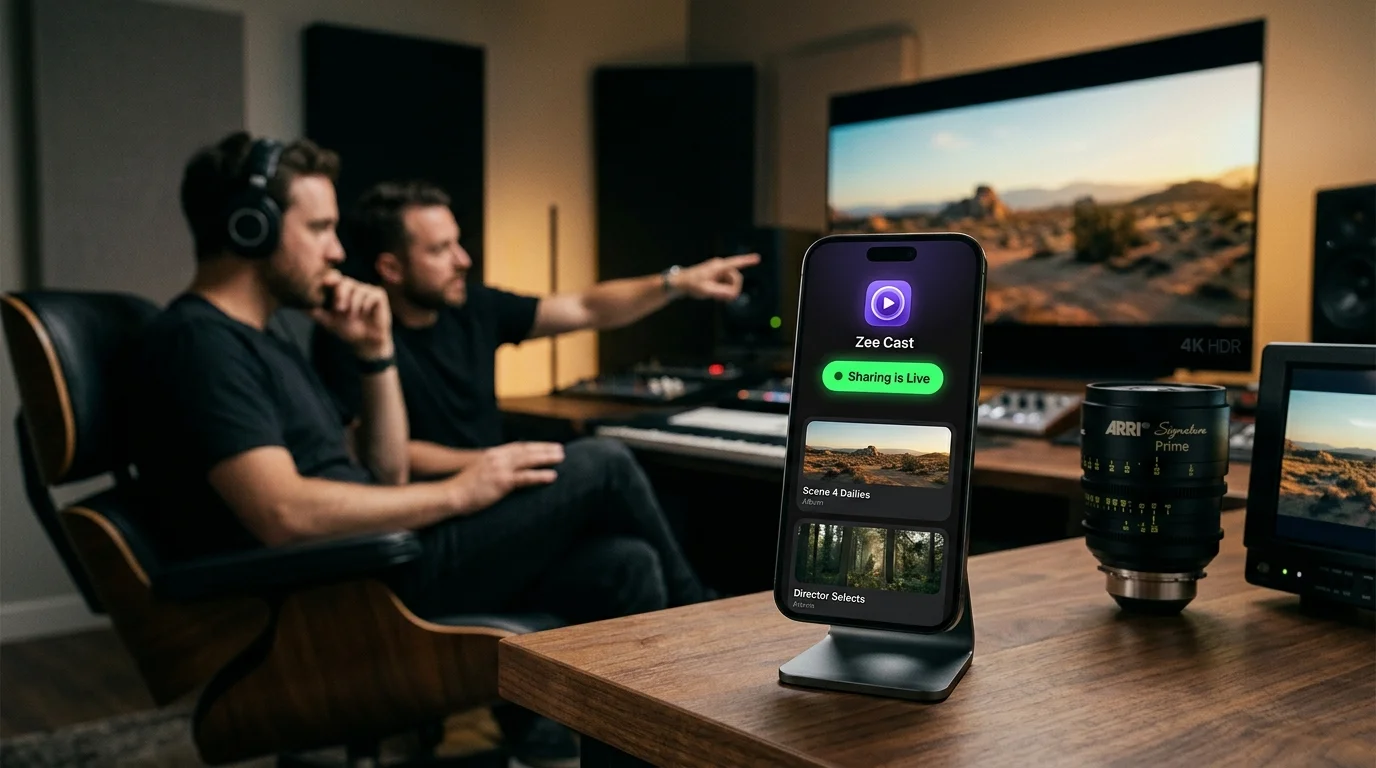
Zee Cast serves the original, bit-perfect HEVC stream directly over your local Wi-Fi using standard HTTP/1.1 Range requests (RFC 7233). The TV's native media framework feeds the raw bytes directly into its hardware ASIC decoder with zero transcoding and near-zero phone battery consumption.
# 1. Smart TV requests a 2MB chunk from Zee Cast
GET /media/928471.mp4 HTTP/1.1
Host: 192.168.1.145:8080
Range: bytes=1048576-3145727

# 2. Zee Cast responds immediately with raw bitstream bytes (0% CPU transcode)
HTTP/1.1 206 Partial Content
Content-Type: video/mp4
Content-Range: bytes 1048576-3145727/849302194
Content-Length: 2097152
Server: ZeeCast/2.0 UPnP/1.0 DLNADOC/1.50
Smart TV Codec & Hardware Compatibility Breakdown
Every major television operating system supports direct hardware HEVC decoding:
Samsung Smart TVs
Supports HEVC Main / Main 10 up to Level 5.2 at 3840×2160 @ 60fps. Decodes HDR10, HDR10+, and HLG directly in hardware via Samsung AVPlay.
LG Smart TVs
Supports HEVC Main / Main 10 up to Level 5.2 at 3840×2160 @ 60fps (and 120fps on OLED C-series). Full hardware decoding for HDR10, HLG, and Dolby Vision Profile 5/8.4.
Roku 4K & Roku TVs
Supports HEVC Main / Main 10 up to Level 5.1 with HDR10 and Dolby Vision. Streams seamlessly through the official Roku Media Player channel.
Sony, TCL, Philips & Shield
Full hardware decoding for HEVC Main 10, Dolby Vision, and HDR10+ using VLC for Android TV or native media gallery apps.
The 100 Mbps Ethernet Paradox vs 5 GHz Wi-Fi
Most Smart TVs on the market today - including high-end OLED displays - come equipped with an outdated 100BASE-TX Fast Ethernet port capped at 100 Mbps.
While average 4K HEVC bitrates are 25–45 Mbps, video encoding uses Variable Bitrate (VBR) compression. High-motion scenes surge to 85 to 110+ Mbps, immediately bottlenecking on a 100 Mbps wired link. In contrast, 5 GHz Wi-Fi provides 300 to 866 Mbps throughput, preventing buffer underruns.
How to Stream Smooth 4K 60fps HEVC to Your Smart TV
- 1
Select Your 4K Media in Zee Cast
Open Zee Cast on your iPhone or Android phone. Create a media collection and select your high-bitrate 4K 60fps family videos, vacation clips, or movies.
- 2
Turn On Sharing
Tap the toggle to start the embedded micro-UPnP server. Zee Cast announces its presence to your home network via SSDP multicast in milliseconds.
- 3
Play on Smart TV
On your Samsung, LG, Roku, or Android TV, open the native Media Browser or Sources menu. Select your phone and press Play for instant 60fps Direct Play.
Technical Standards & Official References
- ITU-T Recommendation H.265: High Efficiency Video Coding (HEVC) Specification
- ITU-T Recommendation H.264: Advanced Video Coding (AVC) Specification
- SMPTE ST 2084: High Dynamic Range Electro-Optical Transfer Function (PQ Curve)
- IETF RFC 7233: HTTP/1.1 Range Requests and Partial Content (206)
- Open Connectivity Foundation: UPnP Device Architecture & ContentDirectory Service
Frequently Asked Questions
Why does my Smart TV stutter on 4K 60fps video over Wi-Fi when YouTube 4K works fine?
YouTube streams heavily compressed 4K video using AV1 or VP9 codecs at low bitrates (typically 12 to 20 Mbps) with massive multi-gigabyte edge CDN caching. When you record a 4K 60fps video on an iPhone or high-end Android phone, the bitstream is encoded at high master bitrates (50 to 110 Mbps) with complex 10-bit HDR data. When streaming from a desktop server that tries to transcode this file on the fly, the host CPU chokes. Zee Cast solves this by streaming raw bytes directly to the TV's hardware decoder without transcoding.
Is HEVC (H.265) always better than H.264 (AVC)?
For 4K resolutions and HDR color reproduction, HEVC is mathematically and architecturally far superior, delivering 40% to 50% lower bitrates for equivalent visual fidelity while supporting 10-bit Rec.2020 color and HDR10 metadata natively. H.264 remains useful for legacy 1080p SDR devices, but lacks the compression efficiency and color depth required for modern 4K displays.
Can older 1080p Smart TVs play 4K HEVC files?
Older 1080p Smart TVs manufactured before 2016 often lack hardware HEVC decoder ASICs and maximum raster support above 1920×1080. If you attempt to direct-stream a 4K HEVC file to an older 1080p TV, the TV's media engine will return an 'Unsupported Codec' error. For older TVs, using modern streaming devices like a Roku Streaming Stick 4K or Chromecast with Google TV provides native 4K HEVC decoding capability.
Why does AirPlay screen mirroring drop frames compared to DLNA direct play?
AirPlay screen mirroring captures your phone's display buffer and compresses the live screen into a low-latency H.264/H.265 stream on the fly. This consumes significant phone GPU power, generates heat, limits resolution, and frequently drops frames when network packet jitter occurs. DLNA Direct Play simply serves the stored file bytes over HTTP, allowing your TV's dedicated video chip to decode the original master recording at full 60fps with zero compression loss.
Why do high-end Smart TVs still come with 100 Mbps Ethernet ports?
TV manufacturers save component and licensing costs by including 100 Mbps Fast Ethernet chips because standard commercial streaming platforms (Netflix, Prime Video, Disney+) rarely stream above 25 Mbps. However, for local high-bitrate streaming where peak variable bitrates (VBR) surge above 90 Mbps, connecting your TV to 5 GHz Wi-Fi (802.11ac/ax) delivers 300+ Mbps of throughput, preventing buffer underruns.
Does streaming 4K HDR via Zee Cast use up home internet data or upload to the cloud?
No. Zee Cast operates entirely within your local area network (LAN). Video streams travel directly between your phone and your Smart TV over your home router's Wi-Fi. Zero kilobytes of video data are uploaded to the internet or external servers, ensuring complete privacy, zero ISP data cap consumption, and zero subscription costs.


